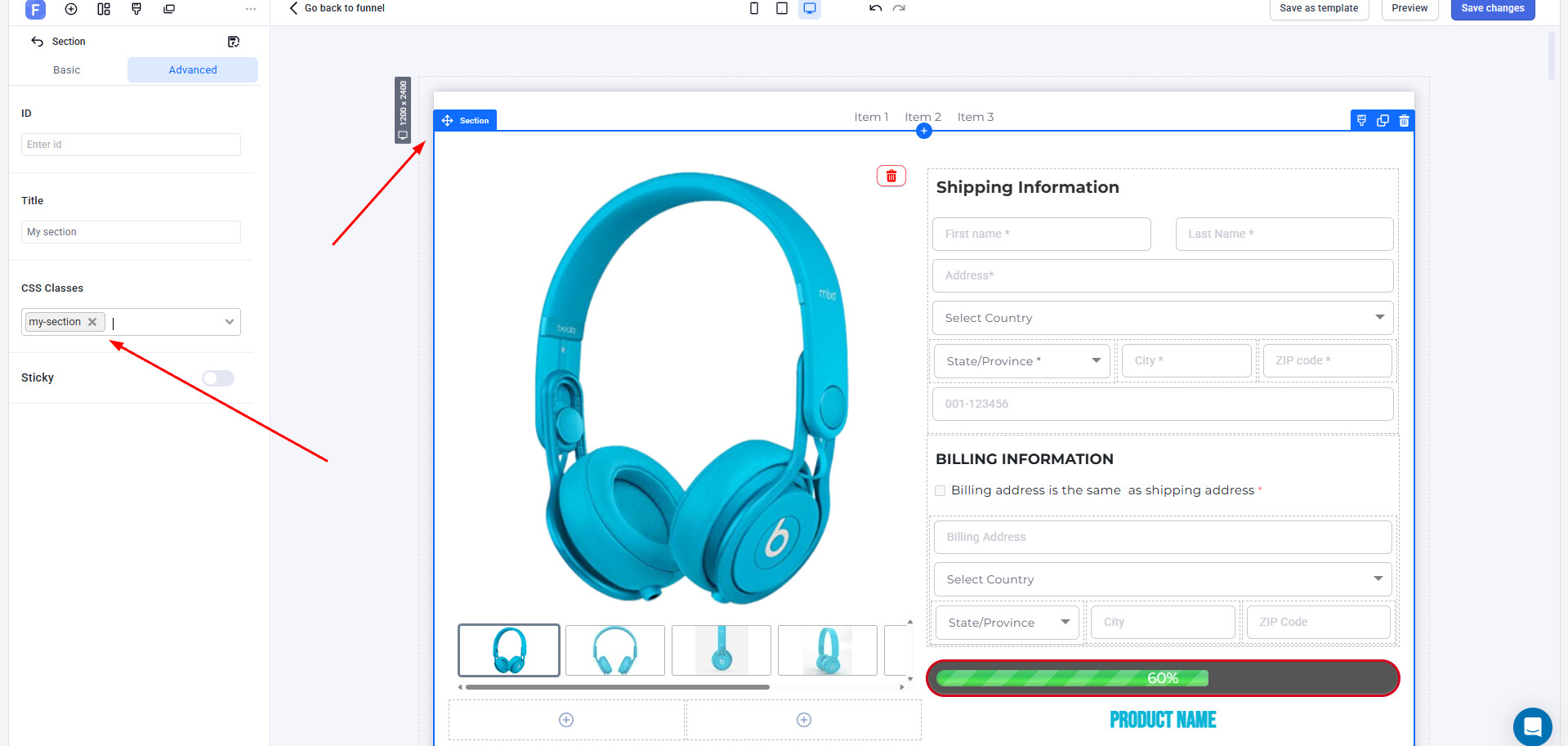
You need to add a class in the section my-sectoin:
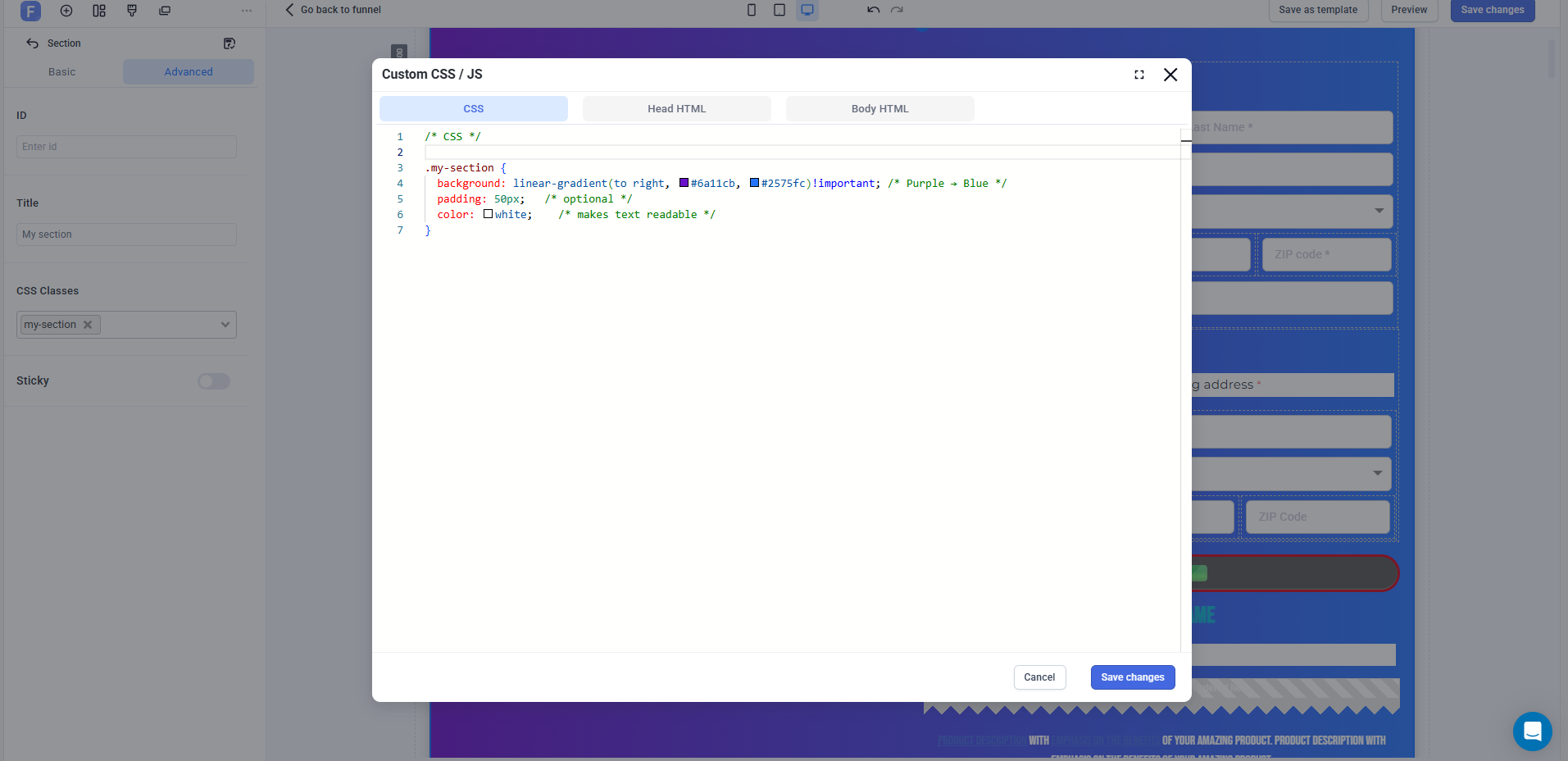
If you want to style a section with a nice gradient background, here’s a simple snippet you can use:
.my-section {
  background: linear-gradient(to right, #6a11cb, #2575fc)!important; /* Purple → Blue */
  padding: 50px;   /* optional */
  color: white;    /* makes text readable */
}
 Replace
 .my-section with your section’s class or ID.
Change the gradient direction (to right, to bottom, to top right, etc.).
Customize the colors with your own brand palette.
For example, if you want a circular effect:
.my-section {
  background: radial-gradient(circle, #ff7e5f, #feb47b)!important;
}
 Perfect for making sections stand out with smooth color transitions!