Loox collects photo reviews on your Shopify store, and with two small snippets those same reviews and star ratings render right on your funnel pages. Social proof from real buyers, next to the buy button where it earns its keep:
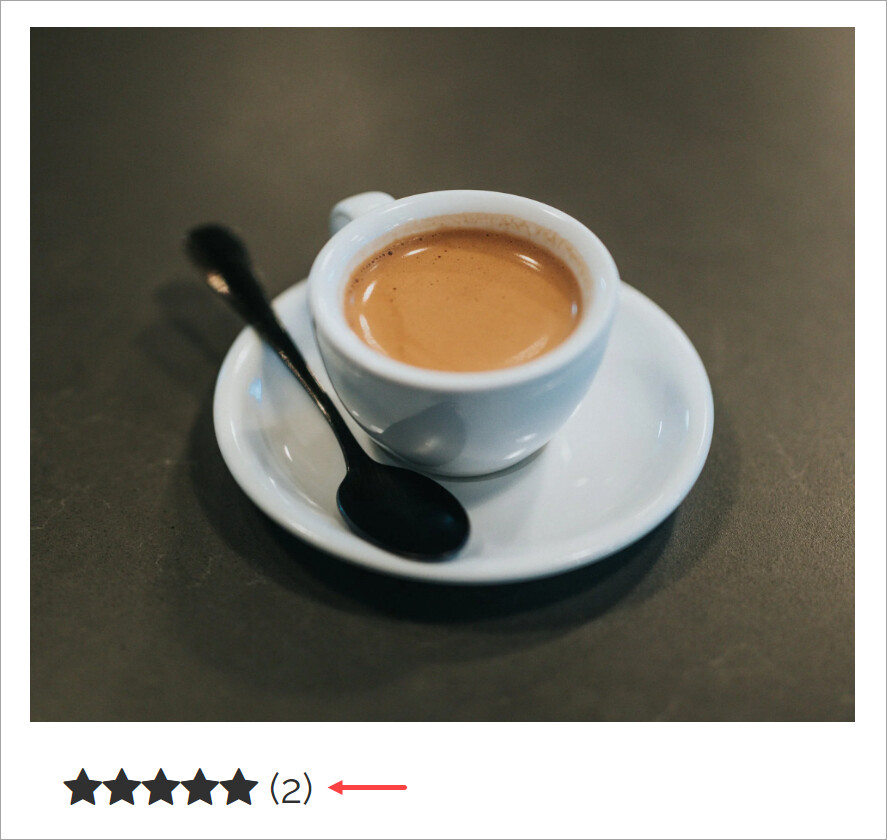
What you need: a Shopify store connected to your funnel, the Loox app installed on it, and products that actually have reviews. Loox is freemium: star ratings display free, the fuller widgets need a paid Loox plan (see Loox’s developer docs).
1. Install Loox on Shopify
- Search Loox Product Reviews on the Shopify App Store and open it:
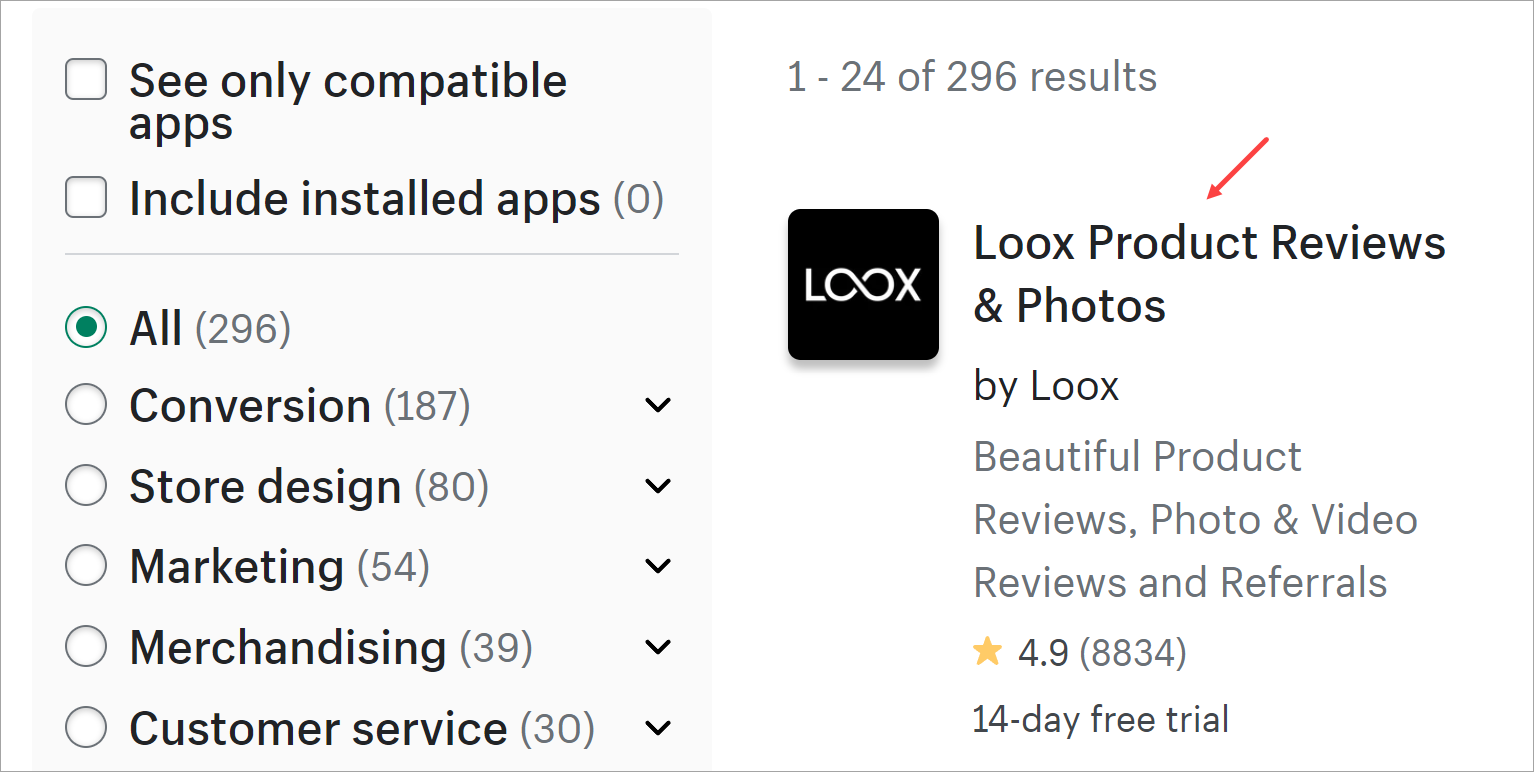
- Click Install app and run through Loox’s setup. Once it’s collecting, your Shopify product pages show reviews like this:
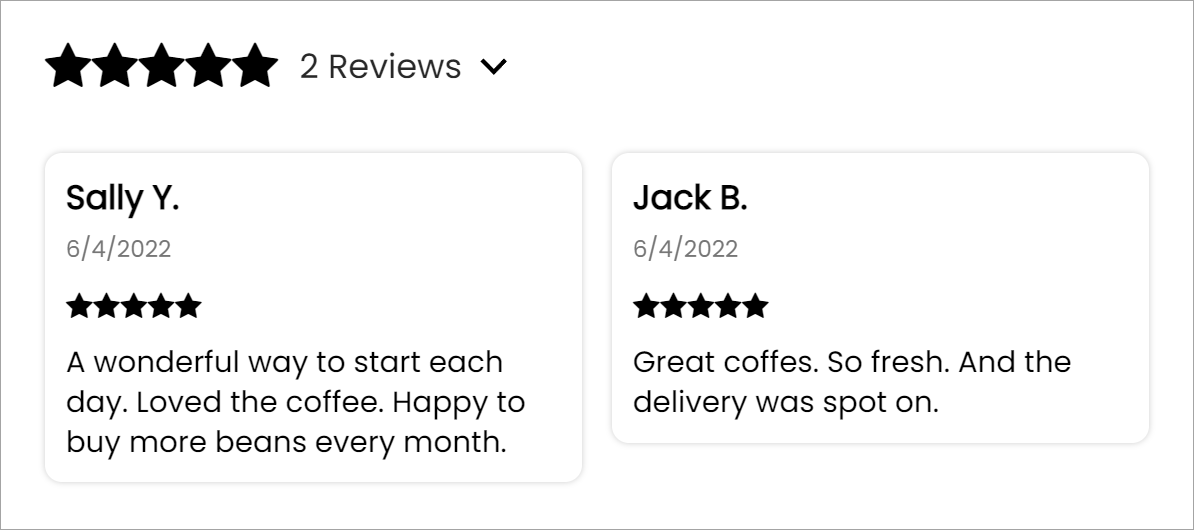
Already running Loox? Skip straight to step 2.
2. Grab the Shopify product ID
The widgets need to know which product’s reviews to pull:
-
In Shopify, open Products and click the product.
-
Copy the number at the end of the URL in the address bar. That’s the product ID; keep it handy:

3. Load the Loox script on the page
The page needs Loox’s script once, whatever widgets you place on it.
- Take this snippet and replace STORE with your store’s name (no spaces around the
=):
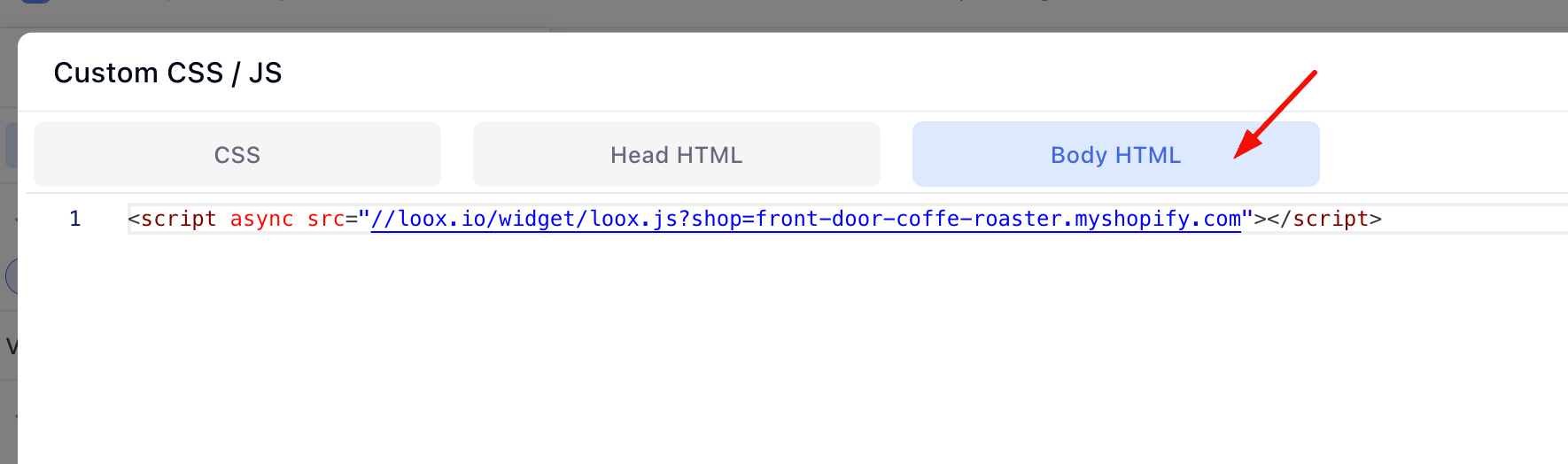
<script async src="//loox.io/widget/loox.js?shop=STORE.myshopify.com"></script>

- In the page builder, click the More actions icon (the three dots, top left), then Custom codes:
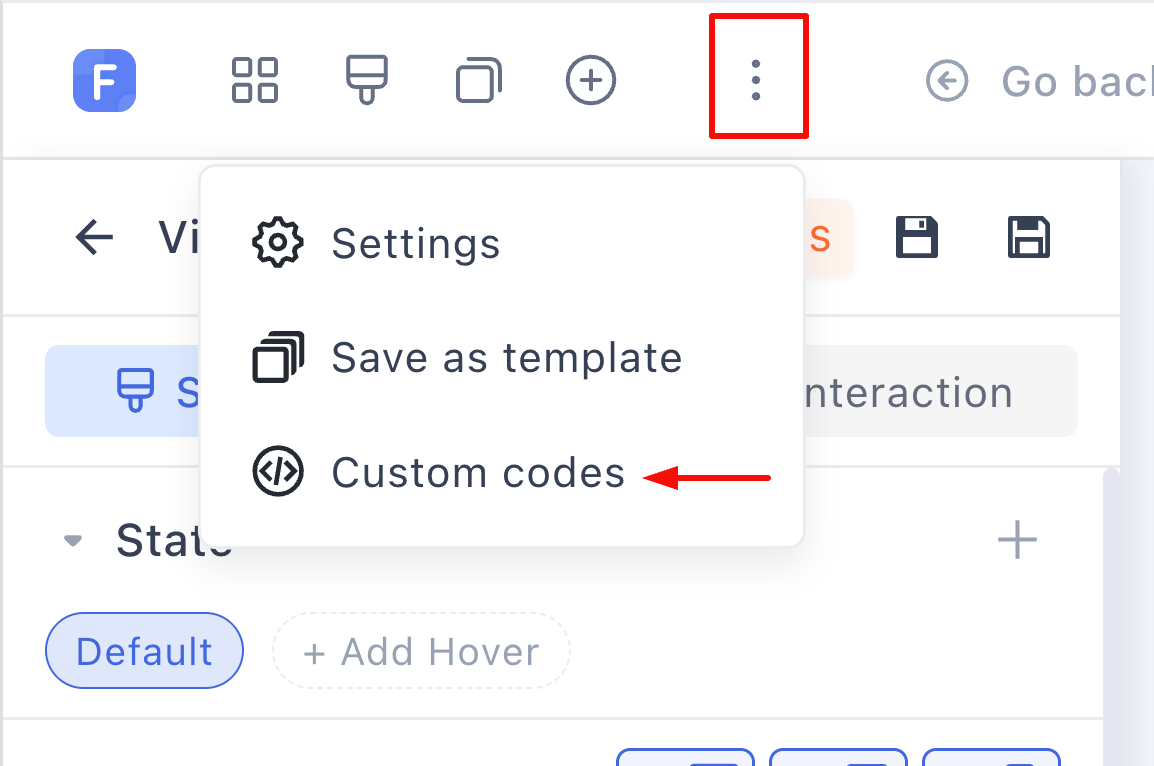
- On the Body HTML tab, paste the snippet and click Save changes, then save the page:
4. Place the widget with a Custom HTML element
-
Add a container where the reviews should sit, under the product image is the classic spot:
-
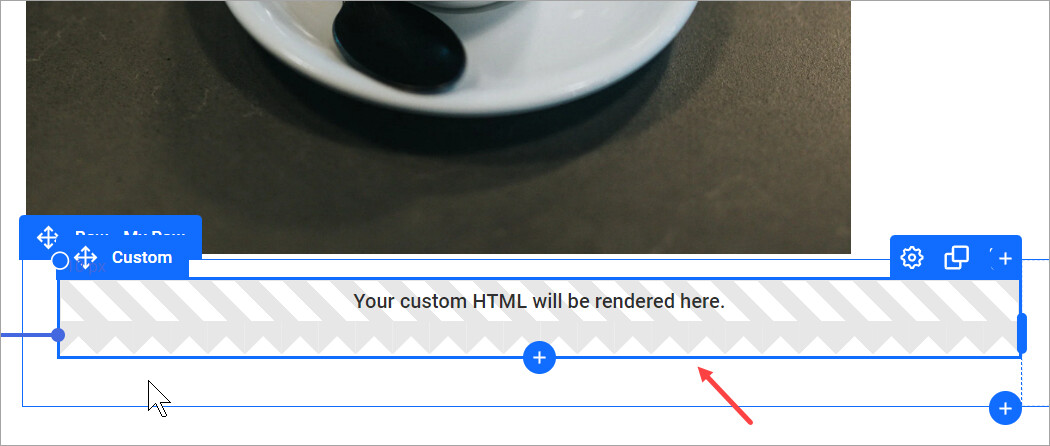
Drag a Custom HTML element into it:
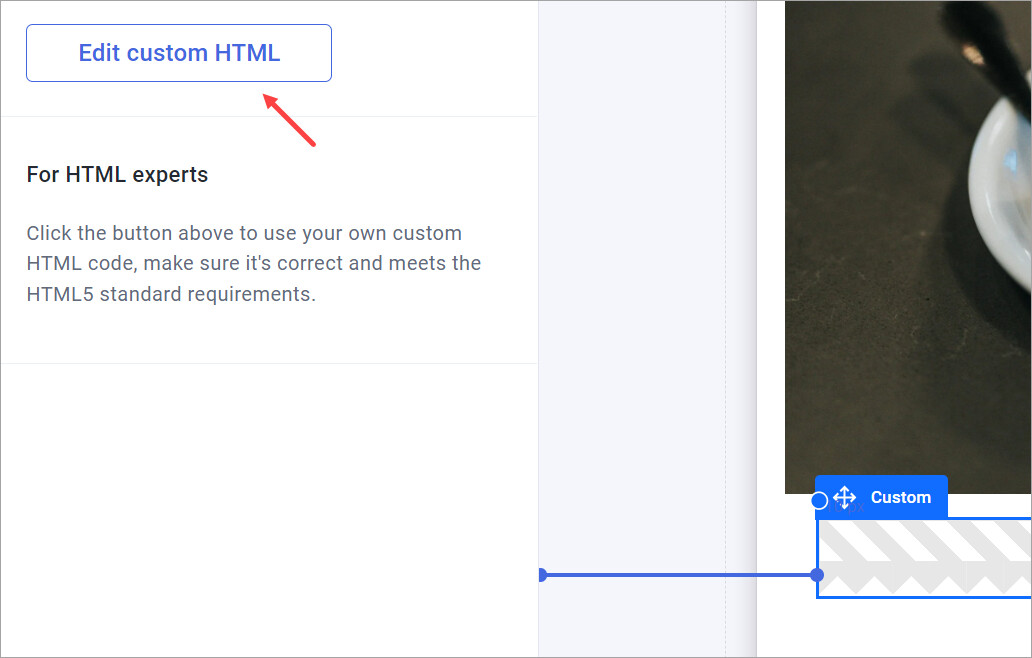
- In the settings panel, click Edit custom HTML:
- Paste the widget snippet you want (below), with XXXXXXXXXX replaced by your product ID from step 2, no spaces inside the quotes:

- Save the element, save the page, and Preview.
The three widgets
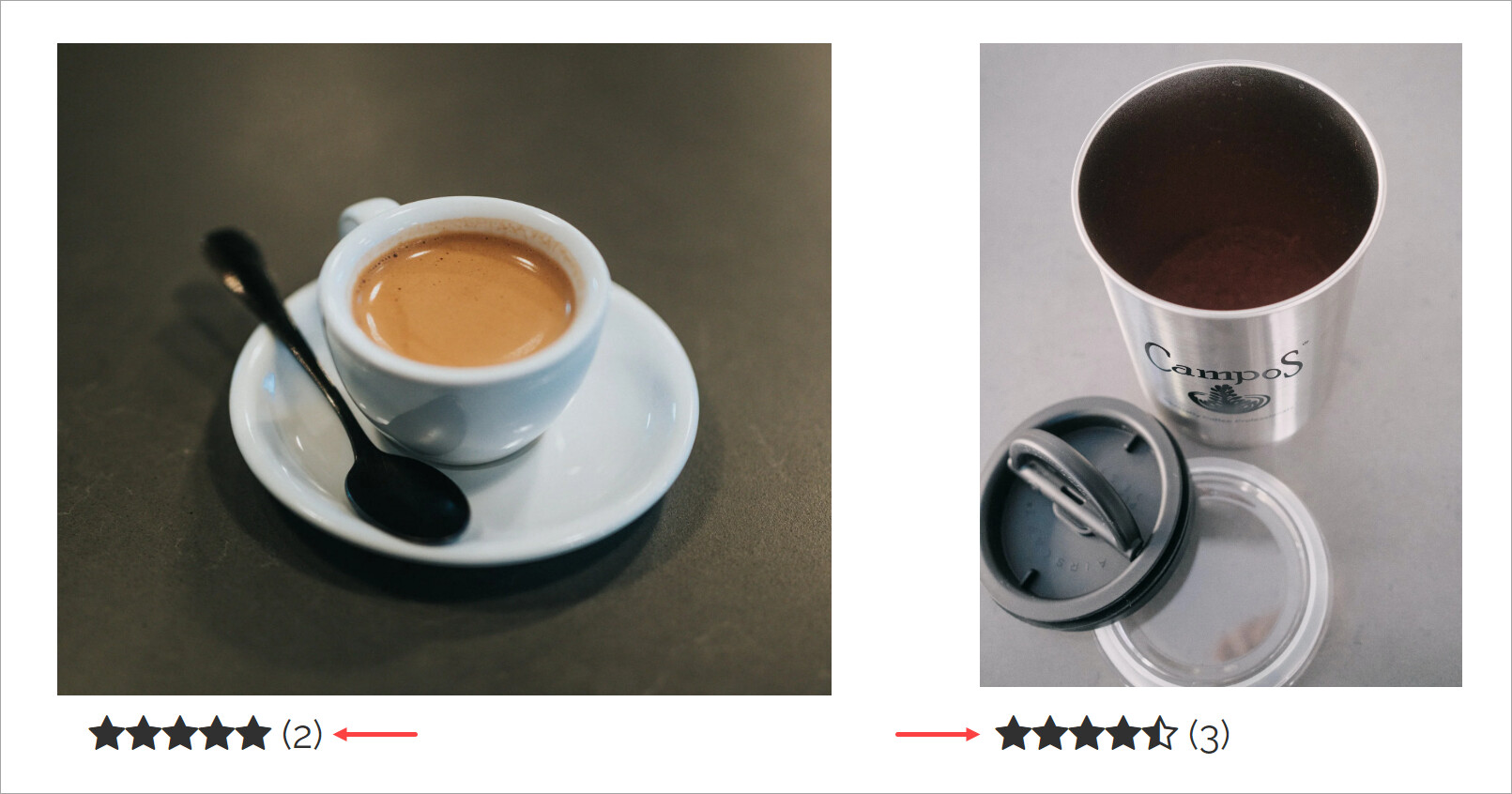
Star rating — the compact one, free on any Loox plan:
<div class="loox-rating" data-fetch data-id="XXXXXXXXXX"></div>
Full reviews for one product — the review grid with photos:
<div id="looxReviews" data-product-id="XXXXXXXXXX"></div>
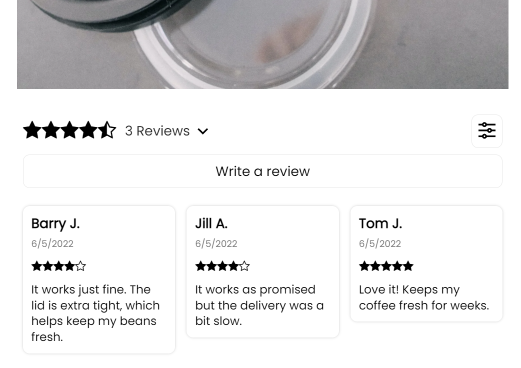
All reviews from the store — the aggregate wall, good for a dedicated proof section:
<div id="looxReviews" data-loox-aggregate></div>
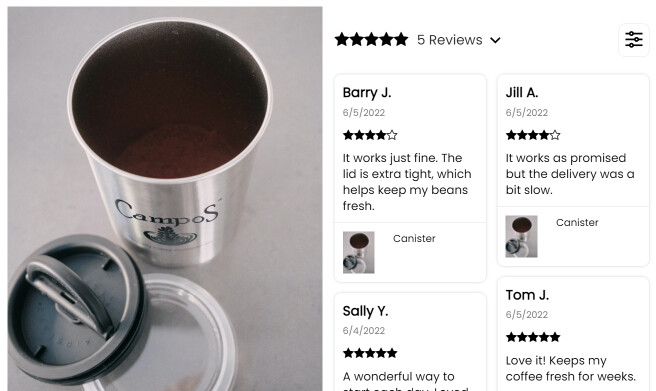
For another product on the same page, clone the Custom HTML element and swap the product ID. Loox has more widget variants (carousels, sidebars, popups) in their integration docs.
If nothing shows
-
Whitelist your funnel domain in Loox. Loox blocks external domains by default; here’s how to whitelist. This is the number one cause.
-
The product has no reviews. The widget renders nothing rather than an empty box.
-
Check the script snippet is on this page’s Body HTML (step 3) with your real store name, and the product ID has no stray spaces.
Widget behaving oddly on your layout? Post the page link in Ask the community.