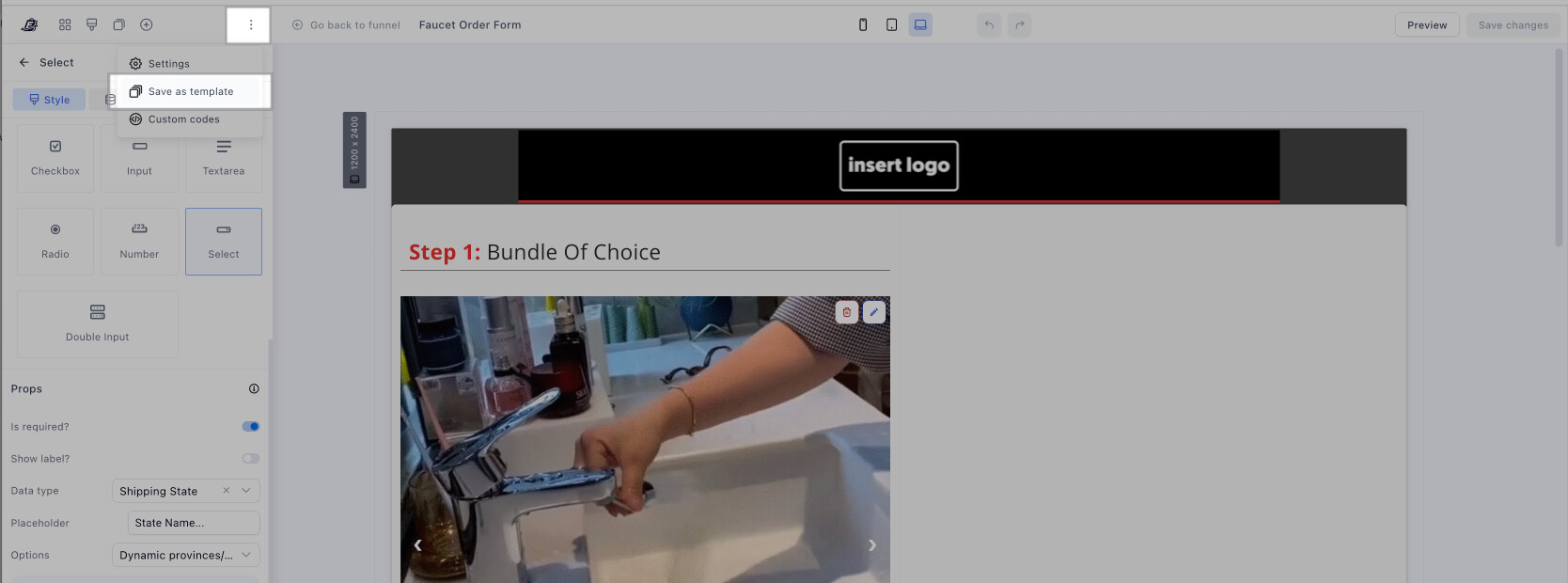
Hi, unfortunately I’m writing again because I’ve found another bug recently, and this time it’s cost me money. I created a variant of my checkout page using the dedicated button to set up an A/B test. What happened is that after editing both versions (to apply the intended changes), I ended up with a completely blank page.
I contacted support, and after several rounds of troubleshooting that I had to send them, they told me they would escalate the issue to the relevant team and get back to me.
Days have passed and no one has followed up, meanwhile I’ve lost money (customers dropped off during checkout) and the bugs are still there.
If you’re so overwhelmed with requests that you can’t notify me, I can understand that.. but at least FIX ALL THESE BUGS!
Don’t you have beta testers? We users shouldn’t have to pay the price for your bugs.
I really hope something starts to change.
I totally understand how frustrating this is for you. I really appreciate you taking the time to explain where you’re standing.
Our team is all hands on deck right now working through every bug that’s been reported. Although some fixes take a bit longer than others (due to factors like bug complexity, if the team can replicate or not), everything raised through support is being prioritized so nothing gets left behind.
About the A/B testing issue, could you let me know if you created it using the legacy editor or the updated editor? If it’s on the updated one, what I can suggest as a workaround while we get it back on track is the following: