Deprecation Notice
This article covers our legacy ClickFunnels (CF) plugins, which are no longer supported.We’ve moved on to Funnelish v2 — a faster, more powerful, and easier way to build high-converting funnels.
Your funnels just got an upgrade. Check out Funnelish v2 for the best experience.
Need help migrating your ClickFunnels funnel into Funnelish? Reach out to support.
The Fancify app allows you to improve your checkout form.

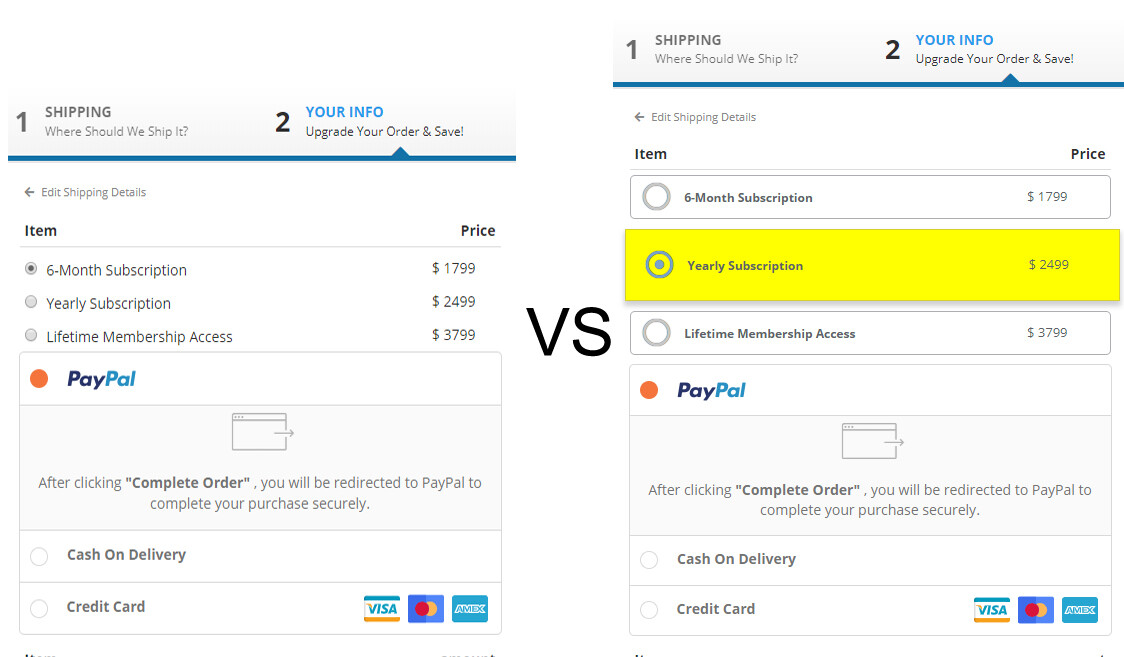
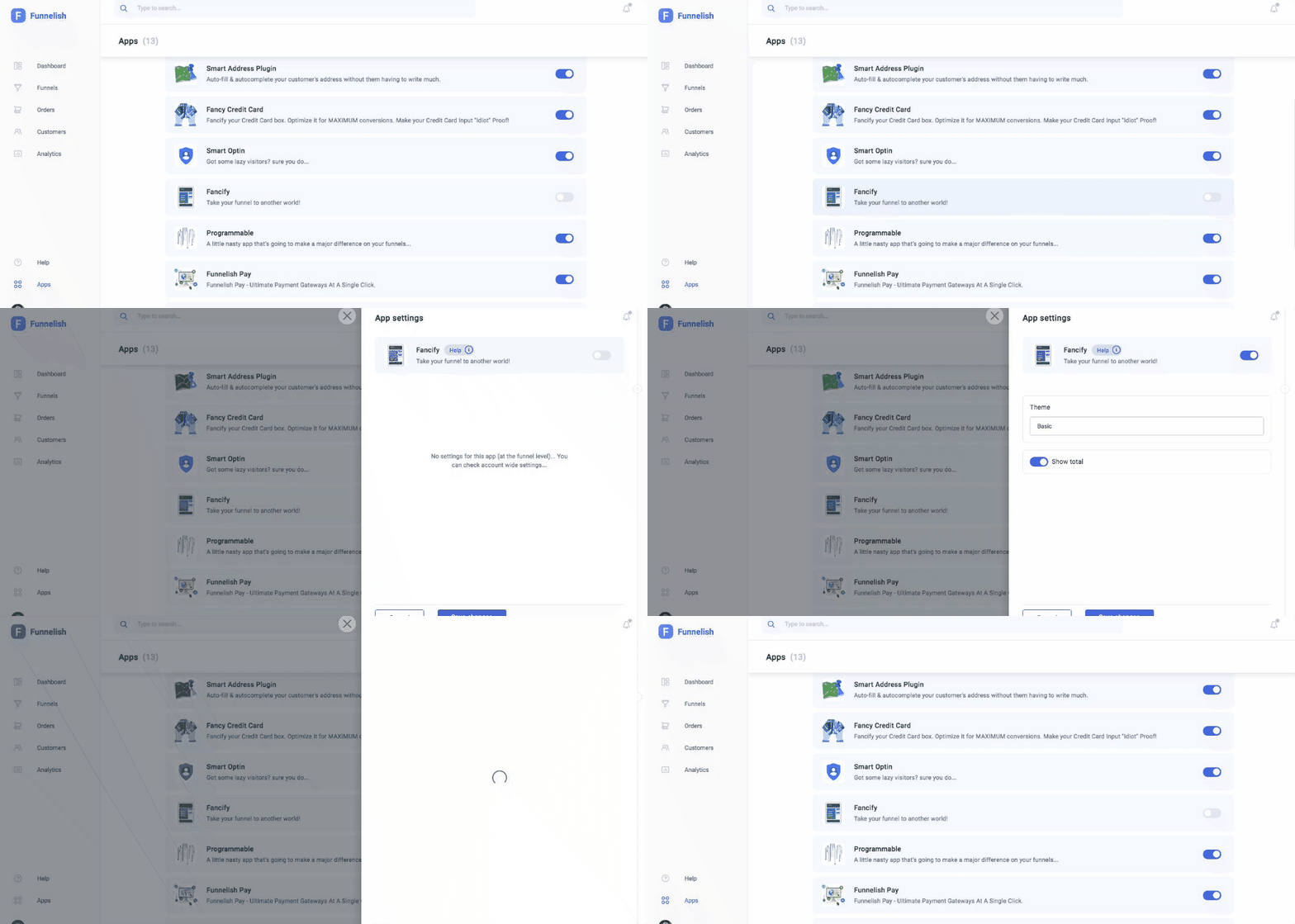
Step 1: Turn on the app in Global Apps
-
Go to Funnelish → Global Apps
-
Enable Fancify
-
Enable Show total (optional)
-
Click Save Changes
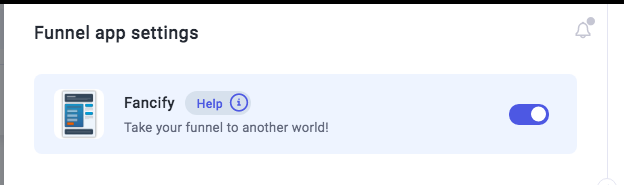
Step 2: Turn on the app inside your funnel
-
Go to your funnel
-
Open Funnel Apps
-
Select Fancify
-
Enable the app
-
Click Save Changes
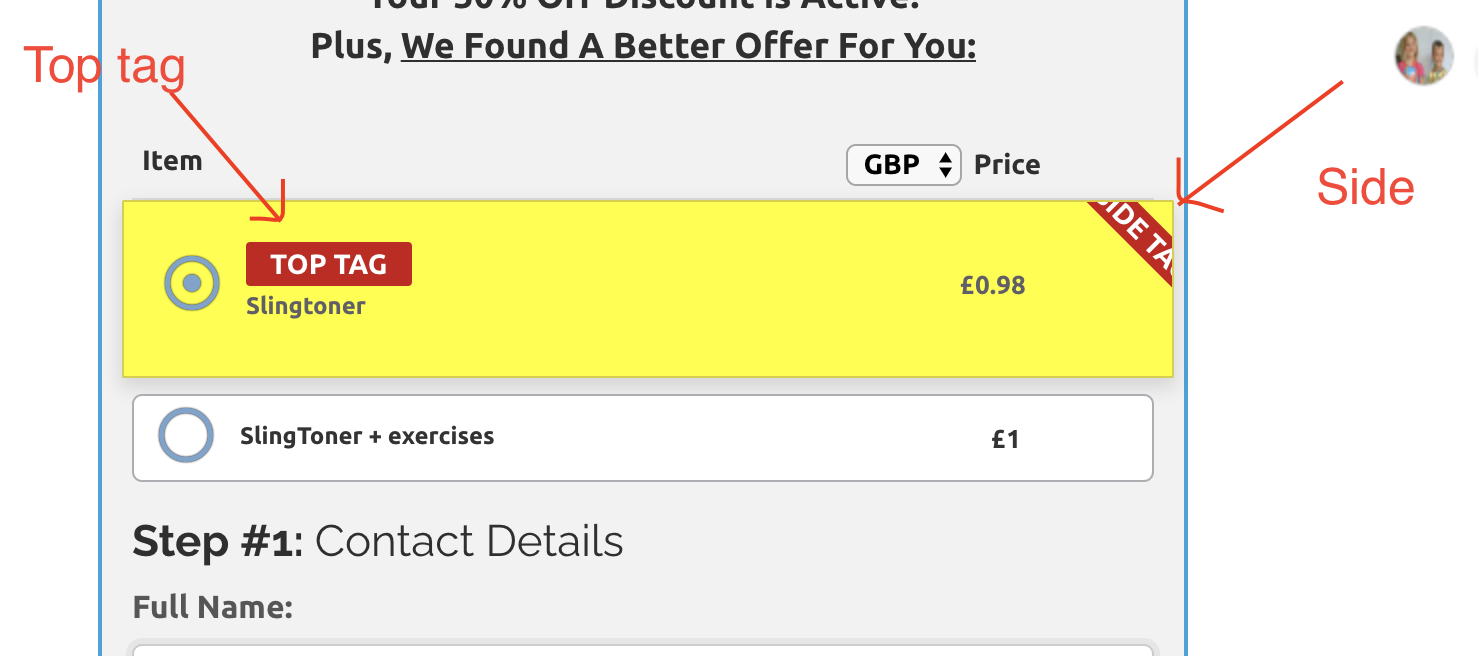
Step 3: Highlight your product (optional)
-
Open your product
-
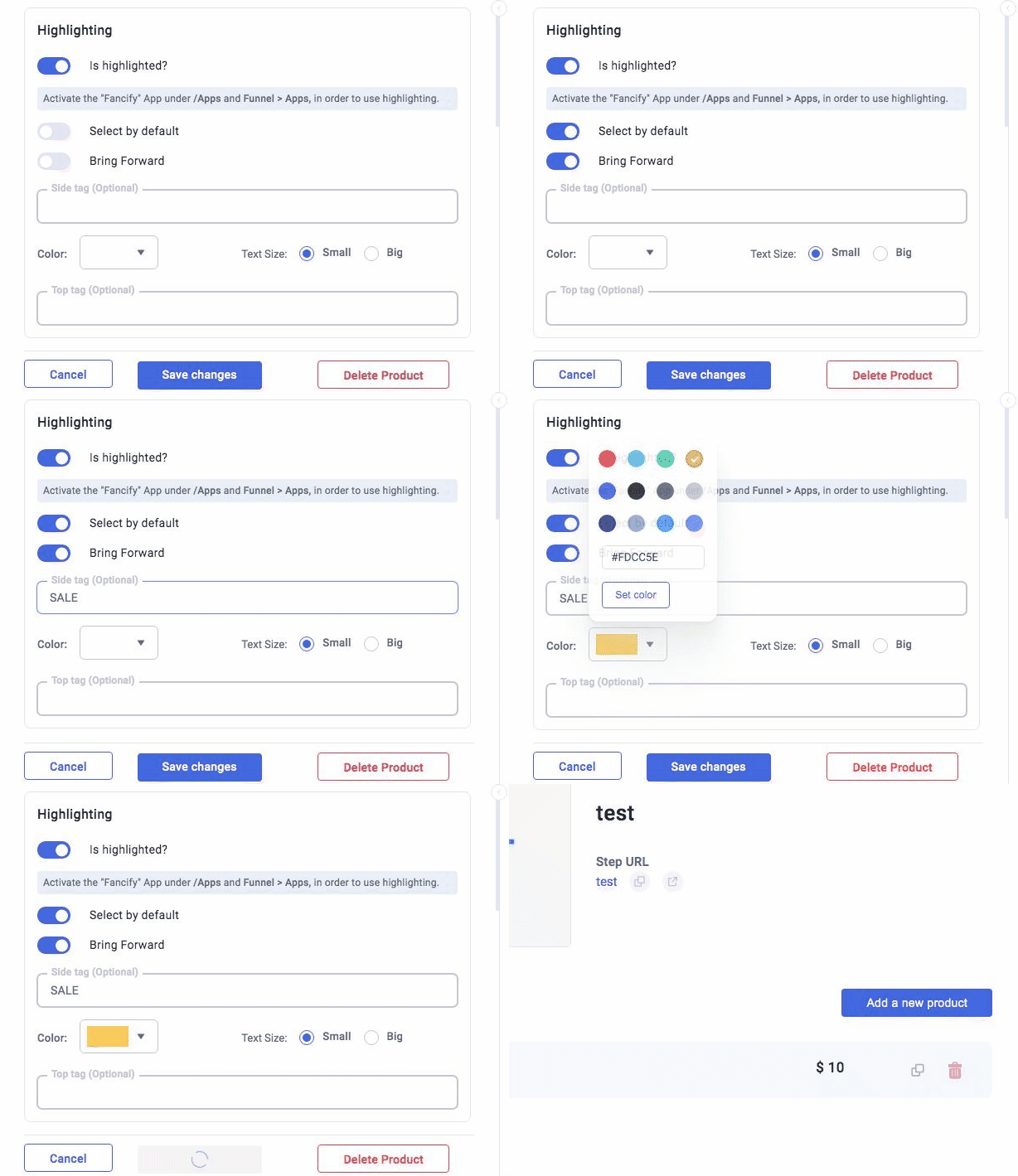
Scroll to Highlighting
-
Enable options
-
Add tags
-
Click Save Changes
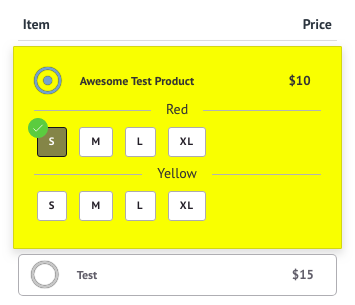
Step 4: Add product variants
Video: https://youtu.be/Z0VWWtp2ZUY
-
Go to your funnel
-
Open the order form page
-
Click your product
-
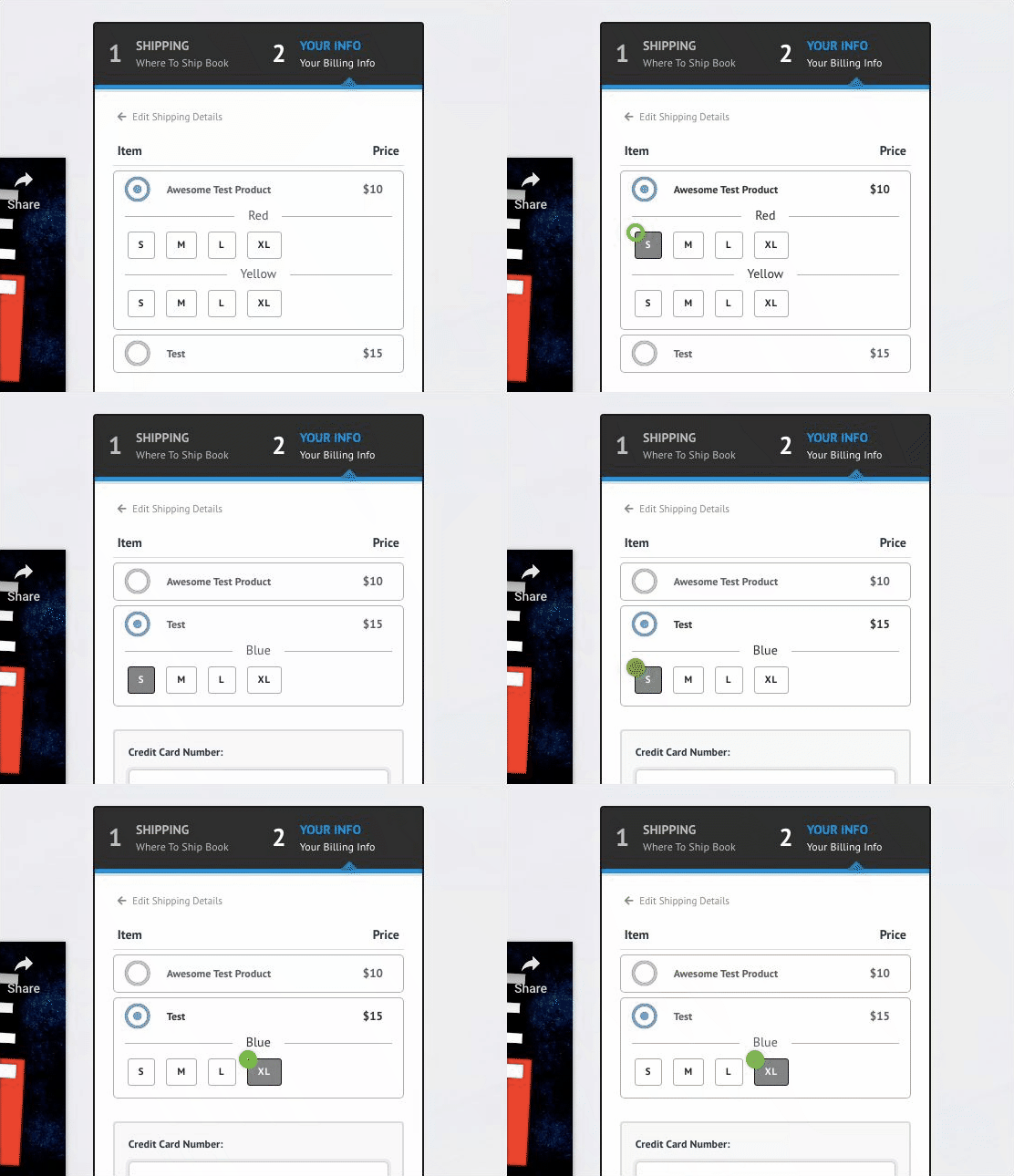
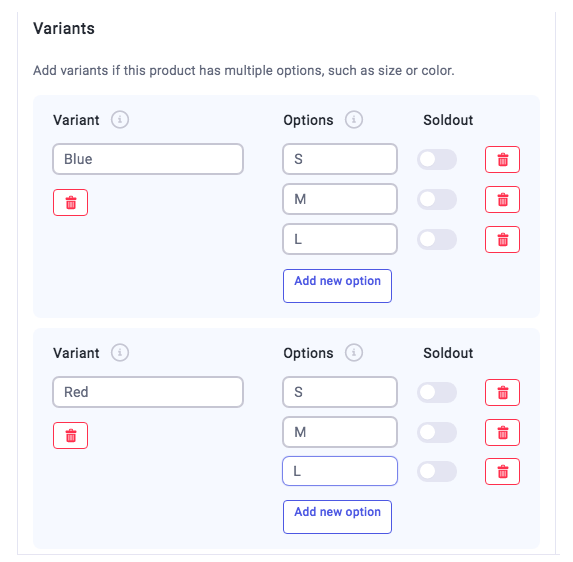
Click New Variant
-
Add your variant
-
Add options
Notes
- Variants are required for products with multiple options