Deprecation Notice
This article covers our legacy ClickFunnels (CF) plugins, which are no longer supported.We’ve moved on to Funnelish v2 — a faster, more powerful, and easier way to build high-converting funnels.
Need help migrating your ClickFunnels funnel into Funnelish? Reach out to support.
The Programmable app allows you to display dynamic values inside your funnel, such as timers, dates, and counters.
You can use it to:
-
Show how many people are viewing your funnel
-
Display countdown timers
-
Show dynamic dates and times
-
Add urgency or scarcity

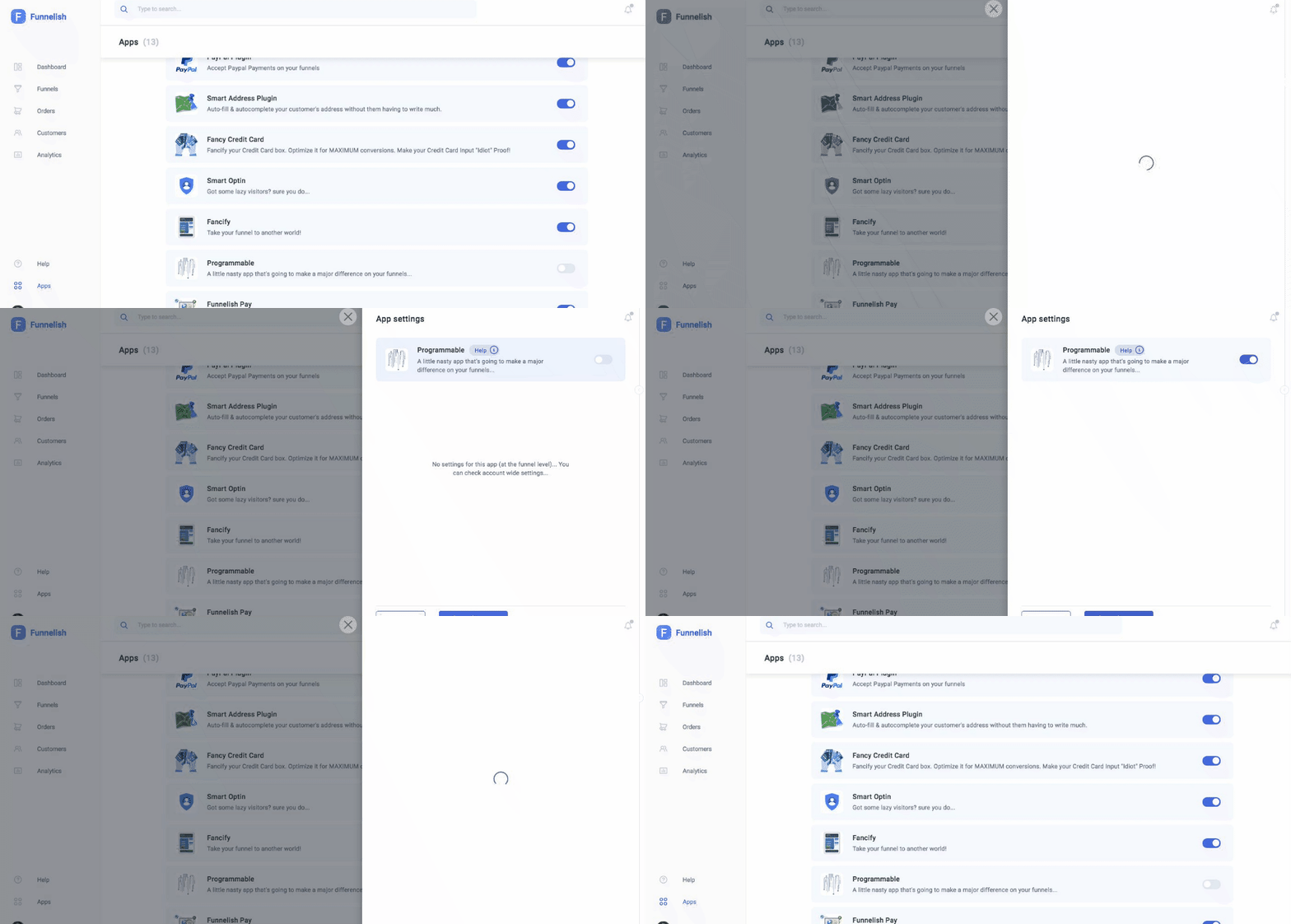
Step 1: Turn on the app in Global Apps
-
Go to Funnelish → Global Apps
-
Enable Programmable
-
Click Save Changes
Step 2: Turn on the app inside your funnel
-
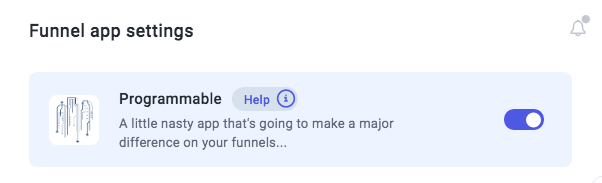
Go to your funnel
-
Open Funnel Apps
-
Select Programmable
-
Enable the app
-
Click Save Changes
Step 3: Add codes to your funnel
Once enabled, you can add codes directly inside any element on your ClickFunnels page.
You can use them in:
-
Headlines
-
Paragraphs
-
Buttons
No need to use Custom CSS or tracking code sections.
Example codes
| Code | What it does |
|---|---|
#{REFRESH(RANDOM(35,55), 1)} |
Random number between 35 and 55 updated every second |
#{DATE(DAYS(5),'mm/dd/yyyy')} |
Shows a date 5 days from now |
#{TODAY('mmm, mm/dd/yyyy YY')} |
Displays today’s date |
#{NOW()} |
Displays current time |
#{REFRESH(FUNCTION, X)} |
Refreshes a function every X seconds |
#{DAYS(X)} |
Countdown in days |
#{HOURS(X)} |
Countdown in hours |
#{MINUTES(X)} |
Countdown in minutes |
#{RANDOM(X, Y)} |
Random number between X and Y |
Example
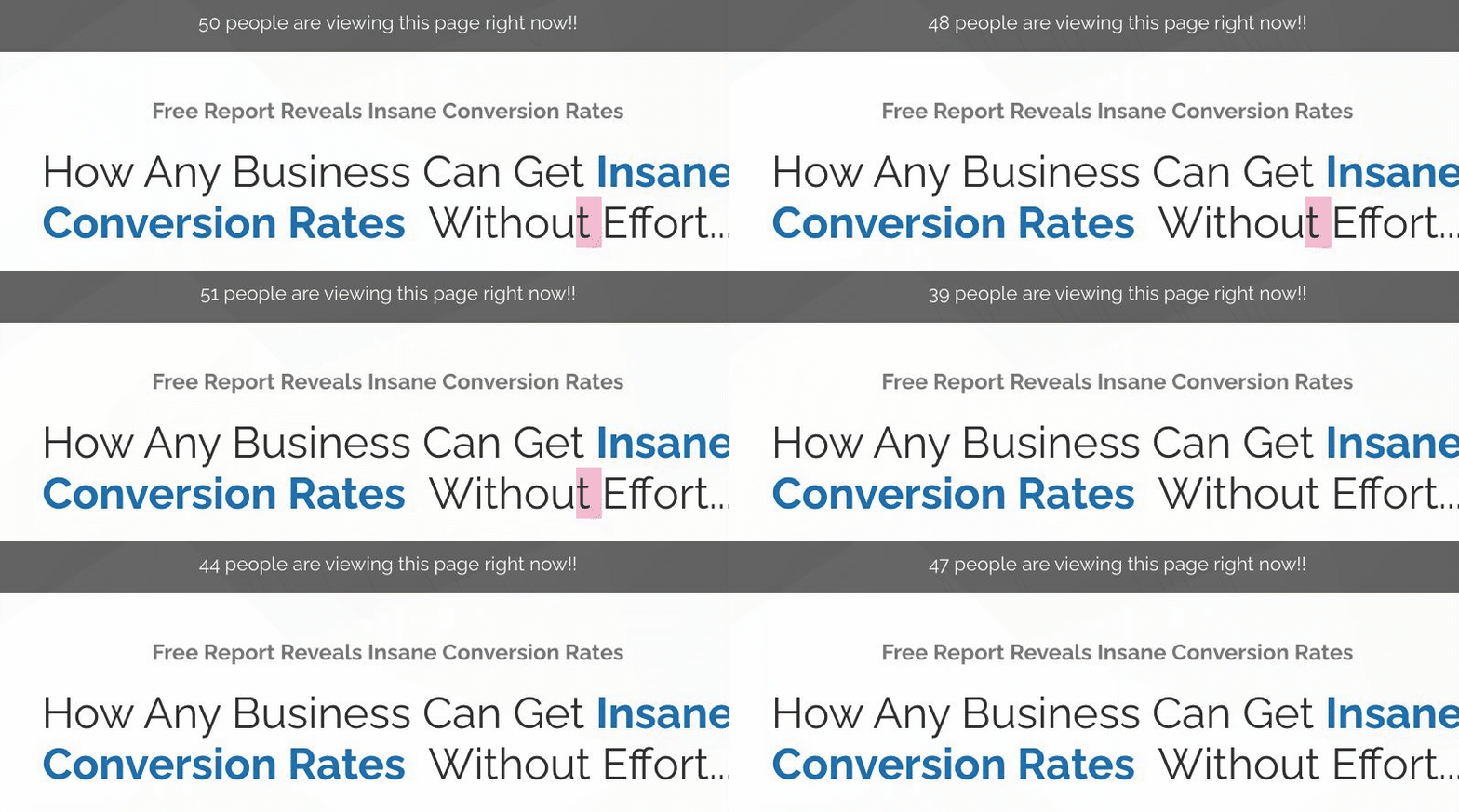
Add #{REFRESH(RANDOM(10,50), 1)} to show how many people are viewing a product.
Another example
Add #{RANDOM(1,20)} to show limited stock.
Notes
-
Replace values as needed
-
Values update dynamically
For better performance and support, upgrade to Funnelish: