So I have my PayPal products setup correctly in ClickFunnels, but on the thank you page, the purchases aren’t showing up in the ClickFunnels order summary. The Stripe ones are, but not the PayPal purchases.
Is this even possible? I know it takes a while for webhooks to deliver sometimes.
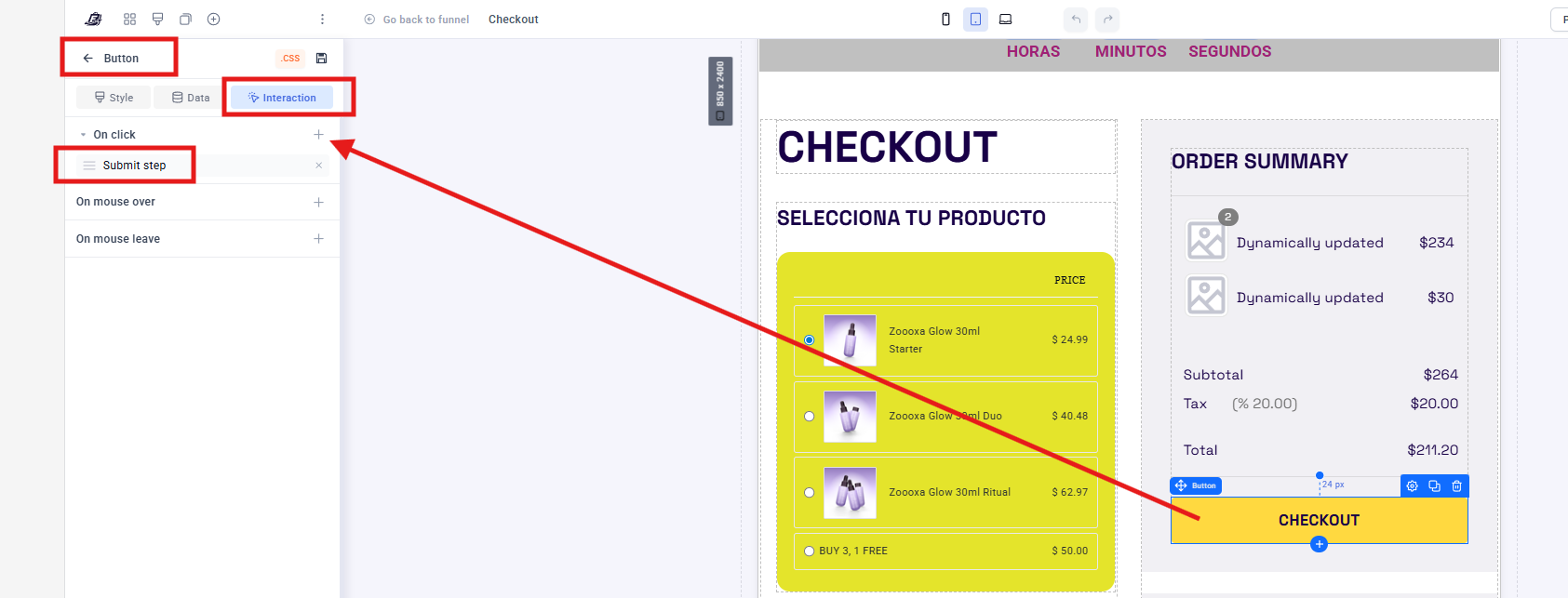
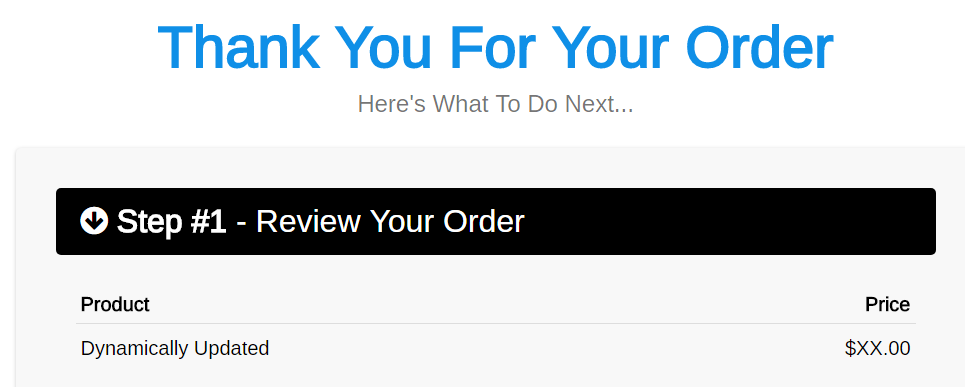
Here’s what I’m talking about where I want them to show up:
There is nothing special about it @Huu, you just add another Thank you page an ordinary one at the end of your Clickfunnels funnel, and then add that TYP step to your Funnelish funnel instead of the “Order Confirmation” one …
Although this is an old thread, I’m just dropping by to update the information in case anyone else is having the same problem.
First, we’d like to remind you that our ClickFunnels plugin has been deprecated and is no longer being maintained.
If you’re still running Clickfunnels funnels and run into issues like this, we’d recommend migrating to Funnelish. Our support team can help make that transition smooth if needed
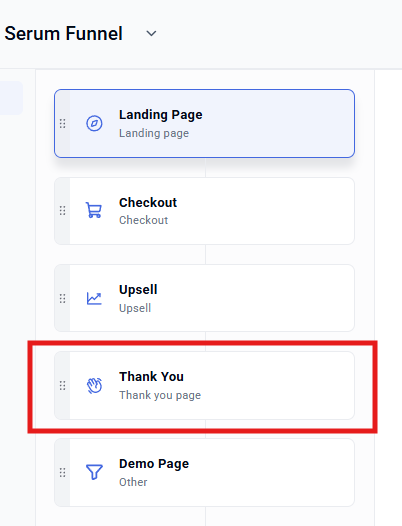
To avoid this problem with the order summary in Funnelish, it’s important that your thank you page is below your funnel steps, like this:
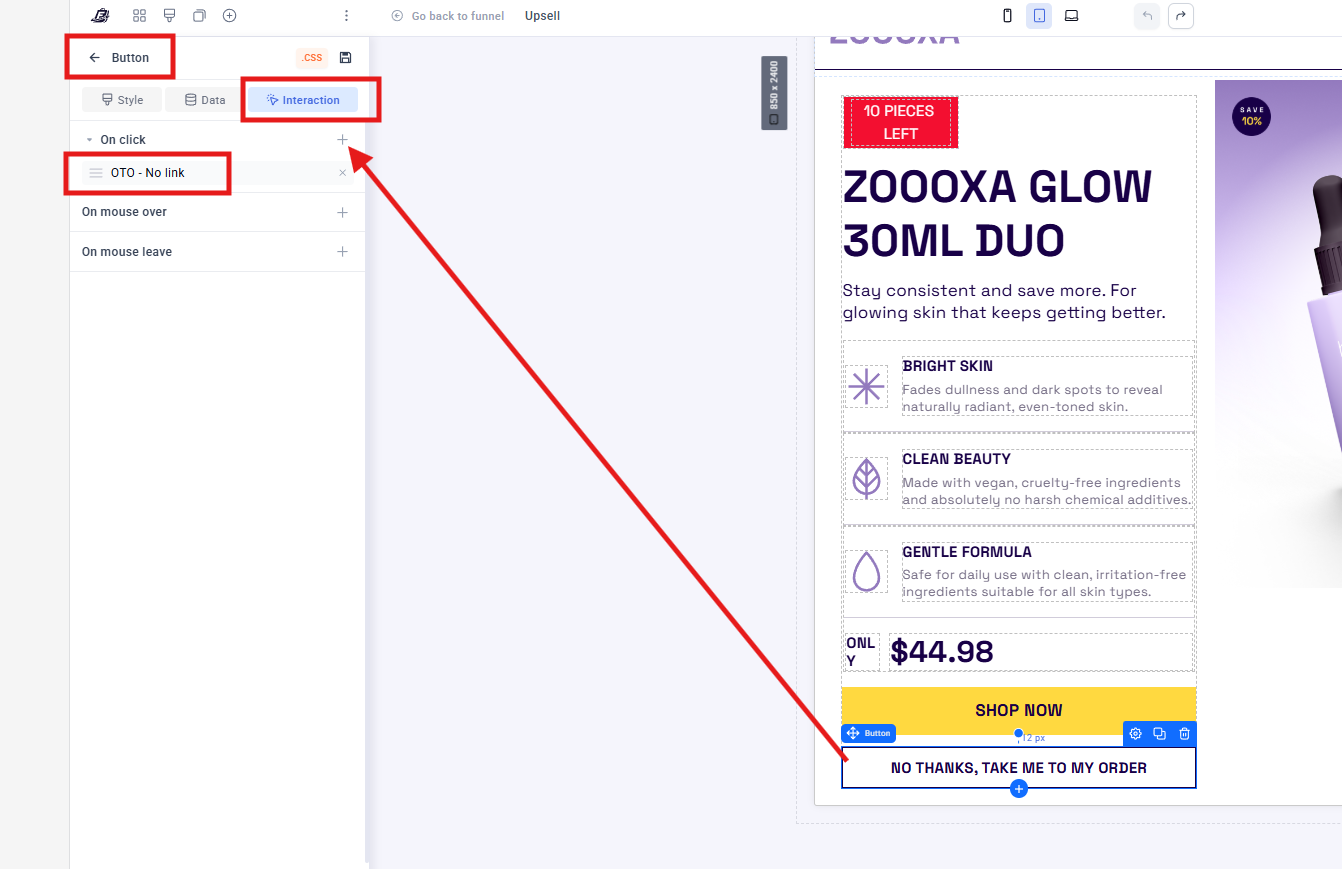
And the upsell/downsell buttons should be configured as follows:
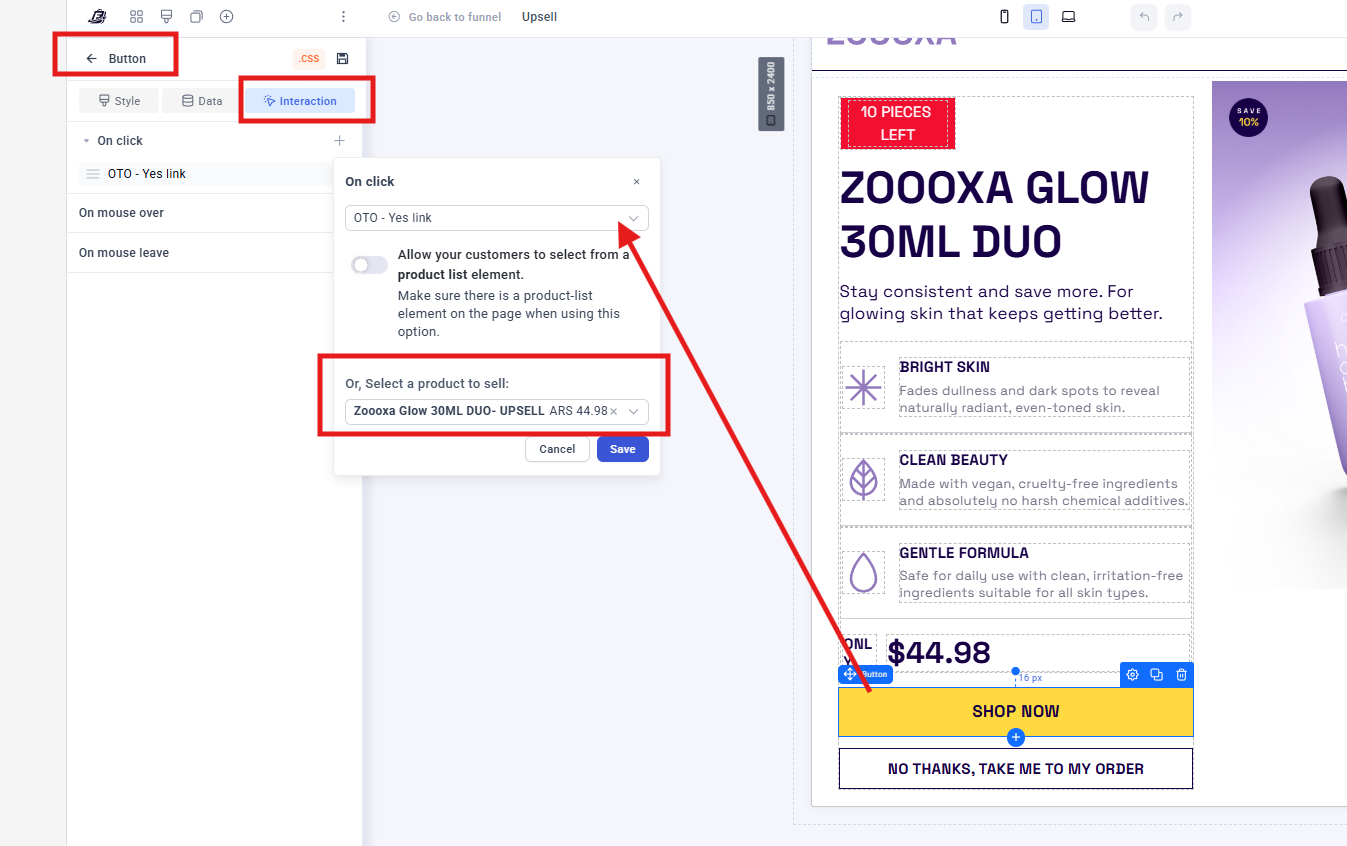
If you only have 1 PRODUCT - NO VARIANTS: Assign the "Add to my order" button as “OTO-YES LINK” and link it with the exact product like shown in the example here:
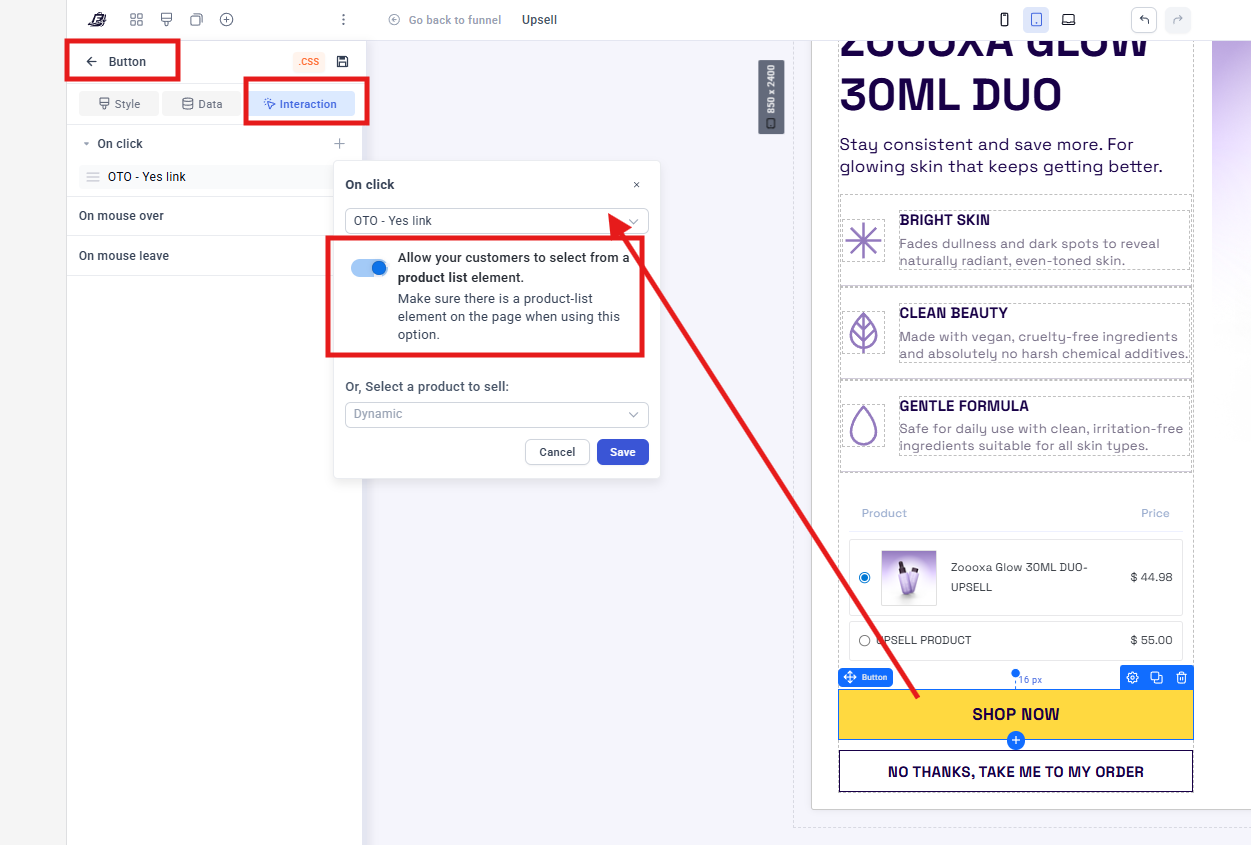
If you only have MULTIPLE PRODUCTS / 1 PRODUCT WITH VARIANTS: Add a product list element above the button so the customer can see the options and set the action as ALLOW YOUR CUSTOMERS TO SELECT FROM A PRODUCT LIST ELEMENT as shown below:


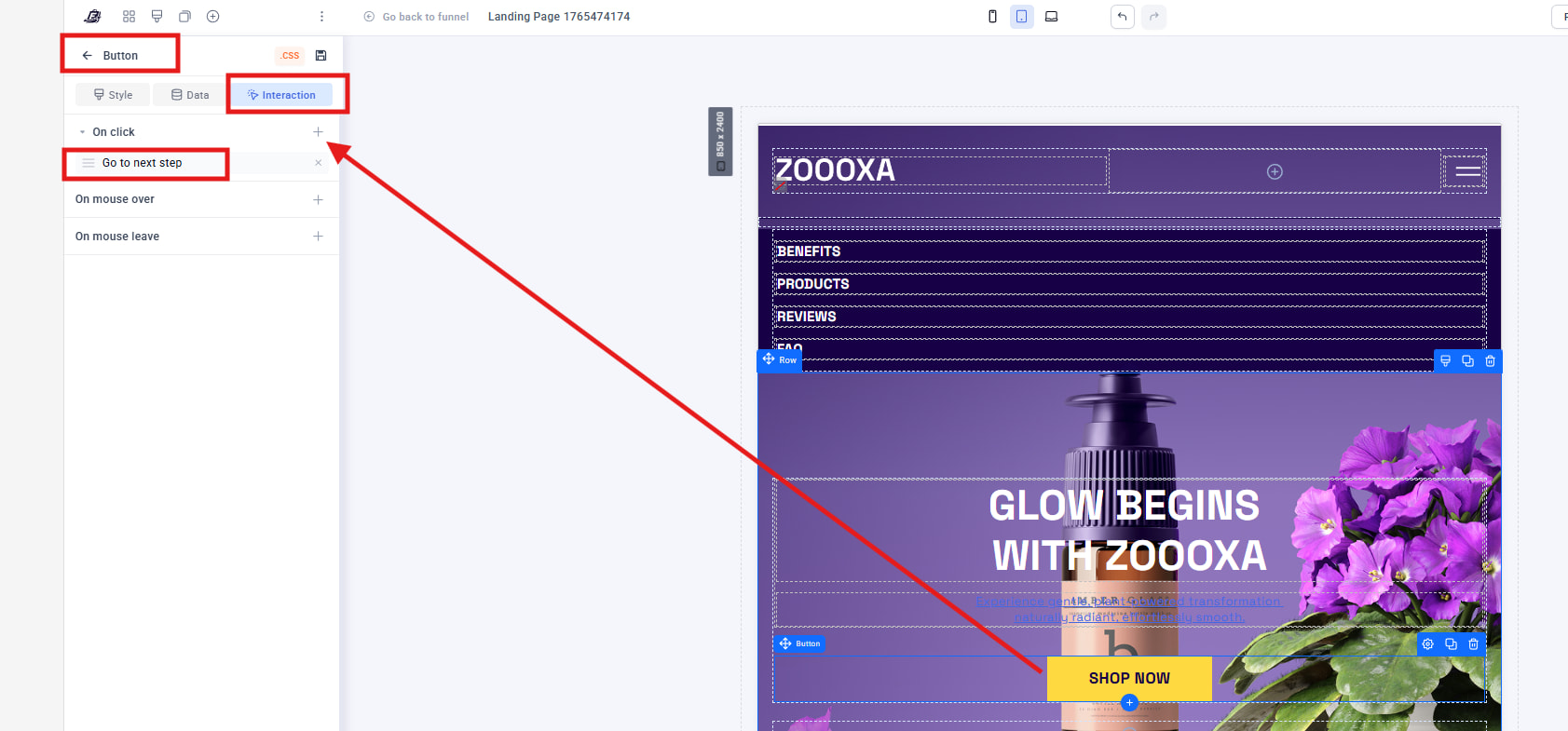
 The landing page/advertorial buttons are set to GO TO NEXT STEP