2026 Update: If your customers are being forced to create a PayPal account for OTOs, it’s usually because you are using an older PayPal integration or “PayPal Account Optional” is turned off in your merchant settings.
How to fix this today:
Switch to PayPal Commerce: Ensure you are using the modern PayPal integration in Funnelish v2. This allows for seamless One-Click Upsells without forcing a login.
Check PayPal Settings: In your PayPal Business Dashboard, go to Account Settings > Website Payments > Website Preferences and ensure “PayPal Account Optional” is turned ON.
Use Credit Card Gateways: For the best conversion on OTOs without forcing PayPal logins, we recommend offering a direct Credit Card option (like Stripe) alongside PayPal.
Hi,
A customer can purchase through PayPal without having to create a PayPal account. Perfect!
Once that payment is done, PayPal redirects to the OTO page.
When the customer adds the product, it redirects to PayPal.
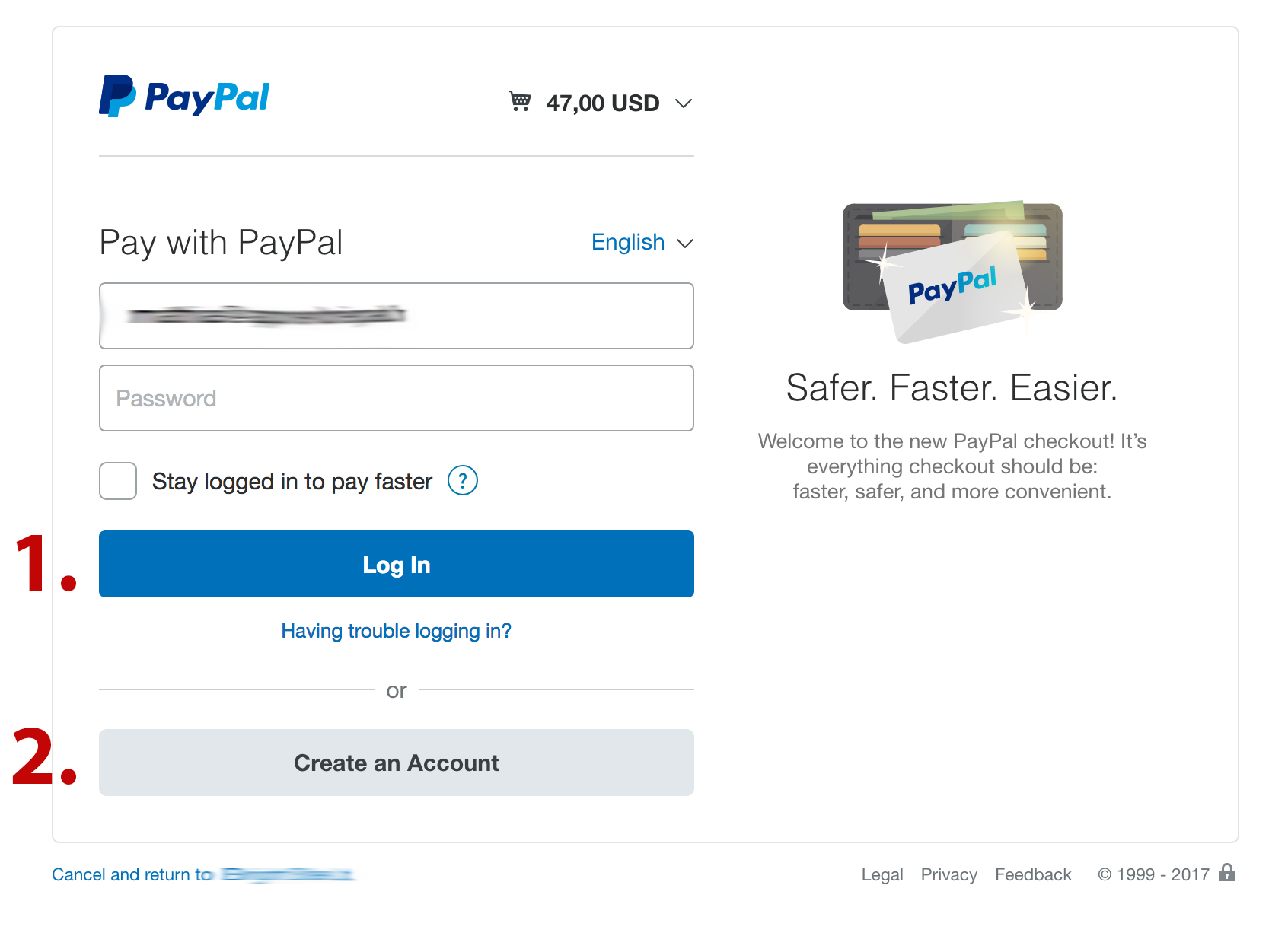
Then the customer has 2 options:
Login to their PayPal account
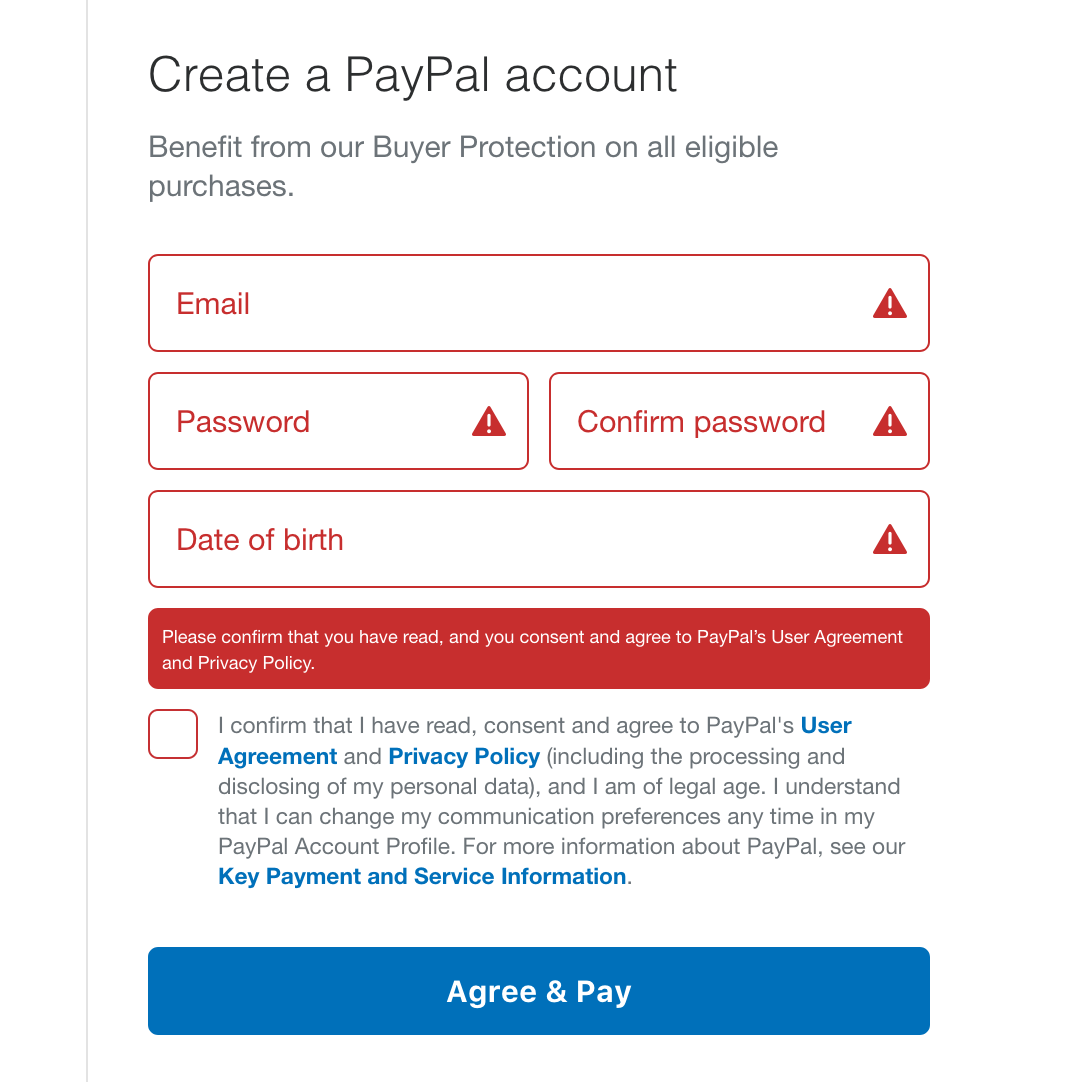
Create a PayPal account
There is no option anymore to pay with a Credit Card.
Now suddenly I also need to create a PayPal account when purchasing the main product.
But I don’t want customers to create a PayPal account when they just want to pay with Credit Card.
Do I need to change some settings in my PayPal account?
hmm… that’s kind of an interesting use case, generally we cannot force Paypal to take a CC or not since we are using Paypal Express (at this stage) and we were counting on the CC gateway to handle CCs since checking out through Paypal using a CC only adds extra fees for both sides.
What I believe is happening is that Paypal gives you the option to login, when they see that the device has some cookies or IP indicating it has been used to access your Paypal account, thus they are trying to optimize the experience for you, if you try to checkout on an incognito device or Edge or a different browser mostly Paypal will give you the option to checkout without login in or creating an account.
I personally haven’t had the chance to miss with those settings, but try looking on your business setup on Paypal and see if anything helpful in there
I’m open to suggestions and feedback for best ways to capitalize on the case above