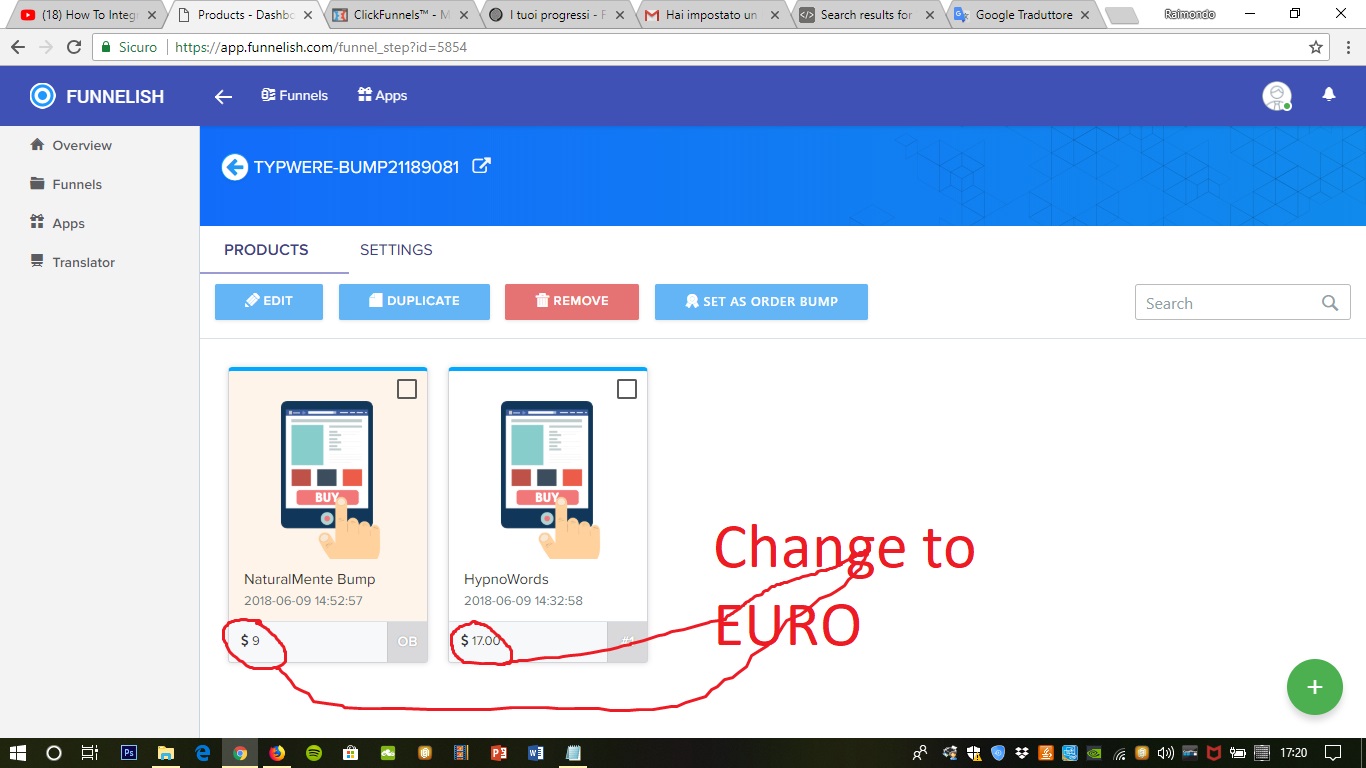
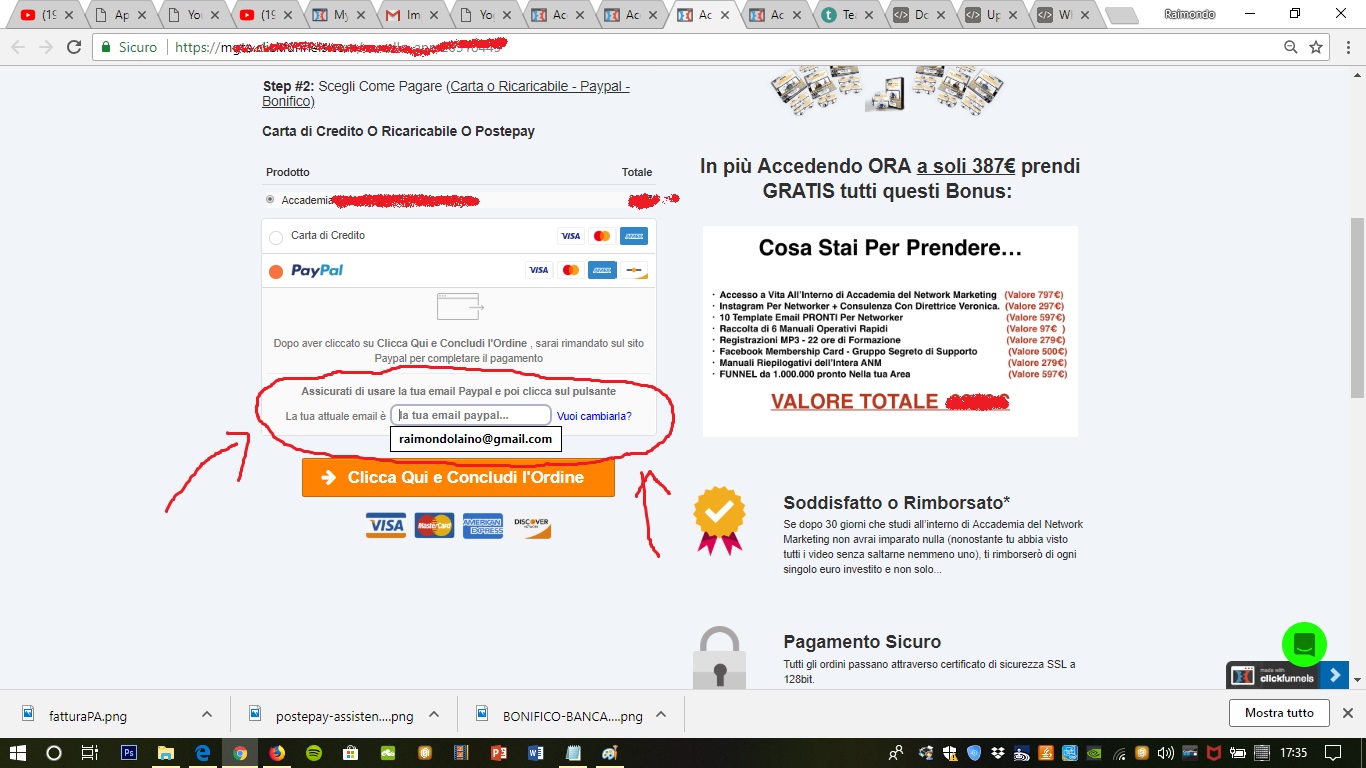
2026 Updates: Setting Up Funnel Currencies (Euros)
Changes & Current Status:
The process for setting your currency has been completely streamlined.
The previous answer stated that the currency symbol inside Funnelish never changes and that you had to configure currency inside the old PayPal App. This is no longer true! Today, Funnelish fully supports visual multi-currency setups.
Up-to-Date Information for Changing Currency to Euros: You can now set your currency at the funnel level, and it will automatically apply to all your products and connected payment gateways (including PayPal, Stripe, etc.).
Open your funnel in Funnelish.
Go to Settings > General on the left-hand menu.
Look for the Currency dropdown and change it from USD to EUR (Euro).
That’s it! Now, all your products, checkout elements, and gateway charges will reflect the Euro (€) correctly both inside your Funnelish dashboard and for your customers at checkout.
Related Articles & Resources:
Guide on funnel general settings: Funnelish Settings Overview
Managing products and pricing: Adding and Managing Products in Funnelish
good evening I can not understand why the cart on paypal is displayed in dollars and not in euros.
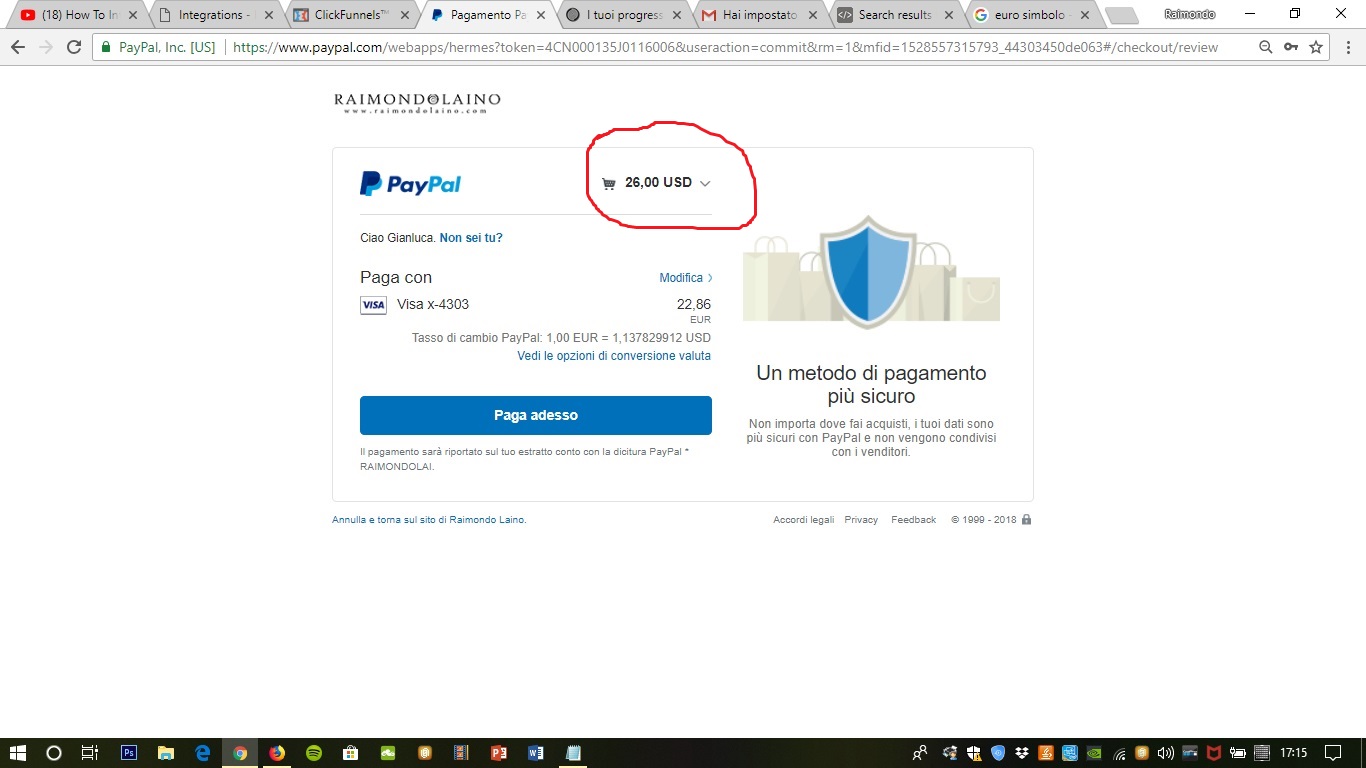
How do I change the price of products from dollars to euros?