(Note: The structure for handling One-Time Offers (OTOs) and upsell links has undergone massive changes since this post was made in 2018.)
April 2026 Updates: Fixing OTO & Upsell “Declined” Errors
If your customers are seeing the “Your credit card was declined, please update your card” error when clicking an upsell button today, the root cause - and the ultimate fix - is very different than the old workarounds.
What’s Changed & Deprecated
- ClickFunnels is Deprecated: The legacy ClickFunnels 1.0 platform is now entirely unsupported for this integration. The
#yes-link-1action was a ClickFunnels-specific macro used to trigger 1-click upsells. Because CF 1.0 struggled to share payment tokens reliably with third-party gateways like PayPal, it frequently resulted in false “declined” errors.- Legacy OTO Hacks are Obsolete: You no longer need to use complicated custom scripts, hidden fields, or third-party bridge apps to force an upsell to process.
Up-To-Date Solution: Native Upsells & OTOs
Here is how you process seamless, high-converting upsells and downsells flawlessly as of 2026:
- Funnelish v2 (Standalone): By migrating your sales flow to the native Funnelish platform, you completely bypass the old ClickFunnels
#yes-link-1errors.- Native PayPal Integration: If you are looking to connect PayPal to your funnels, it is now fully supported natively within Funnelish. This modern integration works perfectly out-of-the-box with OTOs, upsells, downsells, and order bumps.
- True 1-Click (and 2-Click) Flows: Depending on your gateway setup, Funnelish natively handles the tokenization to ensure the next transaction goes through smoothly without throwing false declines.
How to Set Up PayPal OTOs Today
To ensure your upsells process perfectly without legacy errors, you need to connect PayPal directly to your Funnelish workspace.
We have a complete, step-by-step guide on how to configure this modern setup:

Hi,
I keep getting this message on my OTO page.
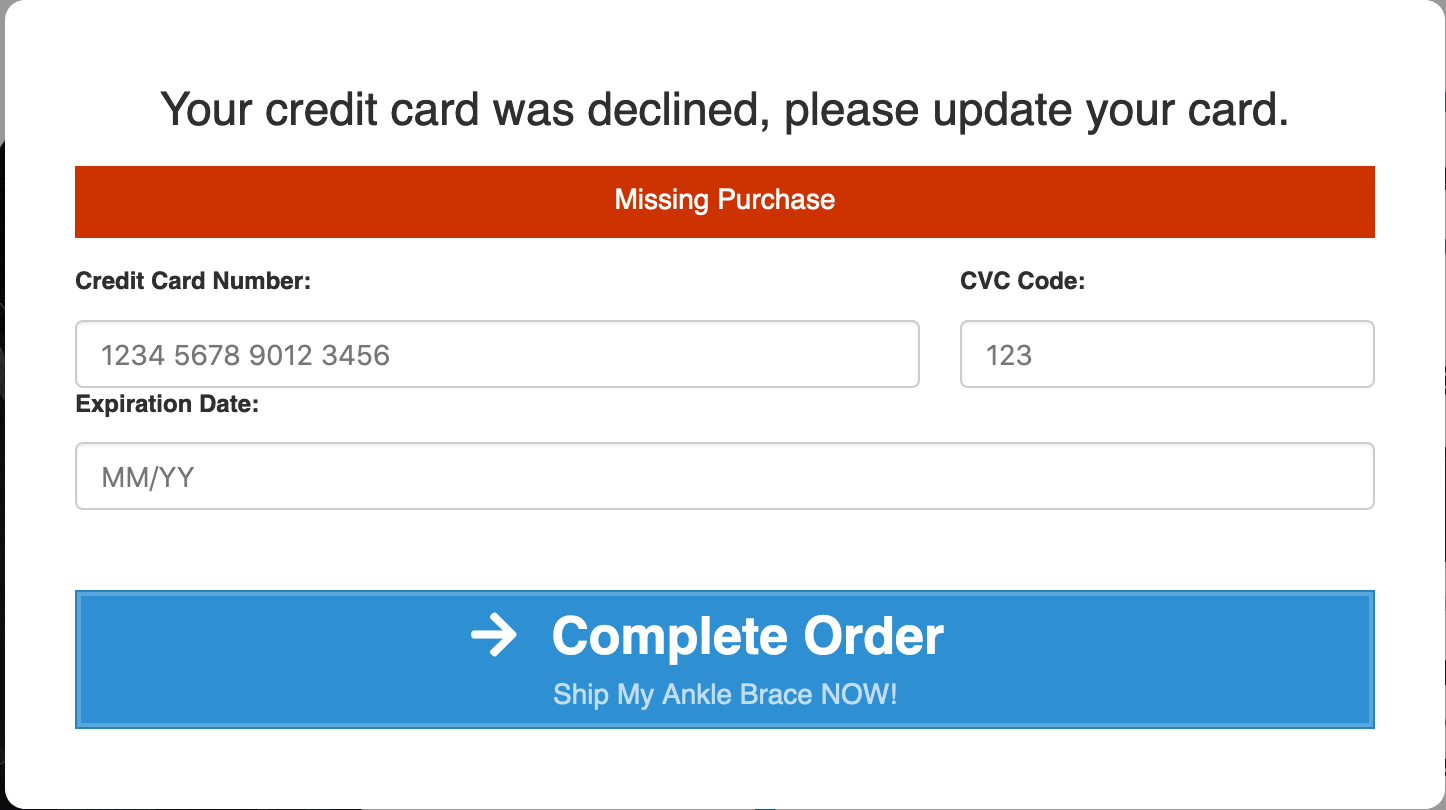
I have 2 OTO’s
one with 1 product and the second with 2 products.
On both of them, I keep getting this message.
Is there any way to solve this?
- I’ve followed the #yes-link-1 tutorial on this forum.
Thanks,