2026 Updates: Fixing Upsell Tracking & $0 Purchase Values
Changes & Current Status:
This thread originally ended without a public resolution, leaving users stuck with $0 upsell values and multiple fragmented purchase events.
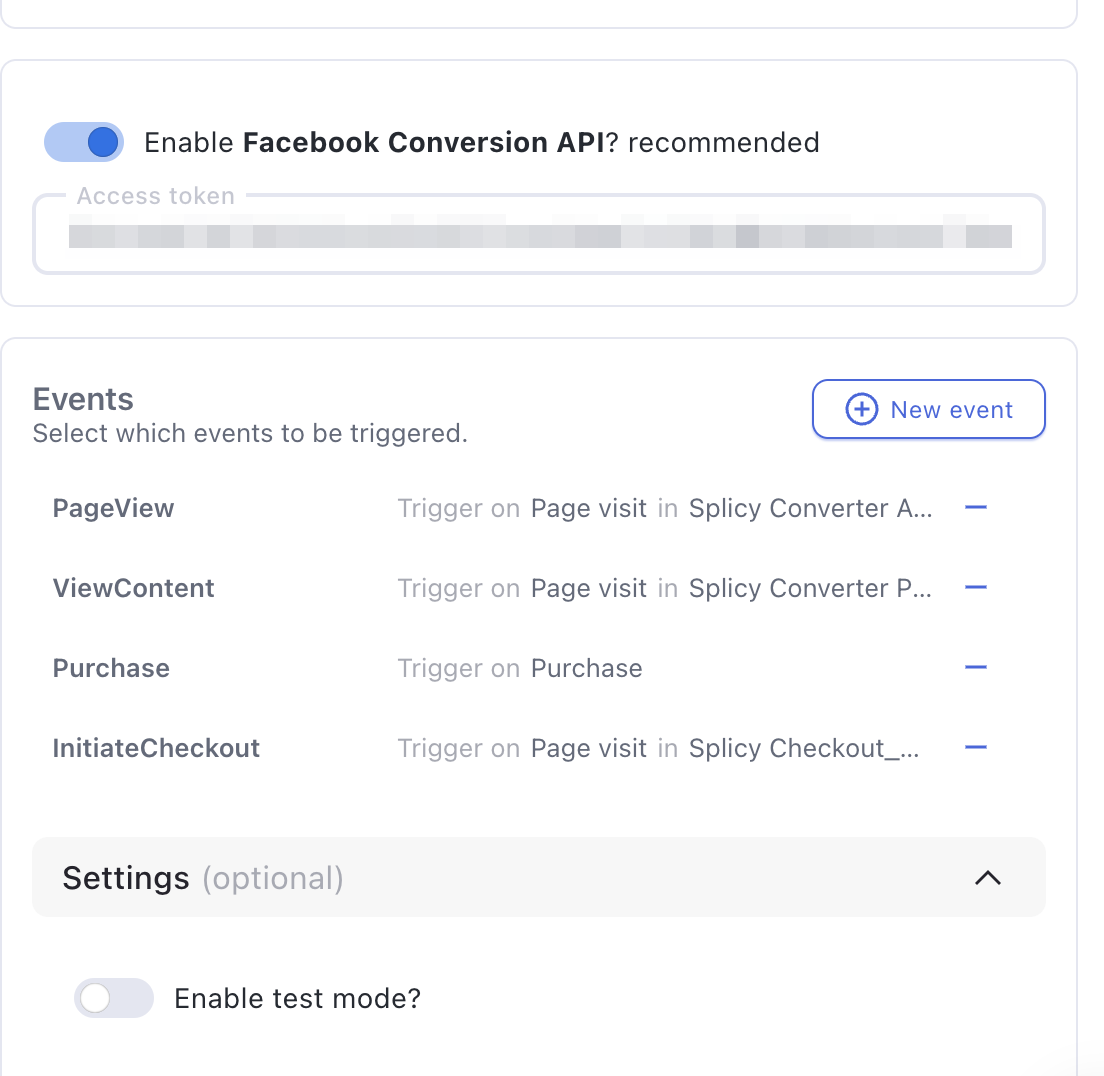
Today, Funnelish’s native Facebook Pixel & CAPI integration has built-in handling to ensure upsell values are passed correctly and to give you control over how purchases are grouped.
Up-to-Date Information for Fixing Upsell Tracking: If your initial checkout tracks perfectly, but your upsells/downsells show as a
$0value (or you are getting too many individual purchase events), here is how to fix it:1. Fix the $0 Value (Remove Hardcoded Pixels): The most common reason an upsell fires a
$0Purchase event is that you have the manual Facebook Pixel HTML code pasted into your Step Settings > Custom Codes on the upsell page. Facebook’s browser pixel automatically tries to scrape the page, firing a generic purchase without the Funnelish product value attached.
- Solution: Delete all manual
<script>tags for the Facebook Pixel across your funnel steps. Let the Funnelish Facebook App handle the tracking 100% natively via CAPI.2. Aggregating Values (1 Purchase vs. Multiple): By default, if a customer buys a $100 main product and a $50 upsell, CAPI fires two separate transactions (Purchase: 2, Total Value: $150). If you want your Facebook Ads Manager to show Purchase: 1 with a Value: $150, you need to group the events.
- Solution: Go to Funnel Settings > Apps > Facebook Pixel. Look for the setting that determines when the purchase event fires. Change it to fire the purchase event only when the customer reaches the Thank You Page. Funnelish will wait until the funnel is complete, sum up the cart total (Main Offer + Order Bumps + Upsells), and send a single aggregated purchase event to Facebook.
3. Verify Upsell Product Configuration: Ensure that inside your Funnelish Products tab, the specific product linked to your upsell step has a valid price and currency assigned to it. If the product isn’t properly configured in Funnelish, CAPI won’t have a value to send.
Related Articles & Resources:
Step-by-step guide to accurate Facebook tracking: Funnelish Facebook Pixel & CAPI Integration
How to configure products and pricing correctly: Managing Products in Funnelish
Hello there,
We are not able to see purchase values recorded after purchasing from upsell and downsell pages in Funnelish funnel.
However, it properly tracks purchases for initial order form product purchases only.
We have properly enabled conversion API and Facebook pixel app from our side.
Can anyone please help us on how to solve this issue?
Thanks,
Swapnil