Funnelish Update: Product Images, Images Slider and Product Highlighting

We have just added three new features to Funnelish Plus:

Product Images and Product Highlighting

Each of your products can have an image that is shown alongside its name/price on an order form. This can help increase conversions dramatically.
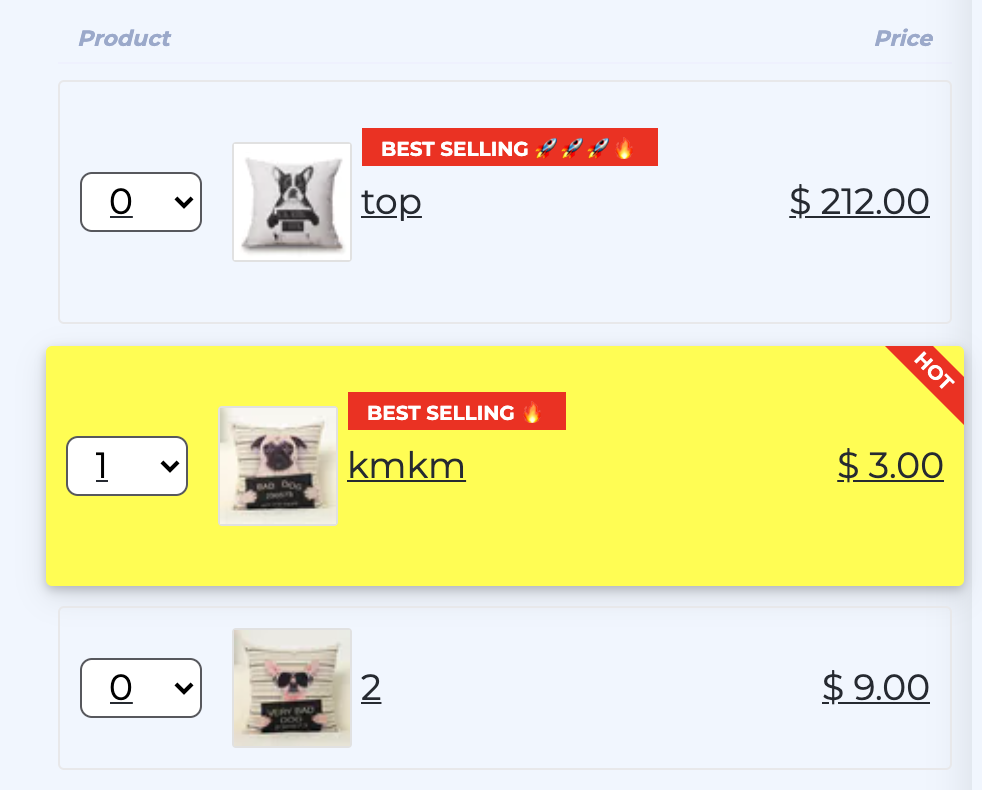
Highlighting can help set aside and/or top tag on your products as well as “bringing forward” or auto-select a product to encourage your customers to buy it.

Images Slider Element

We’ve added a new element to our Funnelish Plus pages editor, to allow you to showcase your product/offer through multiple images at the same time in a mobile-friendly way.
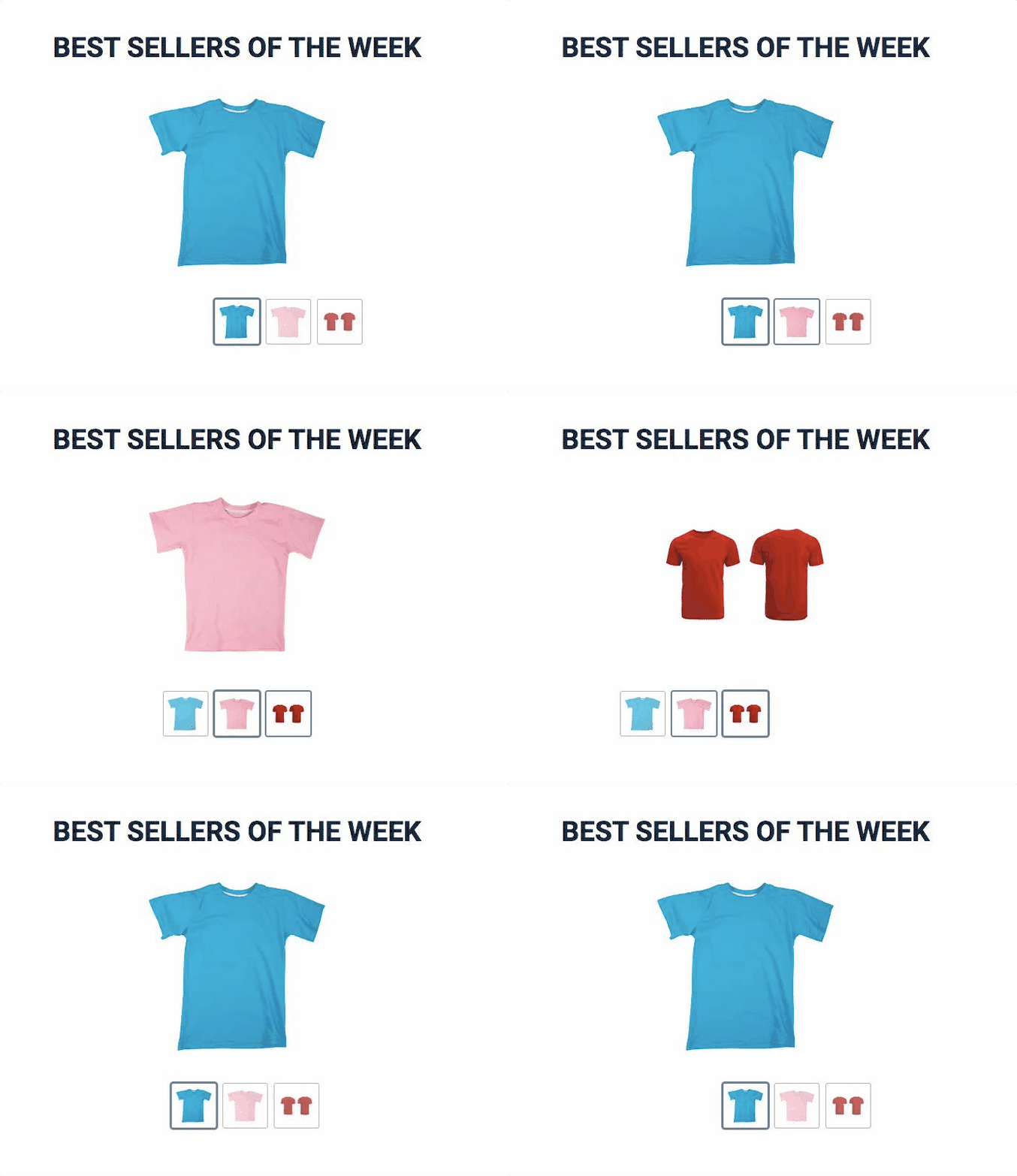
Images Slider will optimise, resize/crop, lazy load your images on the the fly for you, thus your page load speed is not affected when using an images slider element in your pages above the fold.

2 Likes

Hey there, just a quick heads-up for anyone finding this older thread while looking to set up an image gallery for their products!

The “Images Slider” mentioned in the original post has officially been upgraded to the new Media Carousel element in the current builder.

If you’re trying to build this out today, just search for “Media Carousel” in your left-hand elements panel. The biggest upgrade here is that you aren’t limited to just static images anymore, you can now mix videos directly into the carousel, adjust the auto-play timing, and the mobile swiping is much smoother.

A helpful tip if you are designing this section:

Hope this helps anyone looking for the modern version of this feature!