Hello everyone!
To connect EPS to your funnel, here’s all you have to do.
-
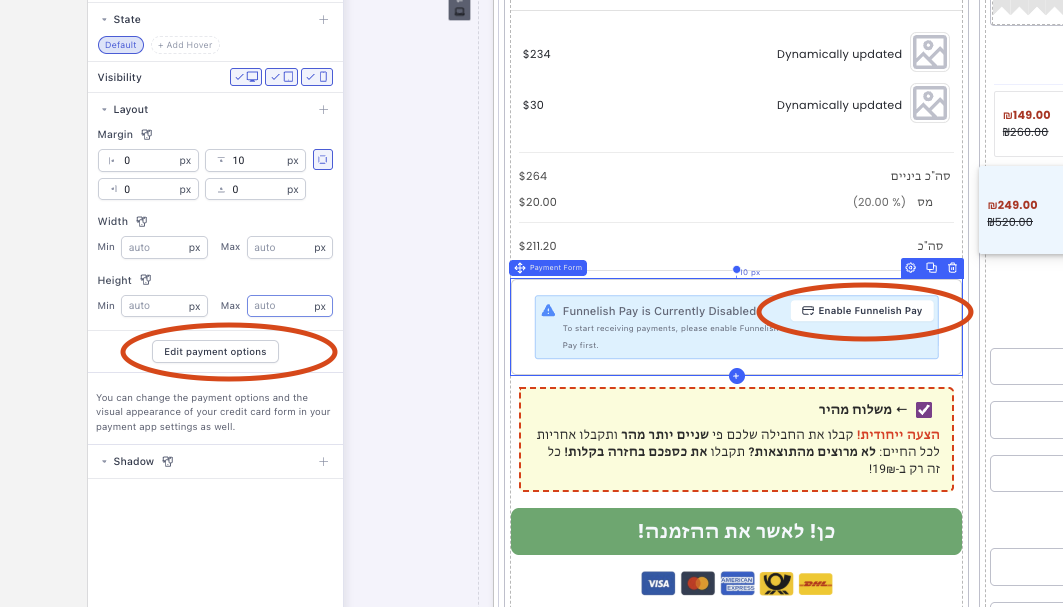
Click either of these buttons.
-
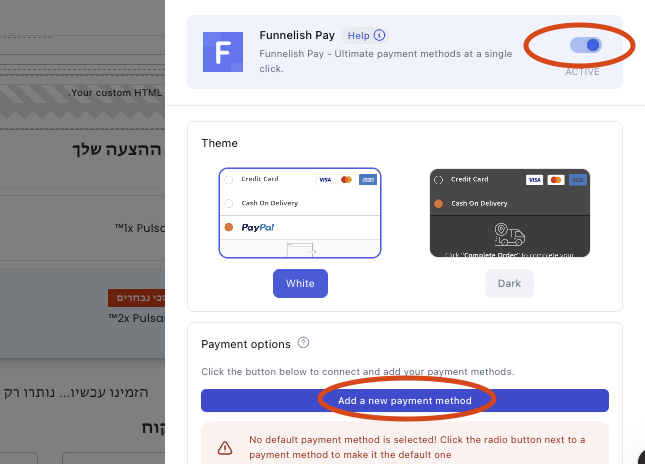
Make sure to enable Funnelish Pay first, then click Add a new payment method.
-
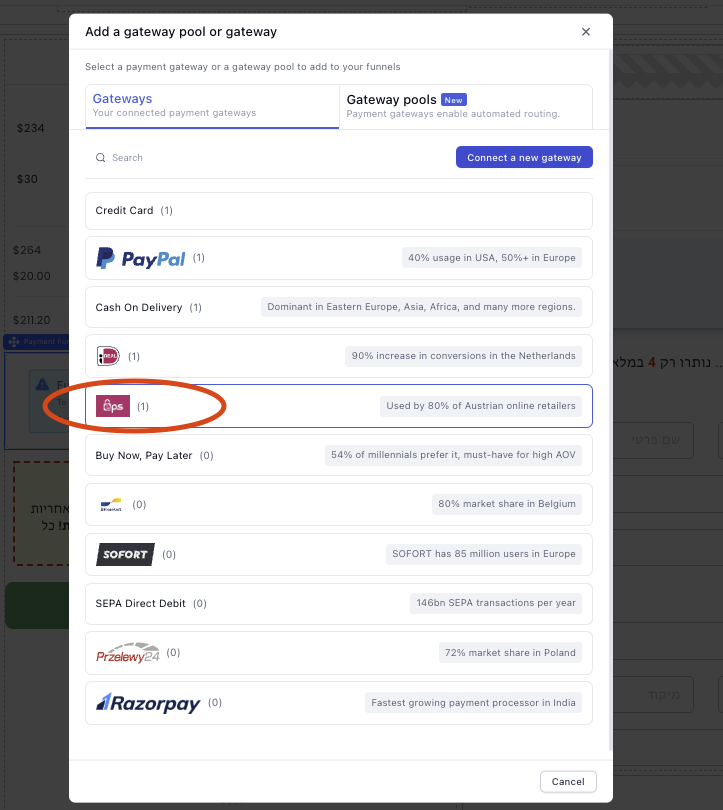
Select EPS from the drop-down.
-
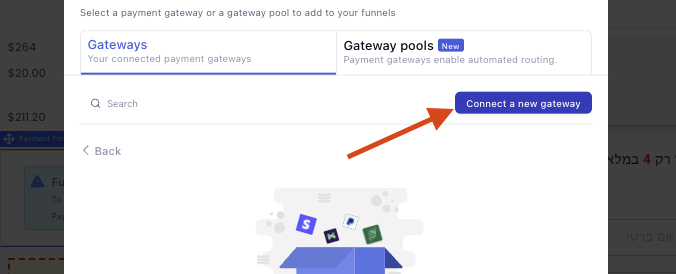
Click connect a new gateway.
-
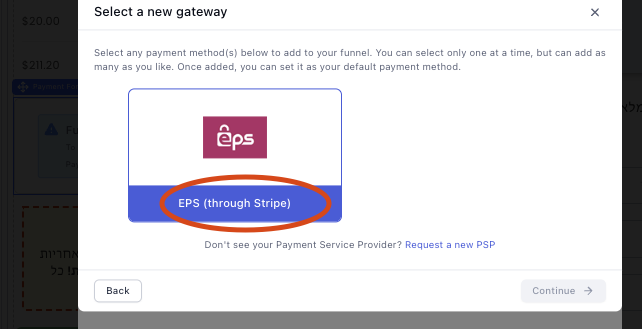
Click EPS (Through Stripe).
-
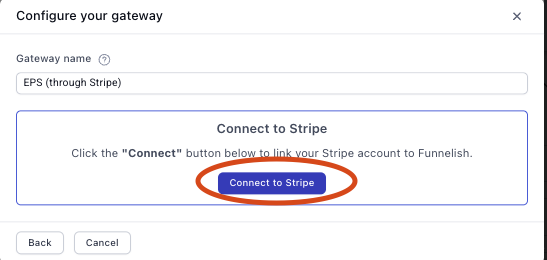
Connect to Stripe.
-
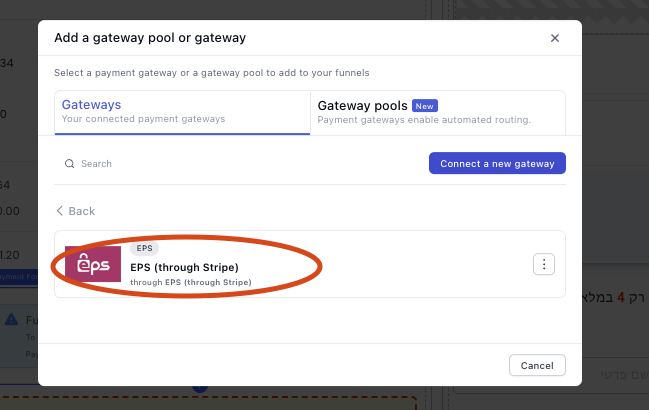
Once connected, click the gateway.
-
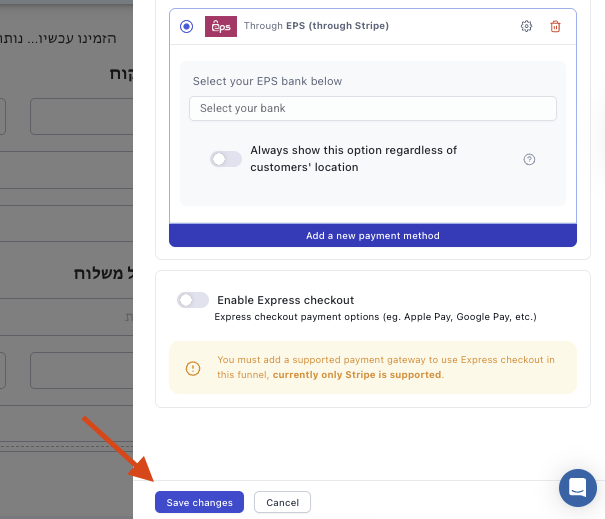
Save changes, and you are all set!
For any questions, feel free to comment below or reach out to us at [email protected]