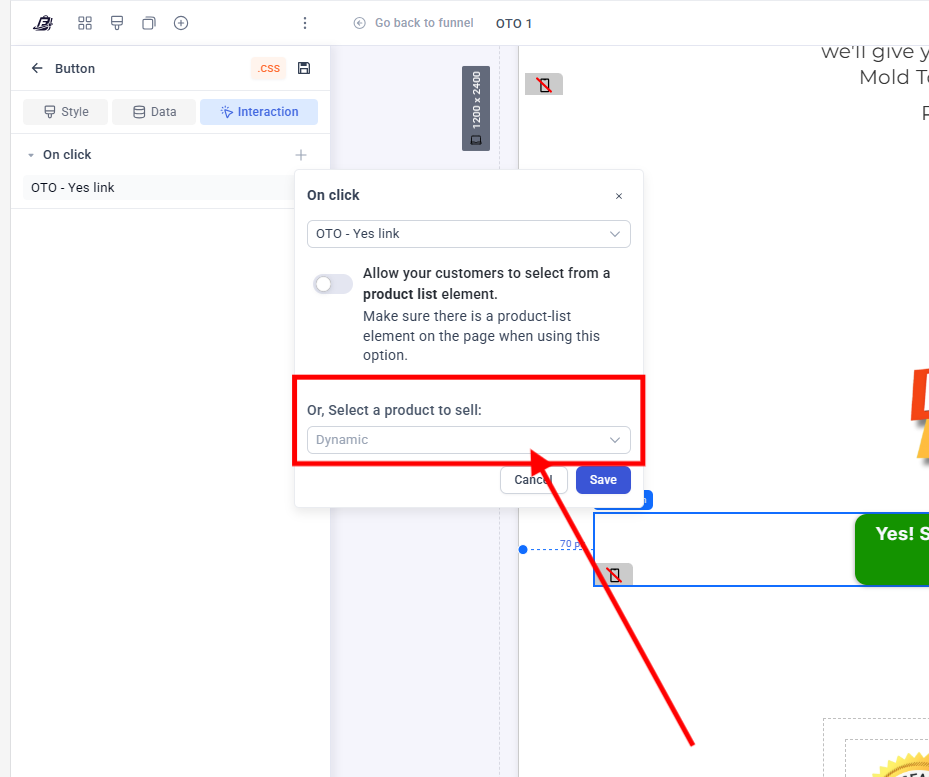
When customers order create an order on the checkout page, without taking any upsells, their order gets sent to shopify without any issues. However when someone does take an upsell, then that customers orders, which are bundled in funnelish (checkout page order + upsell order) are both not sent to shopify, meaning that I have to manually create the order for them. Which is obviously very frustrating for me to deal with.
I am sure that my automations and products are set up, and every time I message funnelish support, they never give me a clear answer and eventually stop responding about it.
The payment processor I am using is stripe FYI.
If someone from the dev team can take a look at my specific sharelink / provide me with a solution to this it would be much appreciated.
Alternatively, I have heard that using zapier can help fix that but I haven’t found a way to use zapier to solve this issue. If anyone has a working zapier automation then please share!
I understand the frustration, specially when upsell orders don’t sync to Shopify.
Most of the time this happens because upsells create a “bundled order” and Shopify doesn’t accept it in the same way as a normal checkout order.
The team is already aware and checking on this. Some merchants use Zapier as a temporary fix, but it’s not always 100% reliable for upsells.
Can you share your funnel link with support again? That will help devs test your exact setup and push a fix faster.
 thanks for sharing this.