We’ve had NMI payment gateway integrated into Funnelish Pay for a while now, and it remains one of the most reliable payment processing options available.
How to add NMI to my Funnel?
-
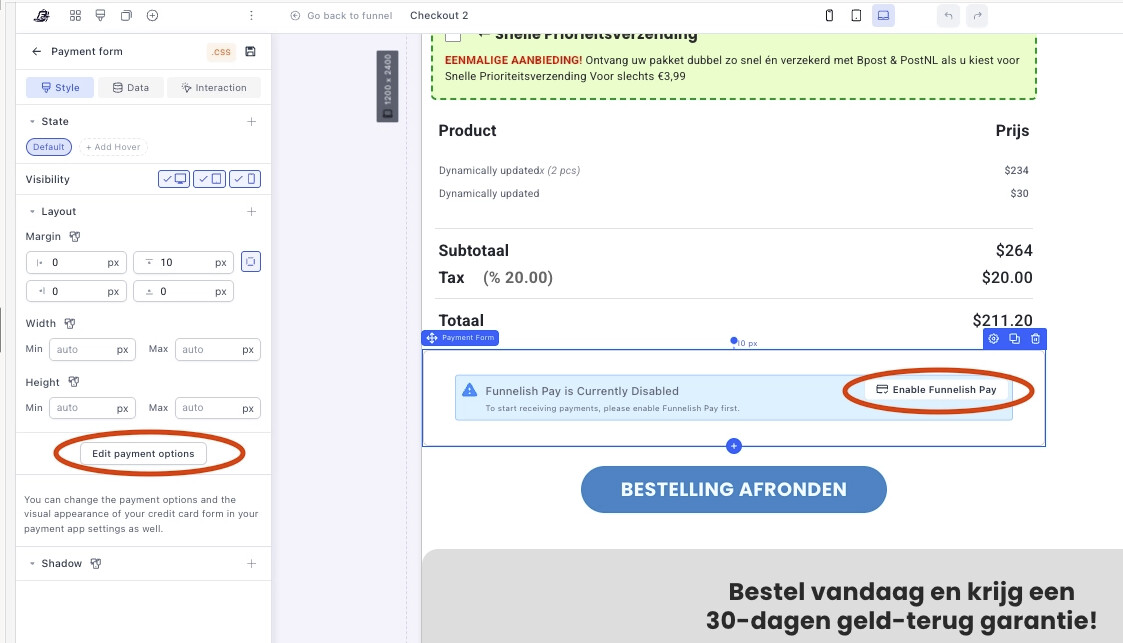
You can click either of these buttons here:
-
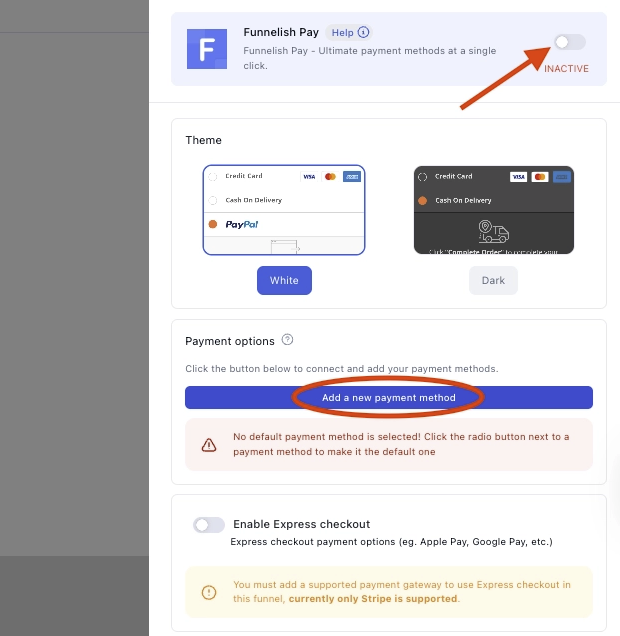
Always make sure to enable Funnelish pay, then click Add a new payment method.
-
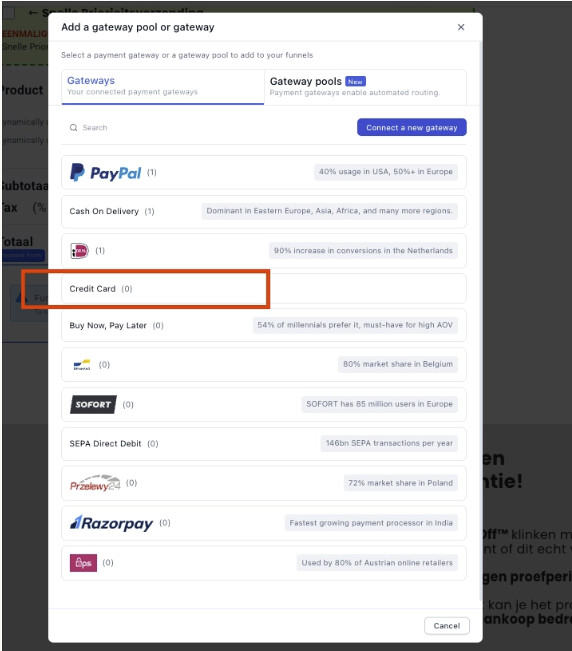
Select Credit card from the list
-
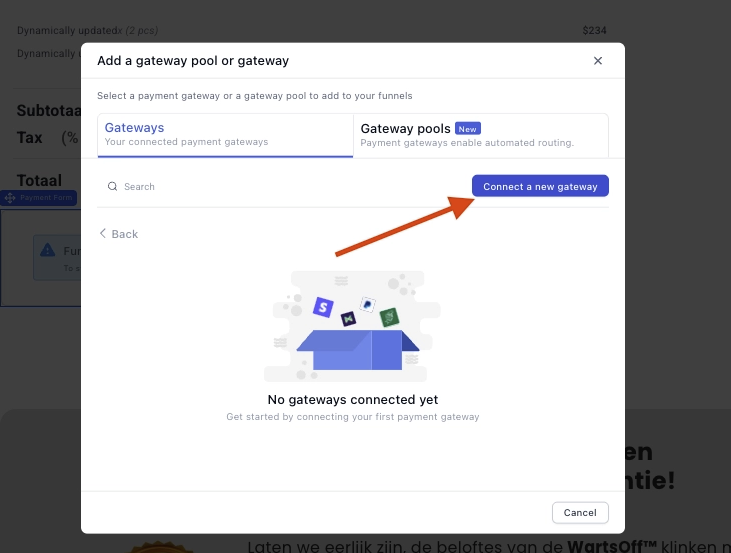
Click Connect a new gateway
-
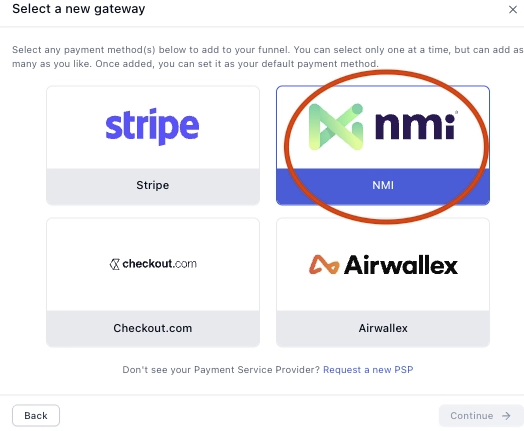
Select NMI
-
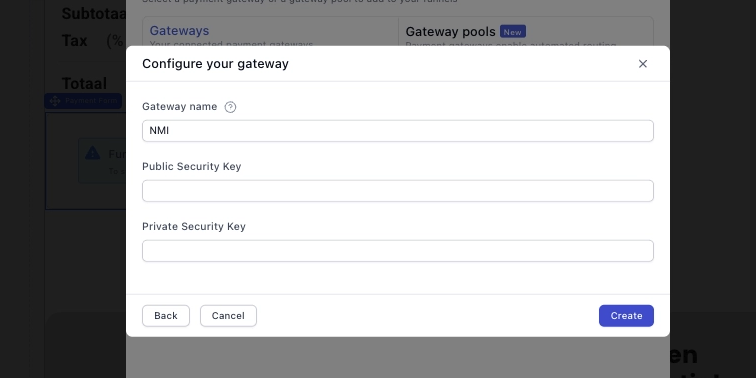
Add your keys, and and click create.
-
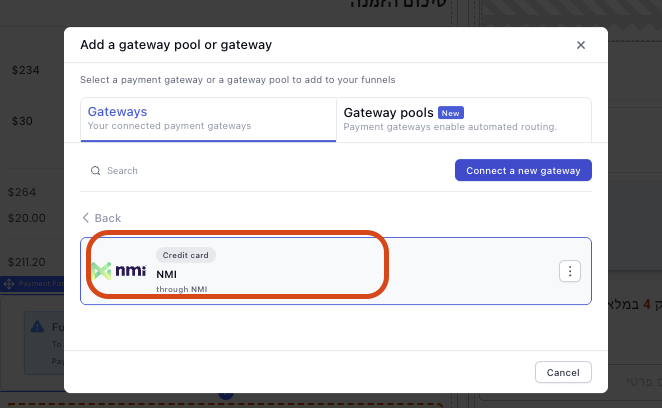
Click the gateway that you just created.
-
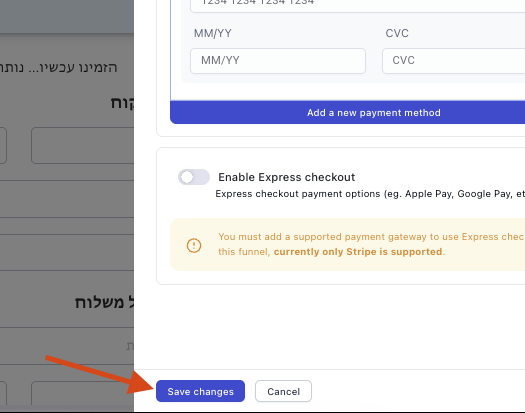
Lastly, click Save changes.
For any questions, feel free to comment below or reach out to us at [email protected]