2026 Updates: Deprecated CF Plugin & Native Order Tracking
Changes & Current Status:
In this 2018 thread, users had issues with PayPal not reporting sales back to ClickFunnels or the legacy Funnelish app, which broke their automations. Fixing this often required manually configuring PayPal IPN (Instant Payment Notification) URLs and ClickFunnels webhooks.
This legacy plugin workflow and manual IPN setups are completely deprecated. Today, Funnelish is a standalone Funnel Builder and eCommerce platform. You no longer need ClickFunnels, nor do you need to hack together PayPal IPN URLs to track your orders.
Up-to-Date Information for PayPal Order Tracking & Automations: Because you now build your funnels directly within Funnelish, your PayPal connection is completely native, and order data is tracked automatically without relying on fragile third-party webhook relays.
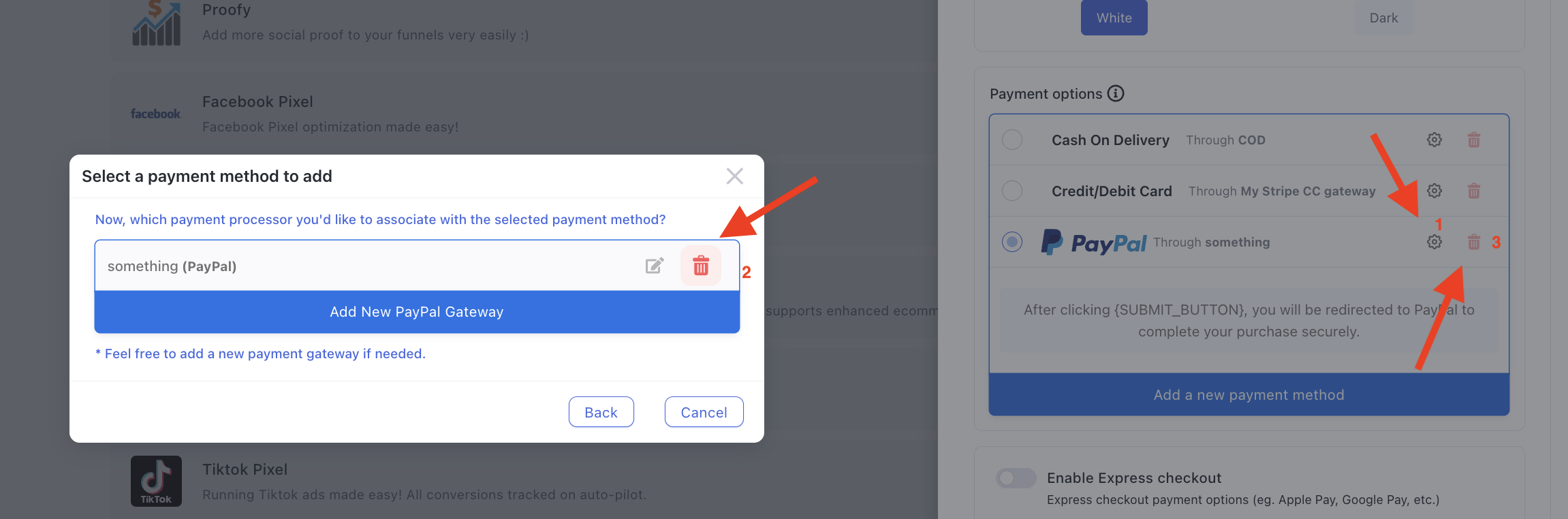
1. Secure API Connections: When you connect PayPal via the native Funnelish Pay integration, it uses modern, secure API connections. Every transaction (whether a one-time purchase, an upsell, or a subscription) is automatically and accurately recorded in your Funnelish Orders dashboard. There is absolutely no need to manually configure IPNs in your PayPal seller settings.
2. Native Automations: Because the orders are logged natively in Funnelish, you don’t need ClickFunnels to trigger your post-purchase workflows. You can easily use Funnel Automations:
Go to your Funnel Automations (or Global Automations).
Create a rule triggered by On Purchase.
Add actions to instantly send order confirmation emails, grant course access, or push data to external integrations (like Shopify, Zapier, or Mailchimp) the exact moment PayPal approves the transaction.
Related Articles & Resources:
Connecting PayPal securely: Funnelish PayPal Integration
Setting up post-purchase workflows: Funnelish Automations Overview
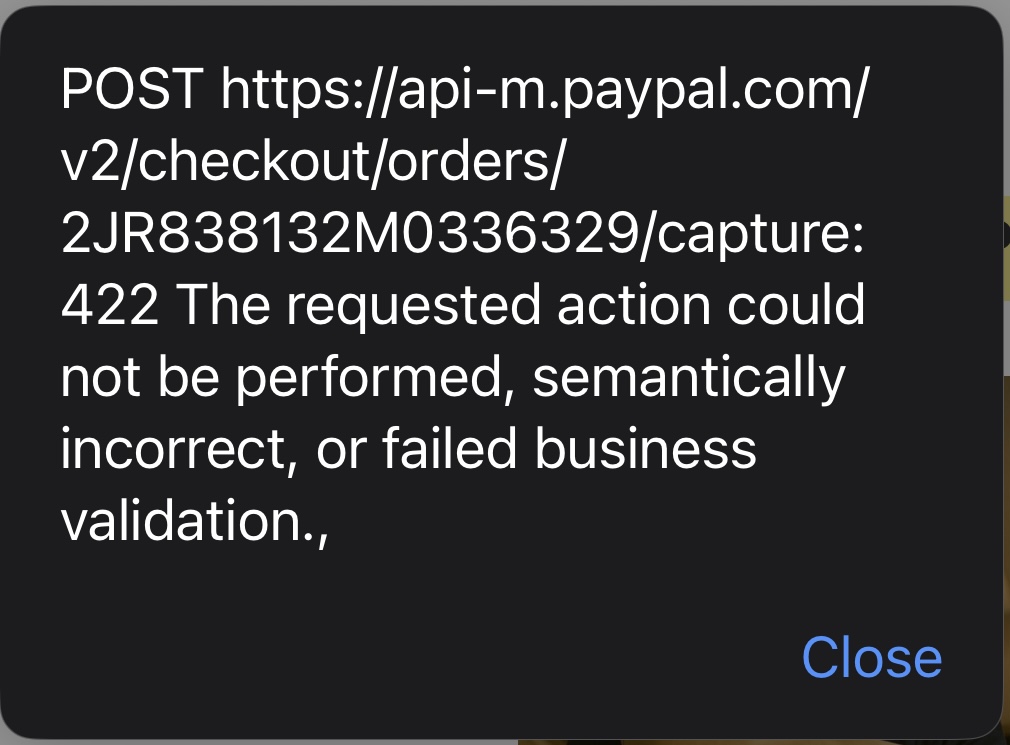
Hi, i am getting this error after testing to purchase with paypal
Error:
POST https://api-m.sandbox.paypal.com/v2/checkout/orders/4H905342EK296794W/capture: 422 The requested action could not be performed, semantically incorrect, or failed business validation.,