I need help with the checkout process. In Step 2, where I select the product, I see an arrow to return to Step 1, but it’s extremely large. It doesn’t appear like this in the editor, but when I’m about to complete the purchase, this huge arrow is visible. What can I do?
I’ve attached a Loom video to see what the solution is:
Hi @Johan_Diaz thanks for the loom!
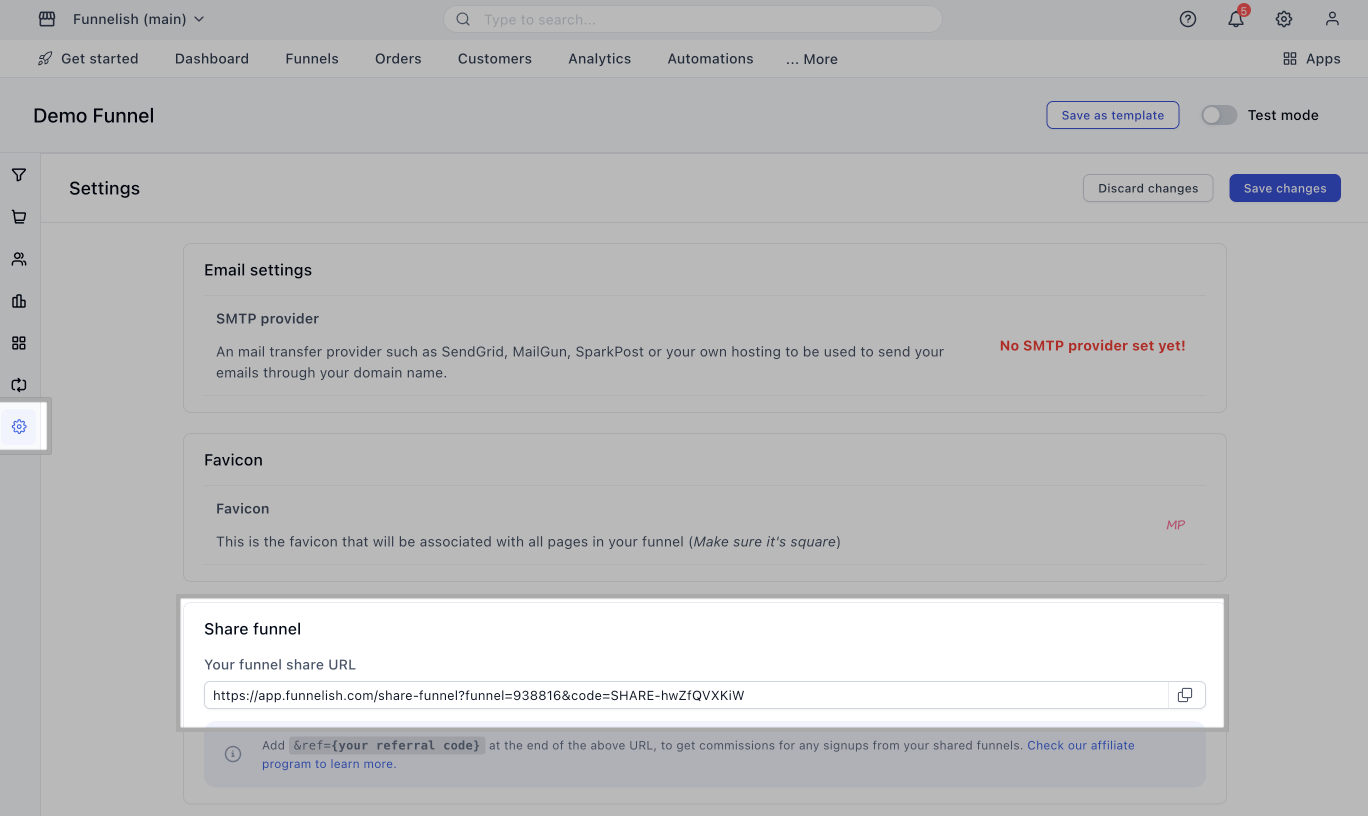
In order for us to look into this further we’ll need either the checkout url or the sharelink of the funnel to look inside the page.
Please reach out to our support team sharing this thread and the links mentioned above to help you resolve this ASAP.
Best,
Belén @Funnelish
Here is the direct link to that STEP:
Hi @Johan_Diaz thank you for the link, we’ll need to look into this further since we cannot confirm from where it’s stemming off from, please reach out to support with the share funnel link of the funnel and a screenshot of the error so our team can look into this for you and help you resolve,
Thanks,
Belén@Funnelish
Hi @Johan_Diaz,
add the following code in your custom CSS. it will fix the issue.
.two-step-form .tsf-back span svg {
    max-width: 15px;
    width: 15px;
    height: 15px;
}
Thank You
2 Likes
Thanks @anwerashif , you are a crack Bro!! Solution 100%
1 Like
Thanks @anwerashif I wasn’t able to replicate it.
@Johan_Diaz would you be able to send over privately the sharleink of your funnel so we can replicate it and forward it to our dev team?
Thanks in advance!
Belén@Funnelish
2 Likes