RazorPay payment available now
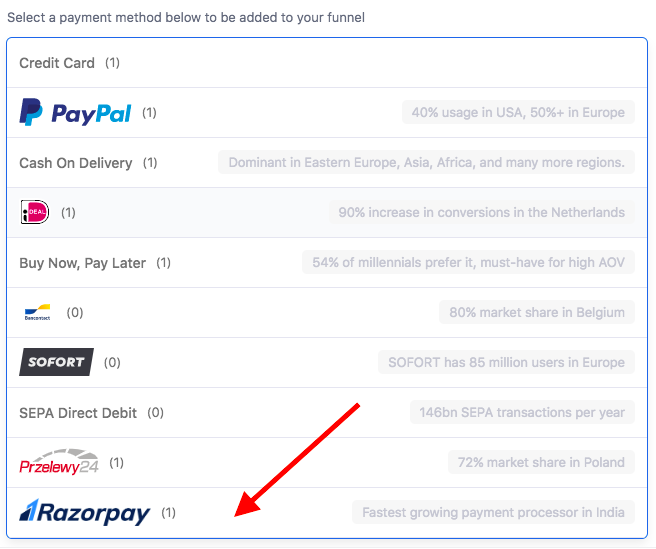
You can now use RazorPay as a payment method on your funnel.
- All you need to do is go to the Settings section within your RazorPay account, generate a new API key.
- Copy the key and secret ID quickly, and paste it into Funnelish> Funnel Apps> RazorPay;
- Hit save changes and that’s it!
Find detailed guidance on adding RazorPay to your funnel on our docs
RTL available natively
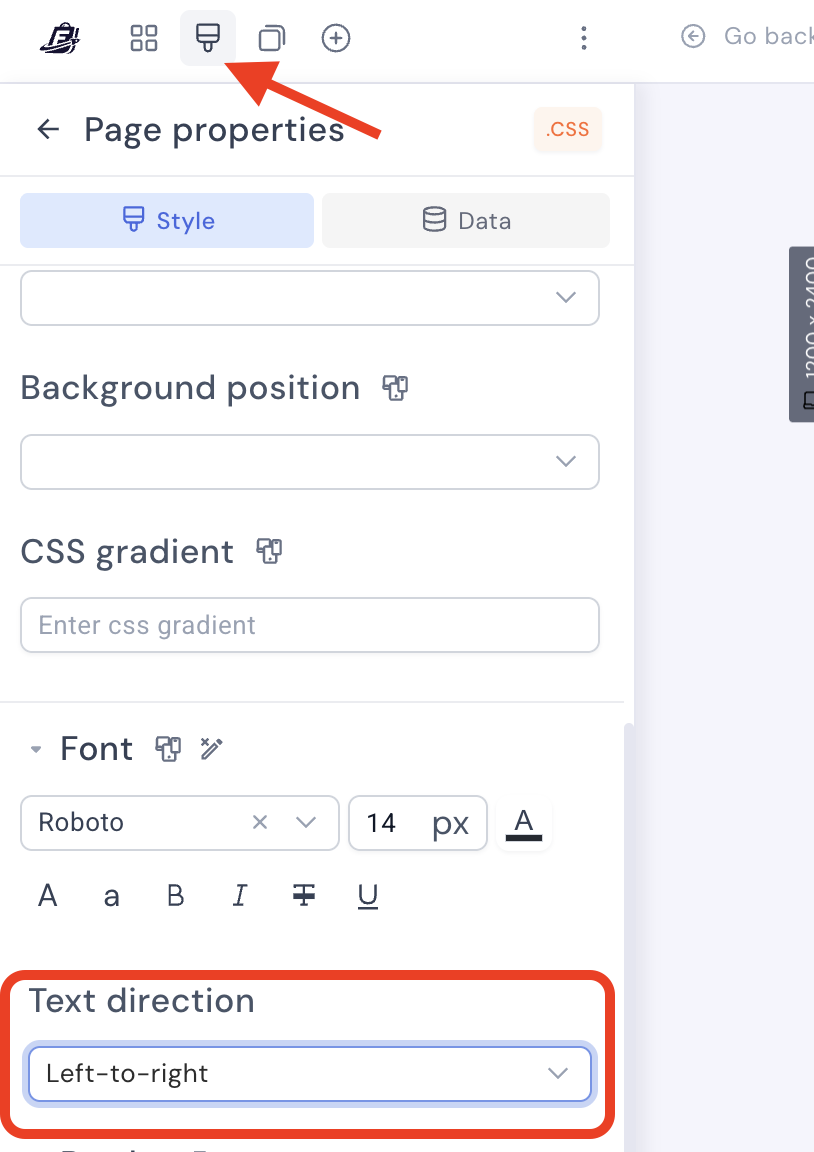
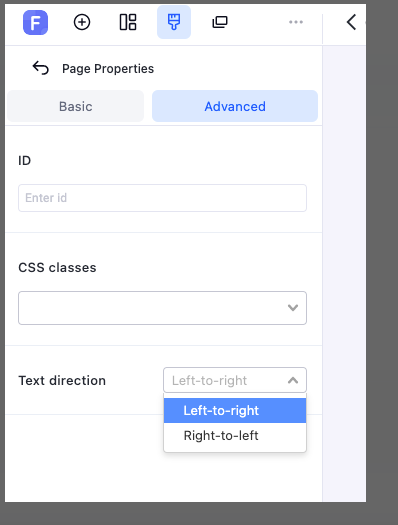
This property can be found under Page Properties > Advanced > Text direction
- When turned on it makes it easier to work with RTL languages (Arabic, Hebrew…etc).
Editor fixes
- The editor supports all fonts subsets (eg. Vietnamese, Arabic, Cyrillic…etc)
- Editor broken scrolling on some devices fixed.
Automations
- Product creation and automations bugs fixed;
- CF funnels automations fixed.
 just updating this thread since this is from 2023.