This is a complete webinar funnel template for course sellers, coaches and educators. It includes six ready pages: a webinar landing page, a checkout with three order bumps, a one-click upsell, a thank you page with an Add to Calendar button, and both legal pages. The demo sells a $49 paid webinar on personal finance. Swap in your webinar and launch.
 Template Overview Template Overview |
|
|---|---|
 Summary Summary |
A webinar funnel template for paid webinars, courses and coaching. The landing page registers attendees with a countdown, curriculum preview and 30-day guarantee, the checkout adds three order bumps to every registration, a one-click upsell sells a bring-a-friend ticket bundle, and the thank you page books the event into the attendee’s calendar. |
 Funnel Anatomy Funnel Anatomy |
 Webinar Landing Page. Registration hero, countdown, modules, testimonials, FAQ. Checkout Page. Three order bumps, guarantee and reviews at the payment form. Upsell Page. One-click two-ticket bundle. Thank You Page. Spot confirmed + Add to Calendar. Ready Terms of Service and Privacy Policy pages. Webinar Landing Page. Registration hero, countdown, modules, testimonials, FAQ. Checkout Page. Three order bumps, guarantee and reviews at the payment form. Upsell Page. One-click two-ticket bundle. Thank You Page. Spot confirmed + Add to Calendar. Ready Terms of Service and Privacy Policy pages. |
 Quick Import Quick Import |
 Clone this Funnel Template Clone this Funnel Template |
Why Webinar Funnels Work
A webinar sells what a sales page can’t: an hour of your teaching, live proof that you know your subject. Paid webinars also filter for serious buyers, a $49 attendee shows up, and every attendee is a warm lead for your course or coaching program afterward. The funnel’s job is to fill seats and raise the value of every registration, and each page here does one piece of that.
The Webinar Landing Page
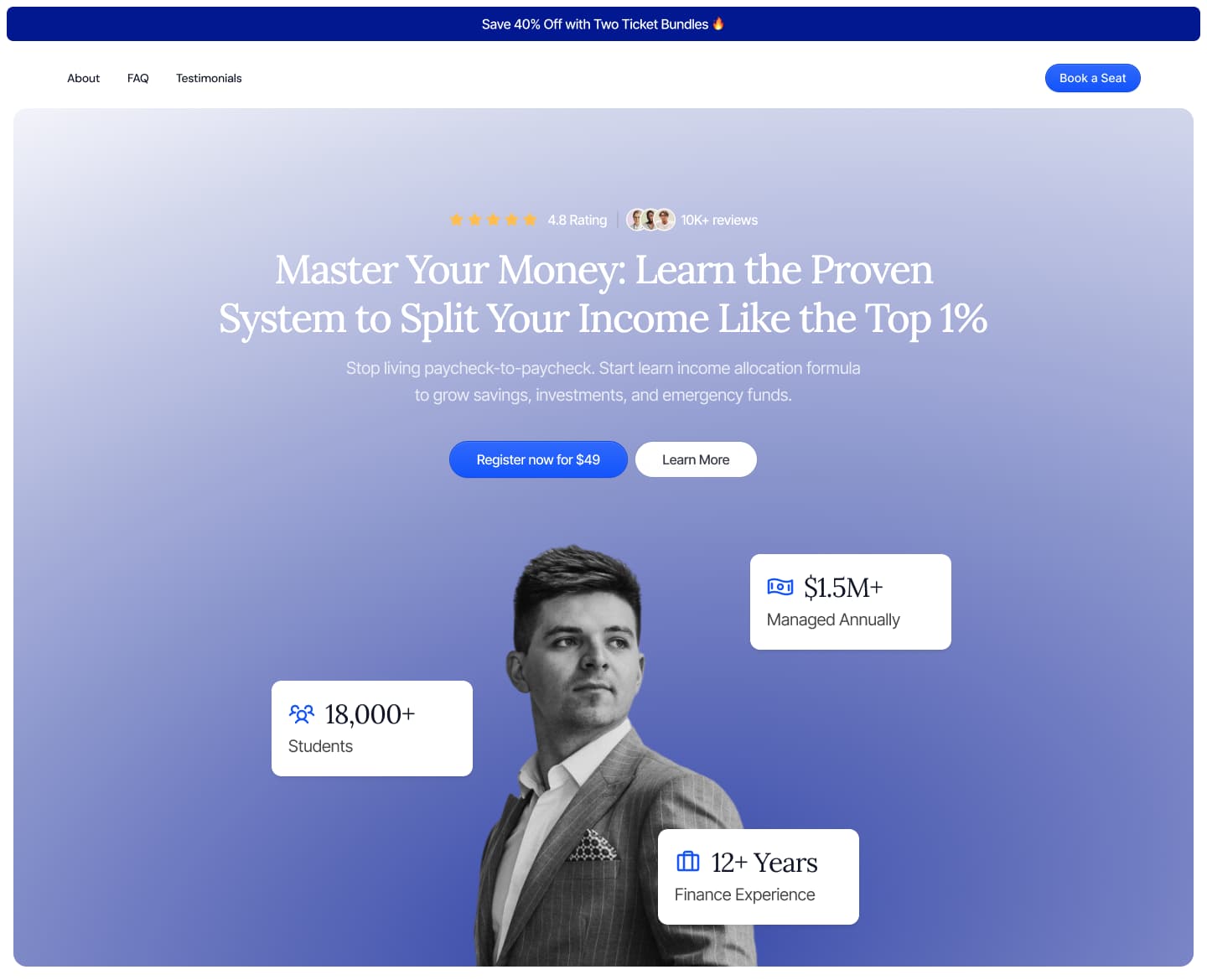

The registration page, structured for cold traffic:
- Hero with the promise and two CTAs: register and learn more
- Countdown timer on a limited-price offer ($49, marked down from $149)
- Ratings, student counts and four testimonials
- Curriculum preview: four modules with benefit bullets
- What’s included: the recording, workbook templates, checklists and lifetime access
- 30-day money-back guarantee and a four-question FAQ
To adapt it: put your webinar’s outcome in the headline, your modules in the preview, your numbers in the proof section. Keep the order.
The Checkout Page: Three Order Bumps
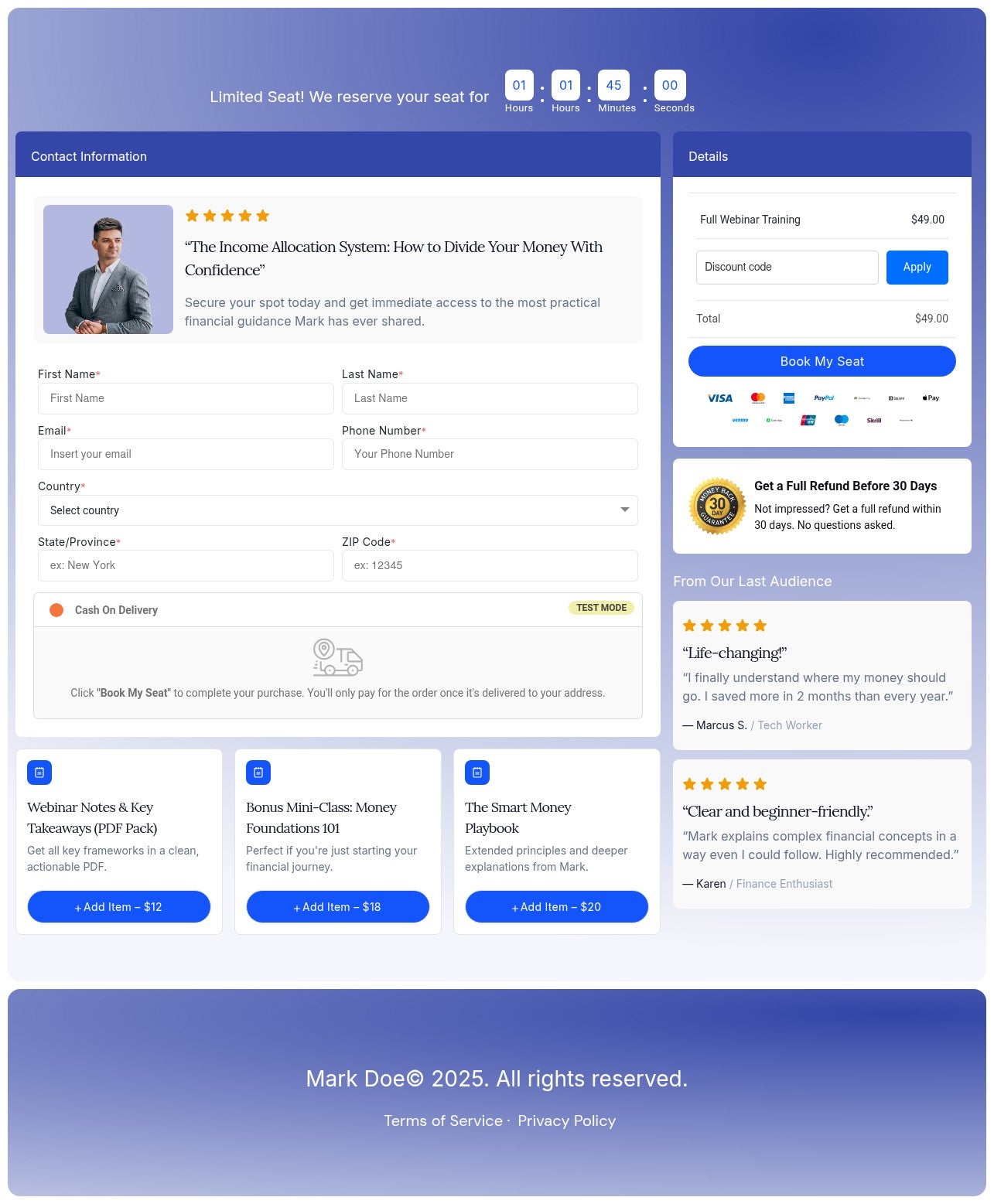
This is where the template earns its keep. Alongside the registration form, three order bumps let the buyer add extras with a checkbox:
- Webinar notes and key takeaways PDF, $12
- A bonus mini-class, $18
- A companion playbook, $20
A $49 registration becomes a $99 order with two ticks, and the add-ons cost nothing to deliver. The countdown, “limited seats” note, guarantee and two testimonials sit right at the payment form to close hesitation.
The Upsell Page
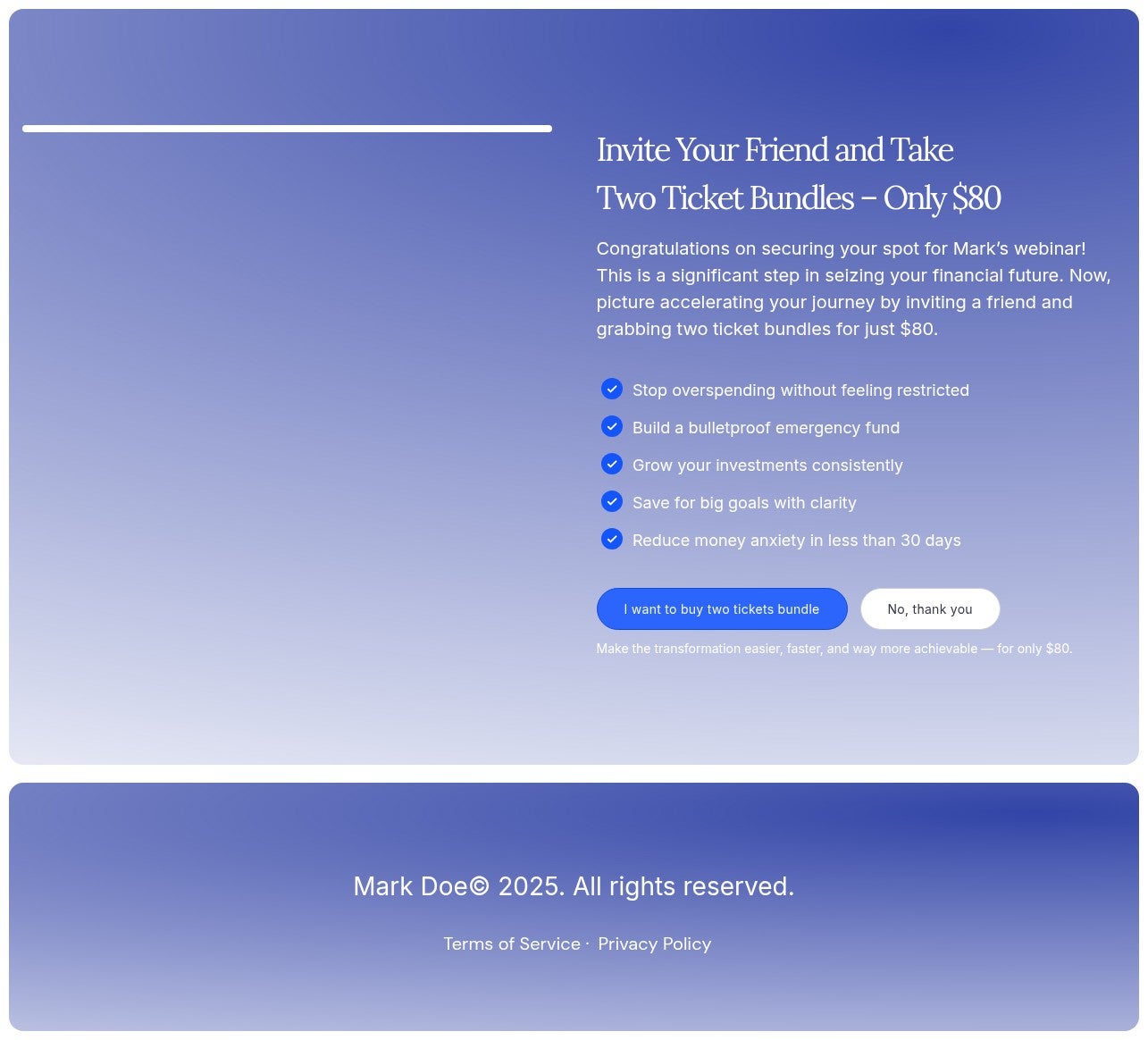
One click after payment, the buyer can grab a two-ticket bundle and bring a friend. It’s a smart upsell for webinars specifically: attendees who come with someone show up more, and the second seat is free for you to provide. Swap it for your own offer if you prefer, a VIP Q&A seat, a recording package or your full course.
The Thank You Page
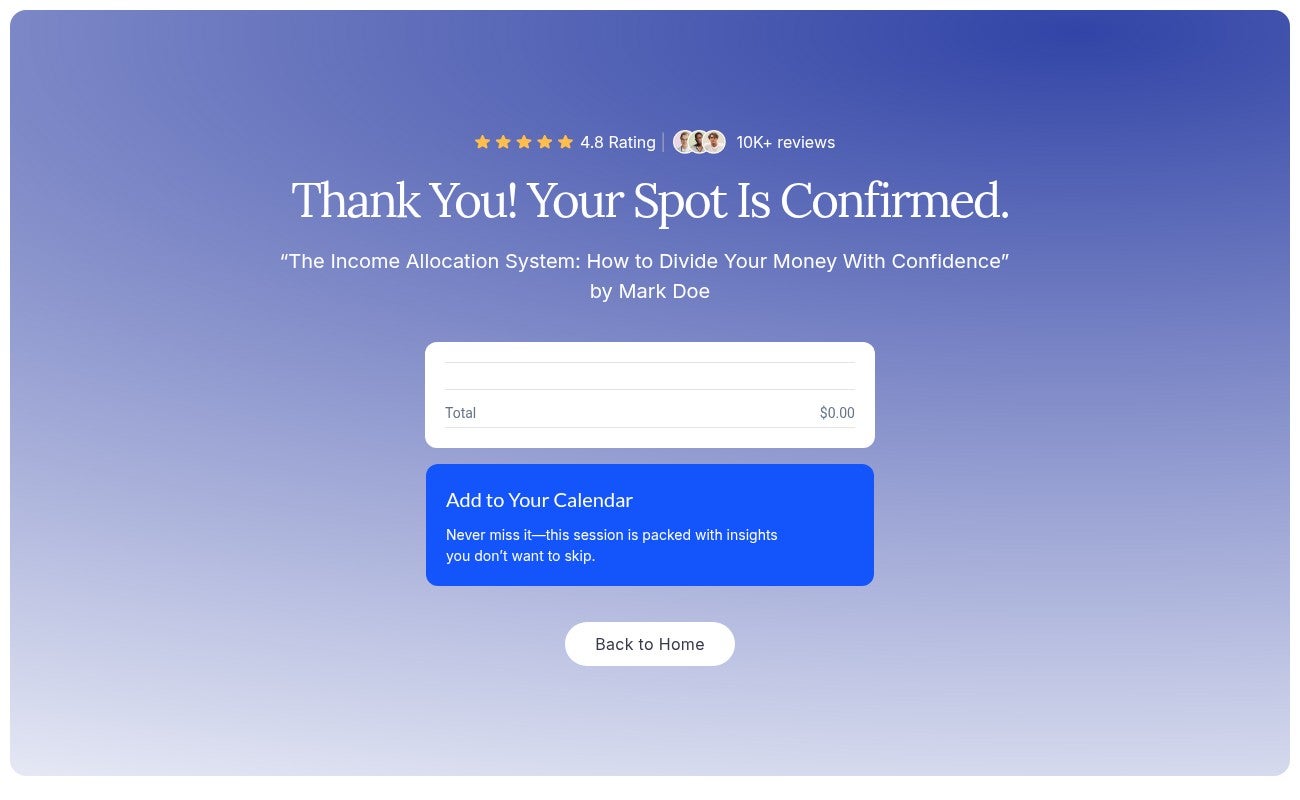
“Your spot is confirmed”, the order summary, and an Add to Your Calendar button that books the event into Google Calendar. That one button is your show-up rate insurance: a webinar on the calendar gets attended, one in an inbox gets forgotten. Terms and privacy pages are included too, ready for ad review.
How to Launch Your Webinar Funnel
- Clone the template into your Funnelish account
- Rewrite the landing page around your webinar’s outcome, modules and proof
- Set your order bumps: notes PDF, a mini-class, a workbook, anything you already have
- Point the upsell at your bundle or VIP offer, set the real event date on the countdown and calendar button, and launch
 Questions? Reply below or ask in Ask the community.
 Browse more designs in Templates, or request a custom layout.


