You can add tracking codes (like Meta Pixel, Google Analytics, etc.) in Funnelish using the Tracking Codes section inside your funnel settings.
How to add tracking code to the header
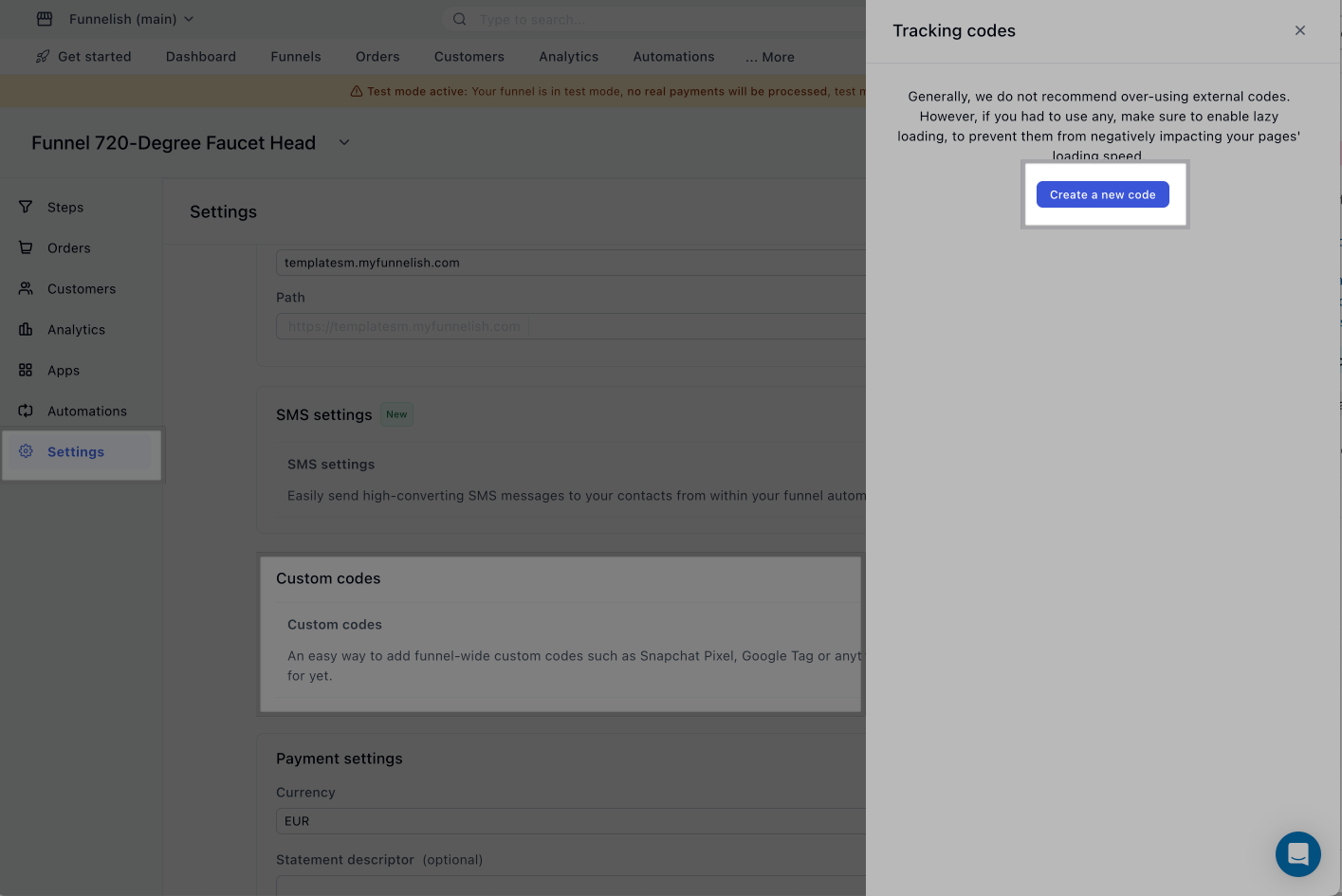
Go to your Funnel> Settings>Custom Codes>Tracking Codes>Create a new code
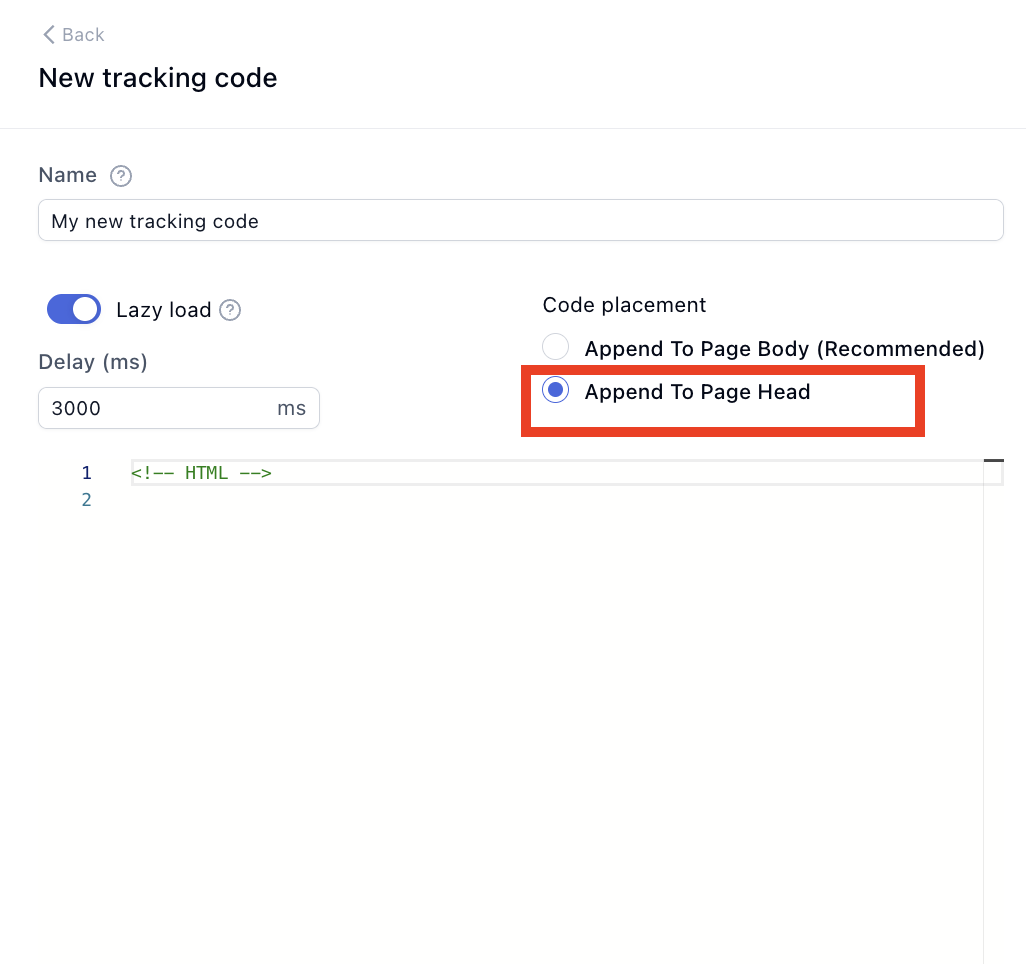
Under Code placement, select Append To Page Head >Save.
Note:
-
Append to Page Body** is marked as recommended for performance (lazy loading)
-
However, some tracking tools (like Meta Pixel or verification scripts) may require Head placement
-
Always follow the instructions provided by your tracking tool.
If you’re unsure where your code should go, feel free to reach out, we’re happy to help 