Imagine you send someone a link like this:
https://yourwebsite.com/?product-id=3789810
 When they open the page, the correct product is automatically selected.
No clicking needed. Magic! 
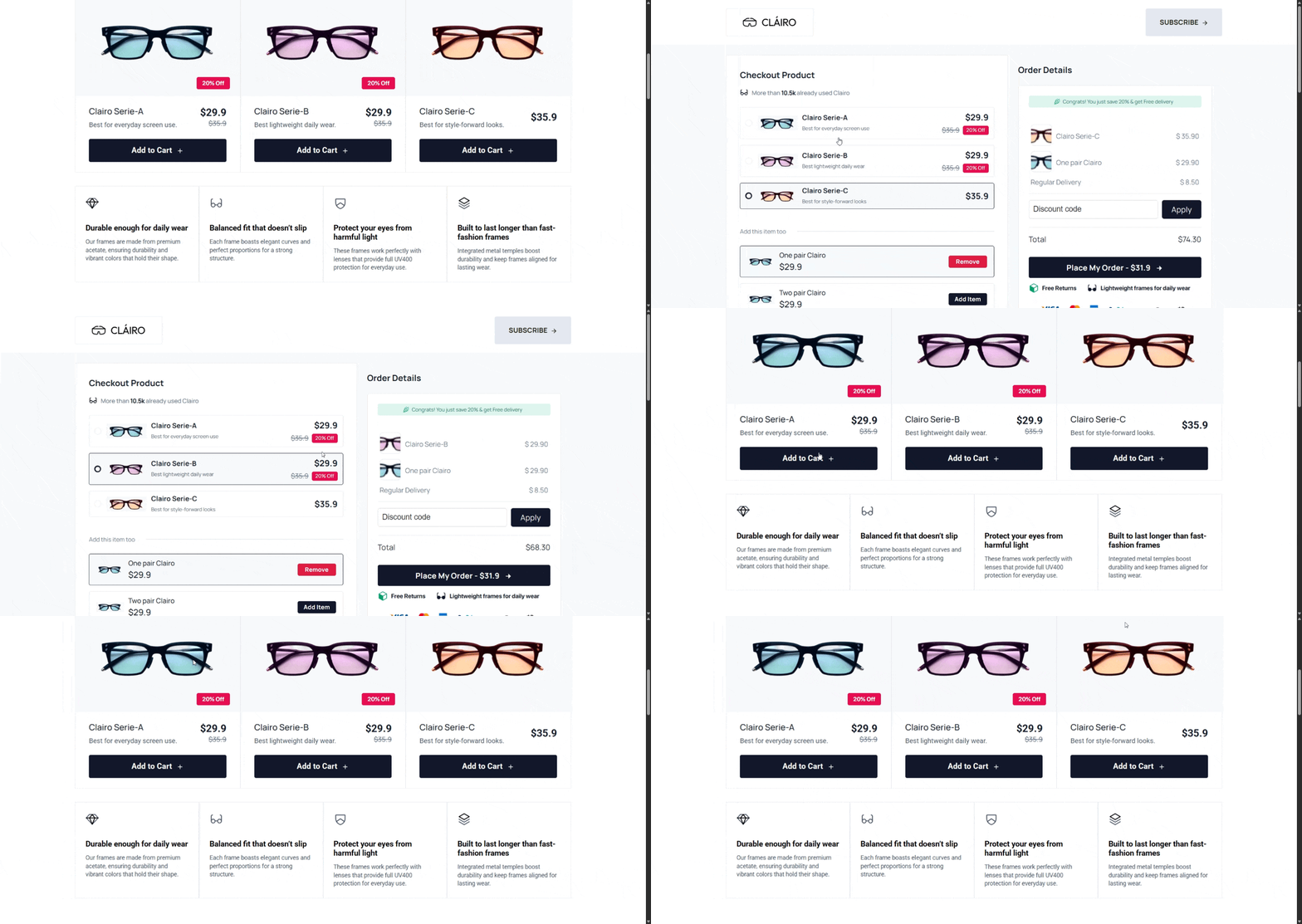
 Why is this useful?
Here are some real-life use cases:
 1. Marketing Campaigns
You can send different links for different products:
-
Product A →
?product-id=111 -
Product B →
?product-id=222
Each link opens with the correct product selected.
2. Upsells / Funnels
If a user clicks “Buy Now” from another page:
You can send them directly to the checkout with the product already selected.
3. A/B Testing
Test different products easily by changing the URL.
4. Customer Support
Instead of telling users “select this product…”
Just send them a link and it’s already selected.
 How does it work?
We read the product ID from the URL
Then we find the matching radio button
Then we select it automatically
 Copy-Paste Code
Just add this script to your page (Footer is perfect  )
)
window.addEventListener("load", function () {
  const params = new URLSearchParams(window.location.search);
  const productId = params.get("product-id");

  if (!productId) return;

  const interval = setInterval(() => {
    const radio = document.querySelector(
      `input[type="radio"][name="product-id_mainproduct"][value="${productId}"]`
    );

    if (radio) {
      radio.checked = true;

      // Click the closest grandparent/product wrapper.
      const productList = radio.closest(".product-list");
      if (productList) {
        productList.click();
      }

      // Tell the system something changed
      radio.dispatchEvent(new Event("change", { bubbles: true }));

      clearInterval(interval);
    }
  }, 300);
});
 Example (Easy to Understand)
Your HTML:
<input type="radio" name="product-id_mainproduct" value="111"> Product A
<input type="radio" name="product-id_mainproduct" value="222"> Product B
<input type="radio" name="product-id_mainproduct" value="333"> Product C
Your URL:
https://yourwebsite.com/?product-id=222
Result:
Product B will be selected automatically
 Simple Explanation
Think of your website like a vending machine 
-
Each product has a number (like 111, 222, 333)
-
The URL is like pressing a button before you even arrive
So when you visit:
?product-id=222
It’s like telling the machine:
“Hey! I want number 222!”
And it selects it for you 
 Important Notes
-
Make sure your radio input has:
-
type="radio" -
correct
name -
correct
value
-
-
Example:
<input type="radio" name="product-id_mainproduct" value="3789810">
 Pro Tips
-
You can combine this with:
-
WhatsApp links
-
Email campaigns
-
Ads (Facebook, Google)
-
-
Works great with Funnelish dynamic checkouts
That’s it!
Now your links are smarter, faster, and better