Przelewy24 — often shortened to P24 — is Poland’s leading real-time bank transfer method: running since 2004, connected to 165 Polish banks, used by more than half of Polish online shoppers, and recognised by around nine in ten Polish consumers. In Funnelish it runs through Stripe.
Why offer Przelewy24
Poland is a bank-transfer market, not a card market — card penetration in Poland is only around 19%, so a cards-only checkout is invisible to most of the country. Bank payments have led Polish e-commerce for years.
-
It’s what Polish buyers look for. With 165 banks behind Przelewy24, virtually anyone with a Polish bank account can pay through it — and a checkout without a local bank option reads as foreign.
-
Real-time confirmation. The payment either completes or it doesn’t, while the customer is still on the page — no pending states to reconcile.
-
Nothing to hand over. The customer authorises inside their own bank’s portal, so no card or account details ever touch your site — a trust signal Polish shoppers actively prefer.
Check your niche is eligible. On top of Stripe’s standard restrictions, Przelewy24 through Stripe prohibits dropshipping businesses and businesses selling online training. If that’s your model, this method isn’t available to you — Stripe shows your eligibility under Settings → Payment methods.
Before you start
-
Funnelish Pay is enabled on the funnel — Enable Funnelish Pay.
-
A payment form element is on your checkout step — Add payment methods to your checkout.
-
A Stripe account — see Stripe if you haven’t connected one.
-
Your funnel’s currency matches — Stripe processes P24 in PLN and EUR; any other currency hides it at checkout.
Set it up
-
Open your checkout step, select the payment form element, and click Edit payment options.
-
Click Add a new payment method, then choose Przelewy24 → Add New Przelewy24 Gateway.
-
Name the gateway, click Connect, and complete the authorisation on Stripe’s side.
-
Select the new payment method on the list and save your changes.
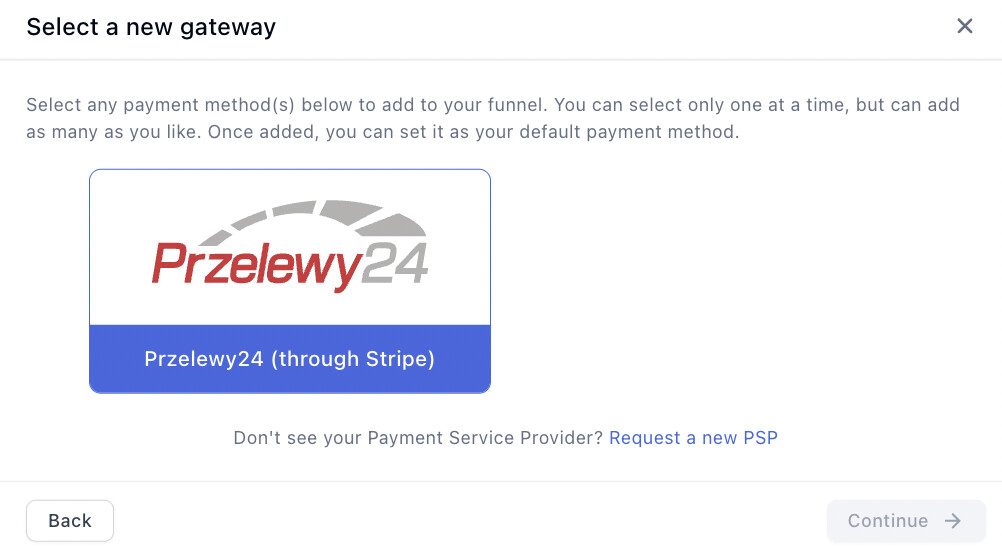
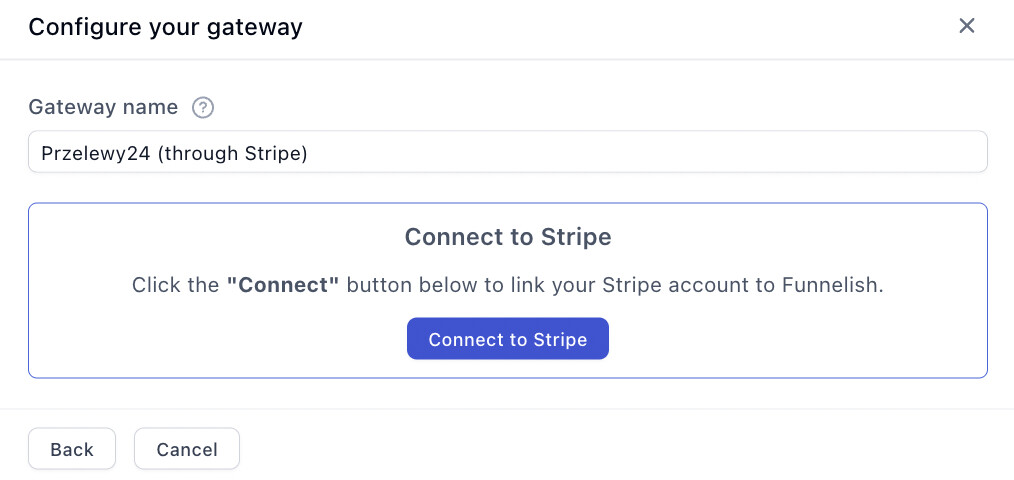
Then enable it on your Stripe account — it isn’t on by default:
-
In your Stripe Dashboard, open Settings → Payment methods.
-
Scroll to Przelewy24 and click Turn on.
Testing
Turn on Test Mode with the toggle in the funnel’s top bar and run through your checkout — Stripe’s test mode simulates the bank flow, so no real money moves. Then follow Test payments before launch before going live, and turn Test Mode off — it’s the first item on the funnel launch checklist.
If something isn’t working
Przelewy24 doesn’t appear at checkout. Check the funnel’s currency is PLN or EUR, the gateway is selected and saved on the payment form, and that Przelewy24 is turned on in your Stripe dashboard.
Payment processing is the fiddliest part of building a funnel. Gateway credentials, currencies, country rules, the form itself — a lot of moving parts, and the one area where a mistake costs you orders rather than just looking wrong.
If P24 isn’t behaving, start a topic in Ask the community. Someone will help. For anything tied to your account or a specific transaction, contact us on chat support.