Two elements from the Others section of the panel that round out a funnel page. FAQs answer objections in expandable folders that don’t eat your layout. Social buttons link your profiles anywhere on the page, usually the footer.
FAQs
Long answers are good for conversions and bad for layouts. Spelled out in full, a few honest questions swallow the page:
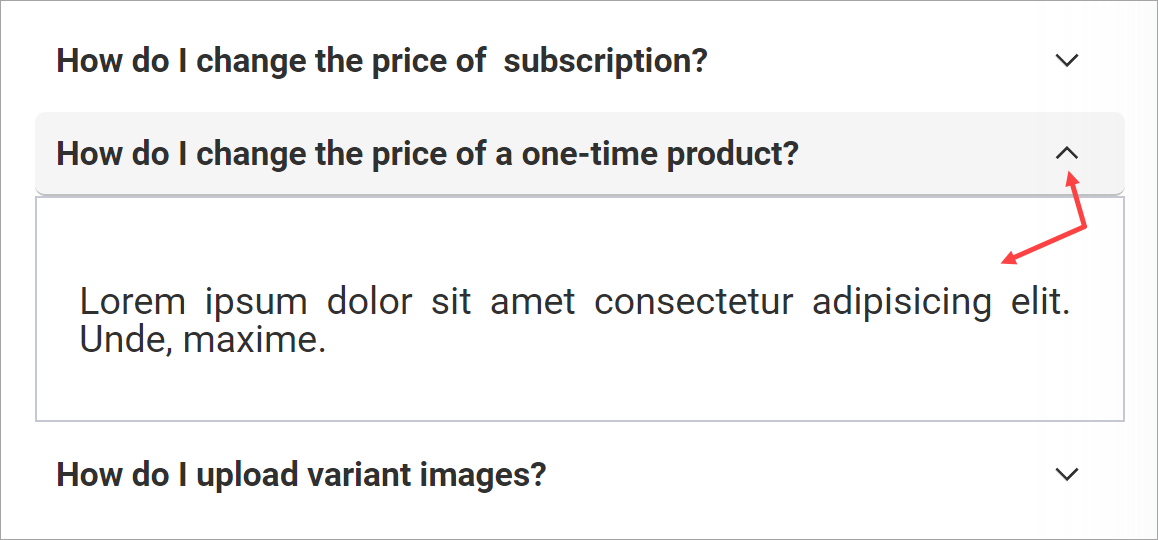
The FAQ element solves it with an accordion: questions show, answers stay folded until the visitor clicks the arrow:
Build the list
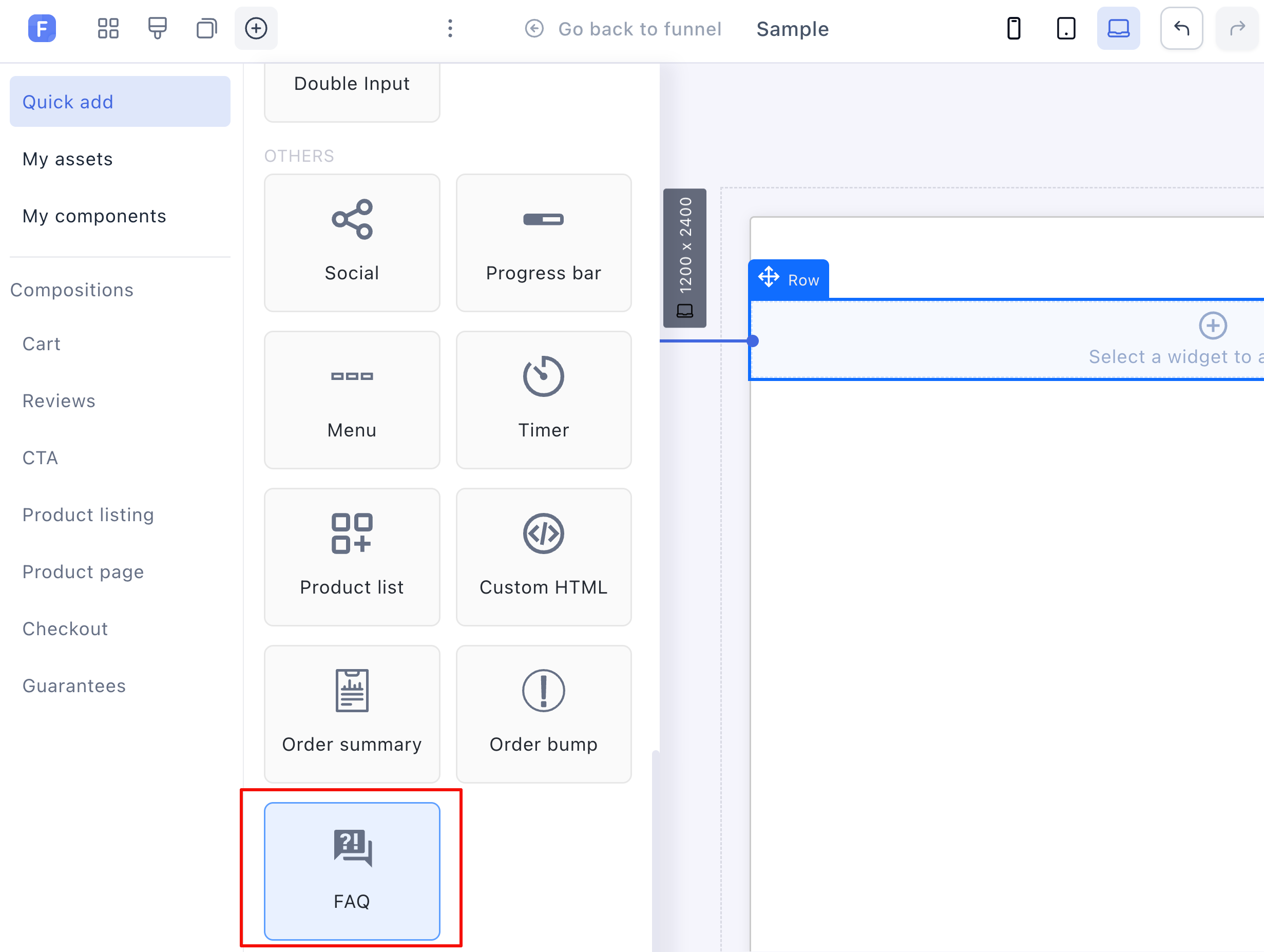
- Click the container or row cell that will hold the FAQ, then pick FAQ from the Others section of the panel:
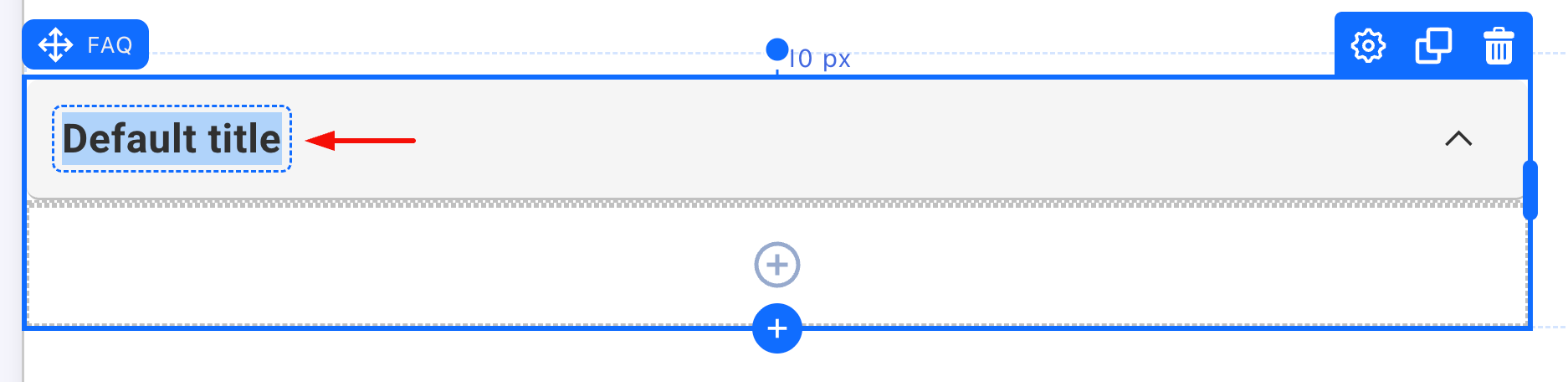
- Click the Default title header and type the question:
- Click the + inside the element and add the answer content:
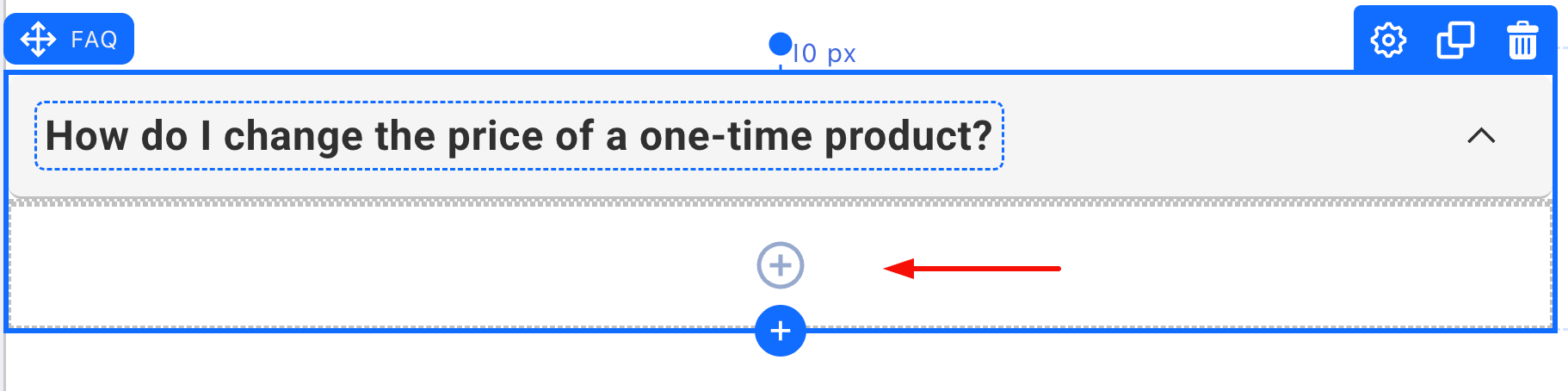
The answer area holds regular elements. A Paragraph covers most questions, but images and video work too, so “How do I use it?” can be answered with the demo clip itself.
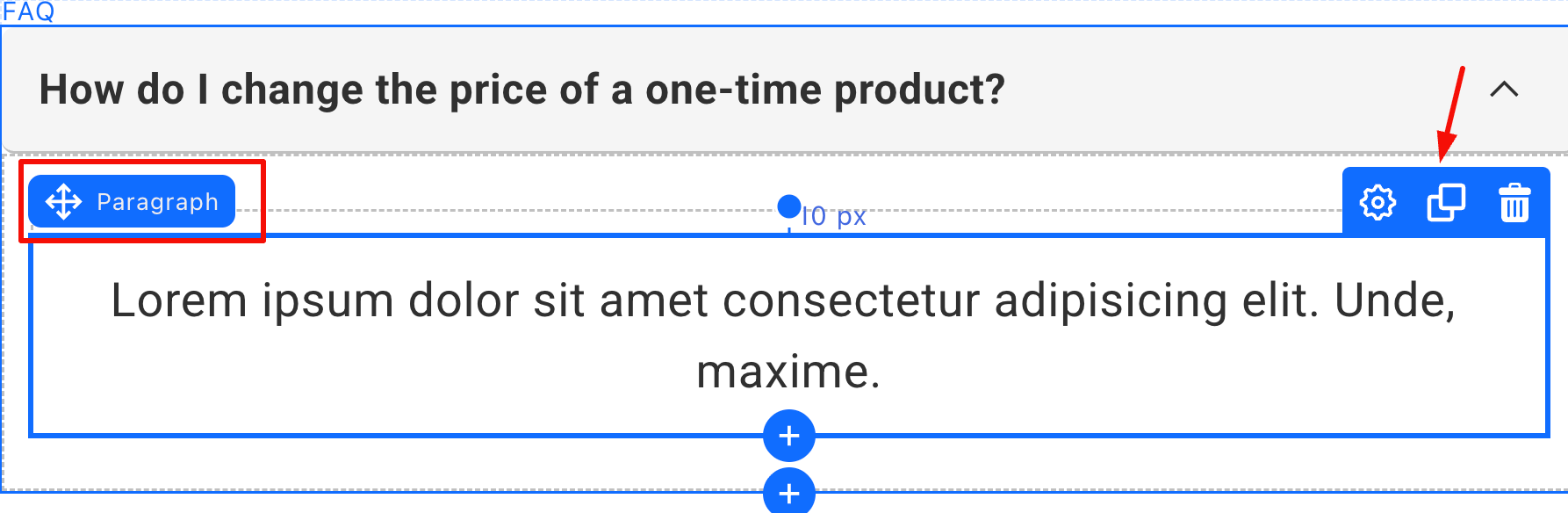
One element per question. Each FAQ element is one folder. For the next question, don’t rebuild: click the Clone icon on the element toolbar and edit the copy, so the styling carries over.
Styling
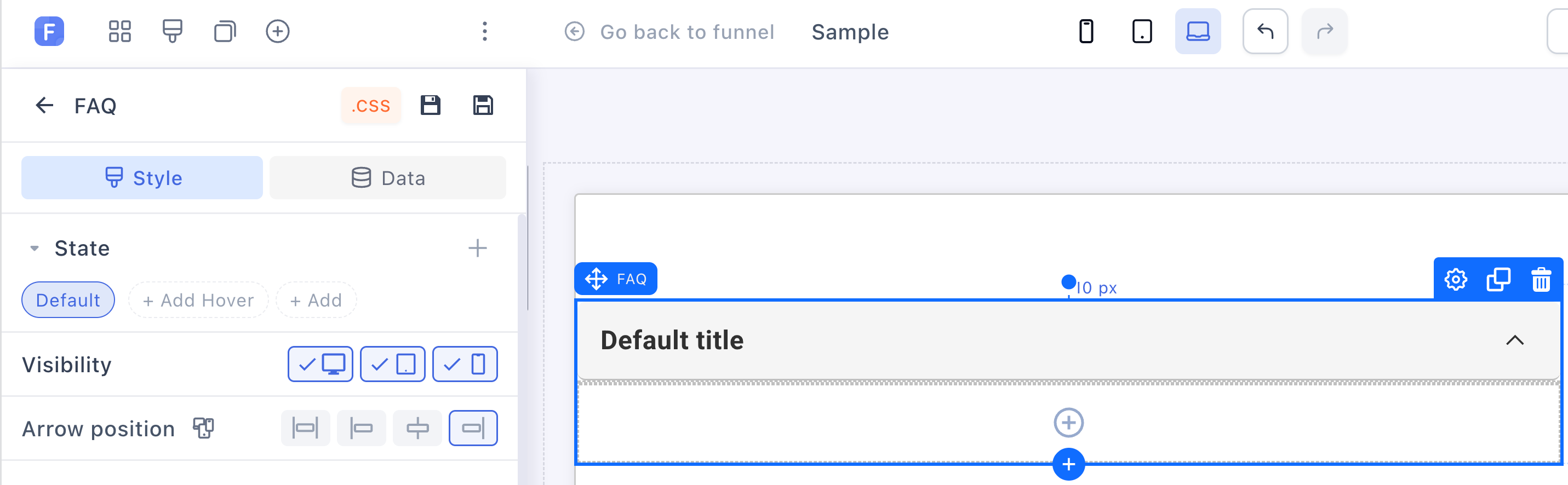
The question header and the answer body style separately: each gets its own background, border and shadows, plus the title font and the arrow position. On top of the usual hover state, the FAQ has an active state, so an open folder can look different from a closed one, like a highlighted header on the question being read.
Write FAQs for the checkout page. The questions that block a sale (“How long is shipping?”, “What if it doesn’t work for me?”, “Is this a subscription?”) belong next to the payment form, where the hesitation happens.
Social Buttons
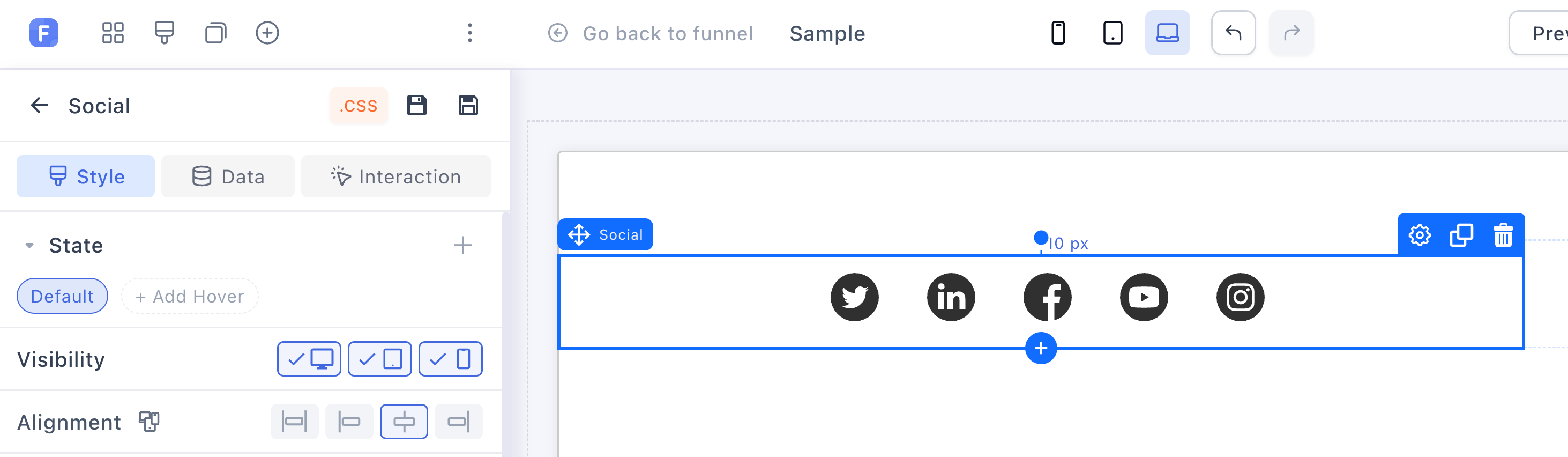
The Social element drops a row of profile icons onto the page: Twitter, LinkedIn, Facebook, YouTube and Instagram:
In the settings panel:
-
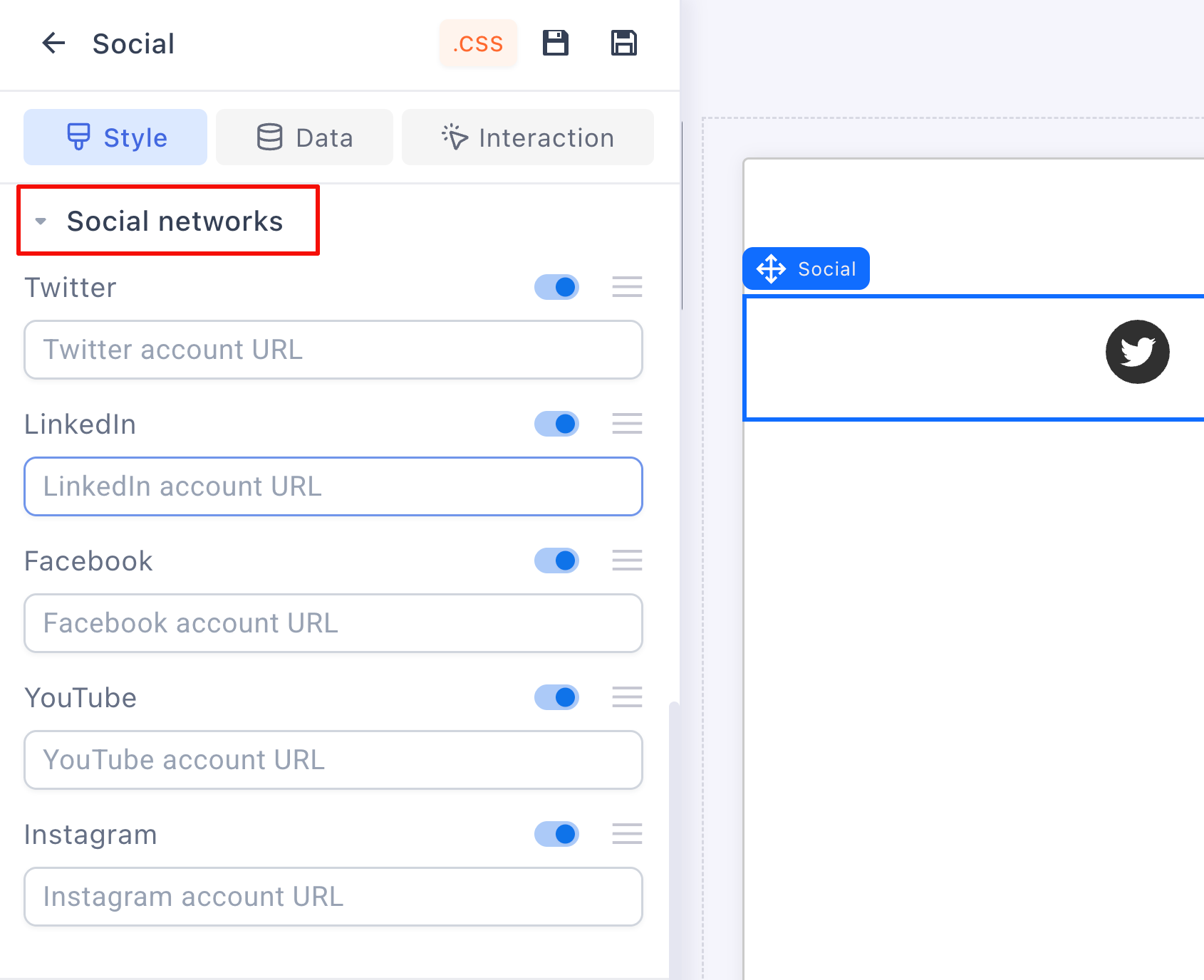
Toggle networks on or off. All five start on; switch off the ones you don’t use.
-
Paste each profile URL into its field.
-
Drag the handles to reorder the icons.
-
Style them: icon color, a separate hover color, alignment, background, borders, spacing.
Related articles
Want a second opinion on which questions your FAQ should answer? Start a topic in Ask the community with your offer and someone will weigh in.
The funnels in Templates ship with objection-handling FAQ sections already written, clone one to see how the top sellers phrase them.