Every page you publish lives on a path like yourdomain.com/checkout or yourdomain.com/blog/post. But what loads when someone visits the bare domain, yourdomain.com with no path? Unless something claims that spot, the answer is a 404:

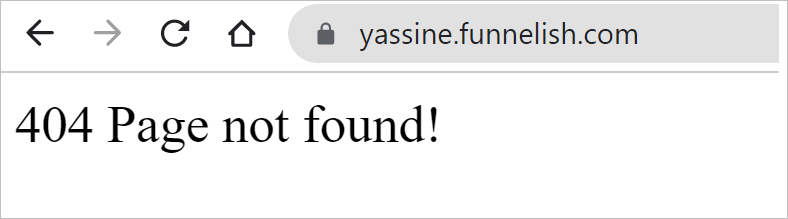
That matters more than it looks: people retype domains from memory, trim URLs by hand, and click bare-domain links from your social profiles. All of them land on nothing.
The rule: the empty path owns the root
Whatever you publish on a domain with an empty path is what the bare domain serves. Any Funnelish product can claim it:
-
A blog: the blog’s home page becomes your site’s home page. This is the content-led setup, and it’s exactly how funnelish.com itself works, the home page you see is our blog home.
-
A funnel step: your main lander loads on the bare domain. The typical choice for a one-product brand where the domain exists to sell one offer.
-
A customer portal: the portal login becomes the root, for membership-style setups.
Pick based on what your domain is for: selling one thing, publish the funnel at the root; building a brand with content around the offers, put the blog there and let funnels live on paths.
Set a funnel step as the default page
-
Open the funnel and find the step you want as the front door, usually your main lander.
-
Click the step’s Step Settings gear icon:
-
Find the Step path field and delete everything in it, leaving it empty:
- Click Save changes.
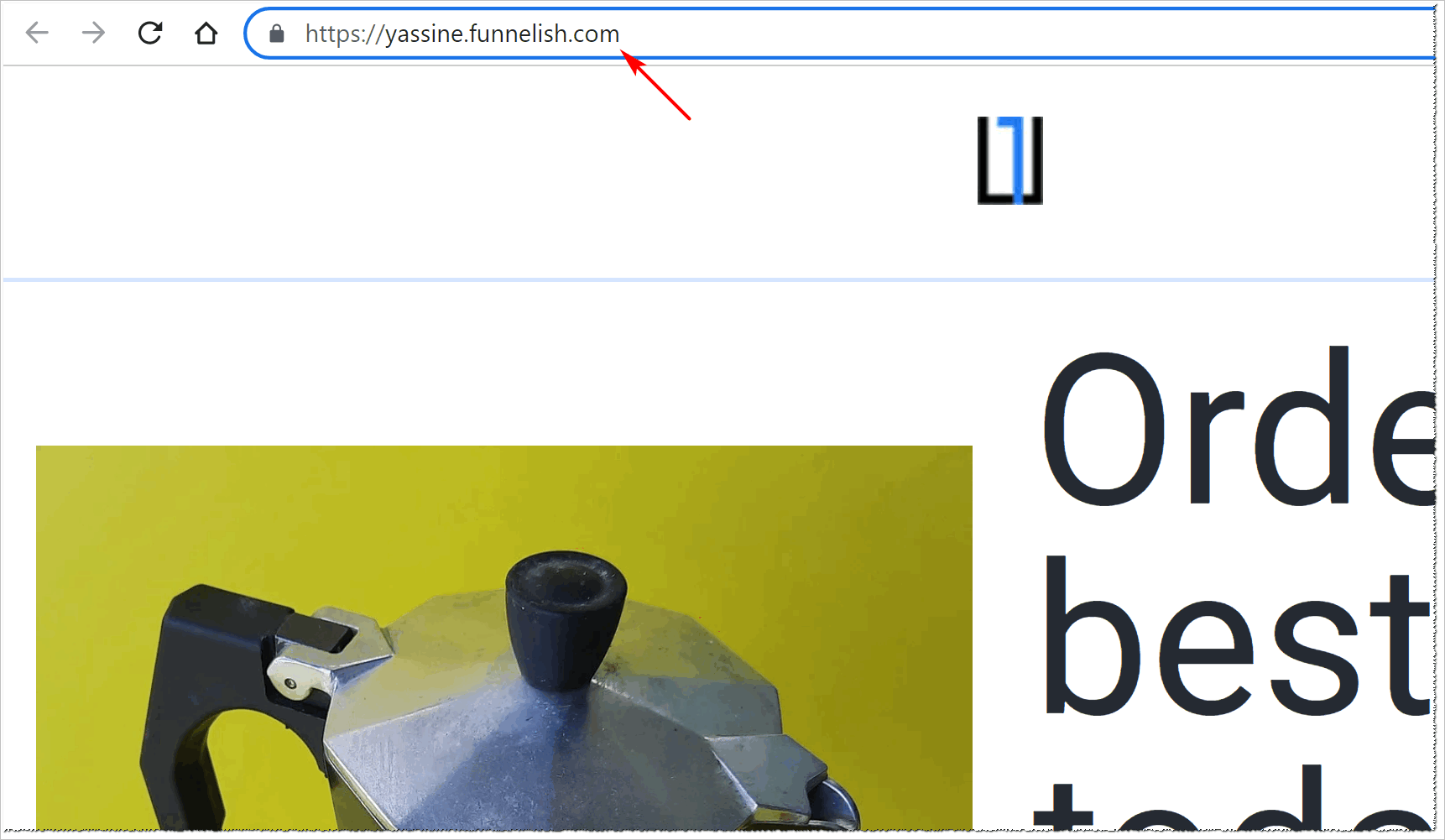
Visit your bare domain and the step loads there directly:
Set your blog home as the default page
Same principle, one level up: publish the blog on the domain with an empty path, and the blog’s home page serves the root. Your funnels keep their own paths (or their own domains) alongside it. See Create a Blog for the domain and path settings, and Blog Pages for designing the home page itself.
A customer portal works the same way: attach it to the domain at the empty path and the portal becomes the root.
One owner per domain. The empty path is a path like any other, so only one page can hold it on a given domain. If your bare domain shows the wrong thing, something else is claiming the empty path.
Make this part of your launch checklist: type the bare domain into an incognito window and make sure something sellable (or readable) loads.
Related articles
Bare domain still 404ing? Post your setup in Ask the community, it’s usually a second funnel or blog quietly holding the empty path.